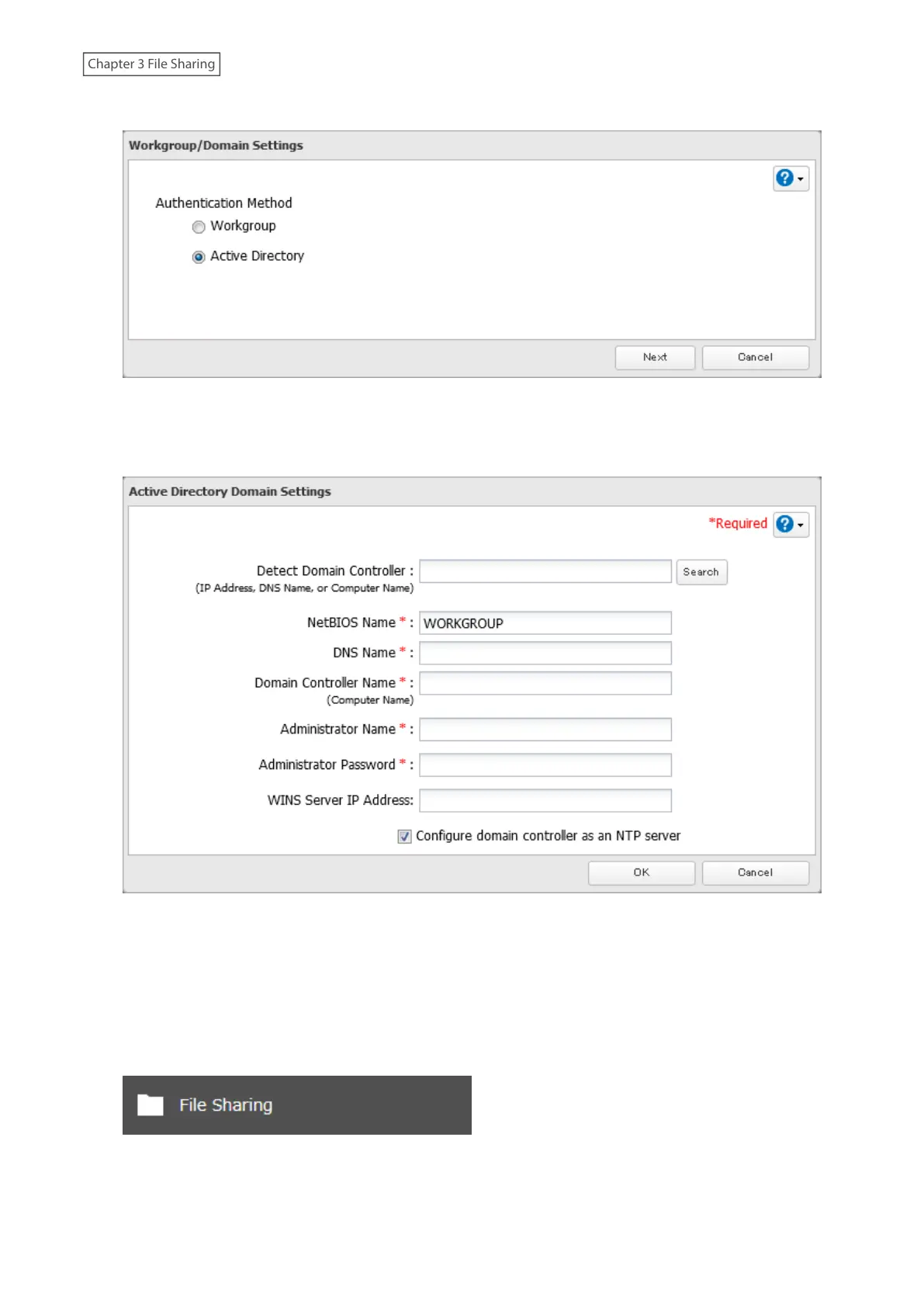
4 Select “Active Directory”, then click Next.
5 Enter the domain controller information and click Search. The domain controller on the same network will
be detected and required settings will be populated into each field automatically. Alternatively, you can also
manually enter the settings.
6 If there is a difference of more than five minutes between the TeraStation’s clock and the domain controller’s
clock, joining the domain or authenticating domain users and groups may fail. For best results, select
“Configure domain controller as an NTP server” if the domain controller can function as the NTP server.
7 Click OK.
8 From Settings, click File Sharing.
37















 To Next Page