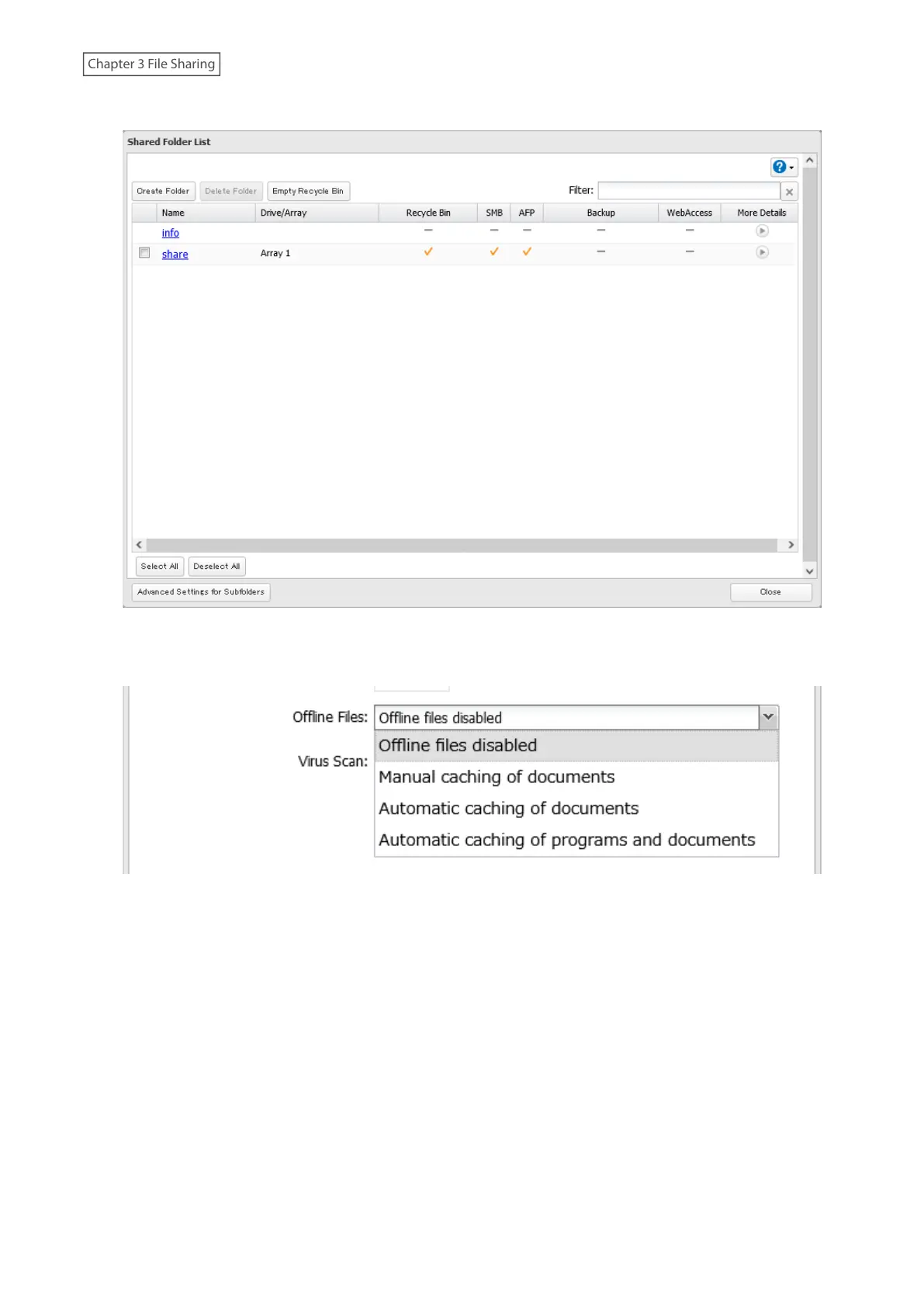
3 Click the shared folder for offline files.
4 Choose either “Manual caching of documents”, “Automatic caching of documents”, or “Automatic caching of
programs and documents” on the Option 1 tab, then click OK.
Manual caching of documents: User selects files that are cached.
Automatic caching of documents: Opened files can be cached locally for offline use. Previous versions of files
that are not synchronized are automatically replaced by the latest versions.
Automatic caching of programs and documents: Opened files can be cached locally for use offline. Previous
versions of files and applications executed on the network that are not synchronized are automatically
replaced by the latest version of the files and applications.
48















 To Next Page