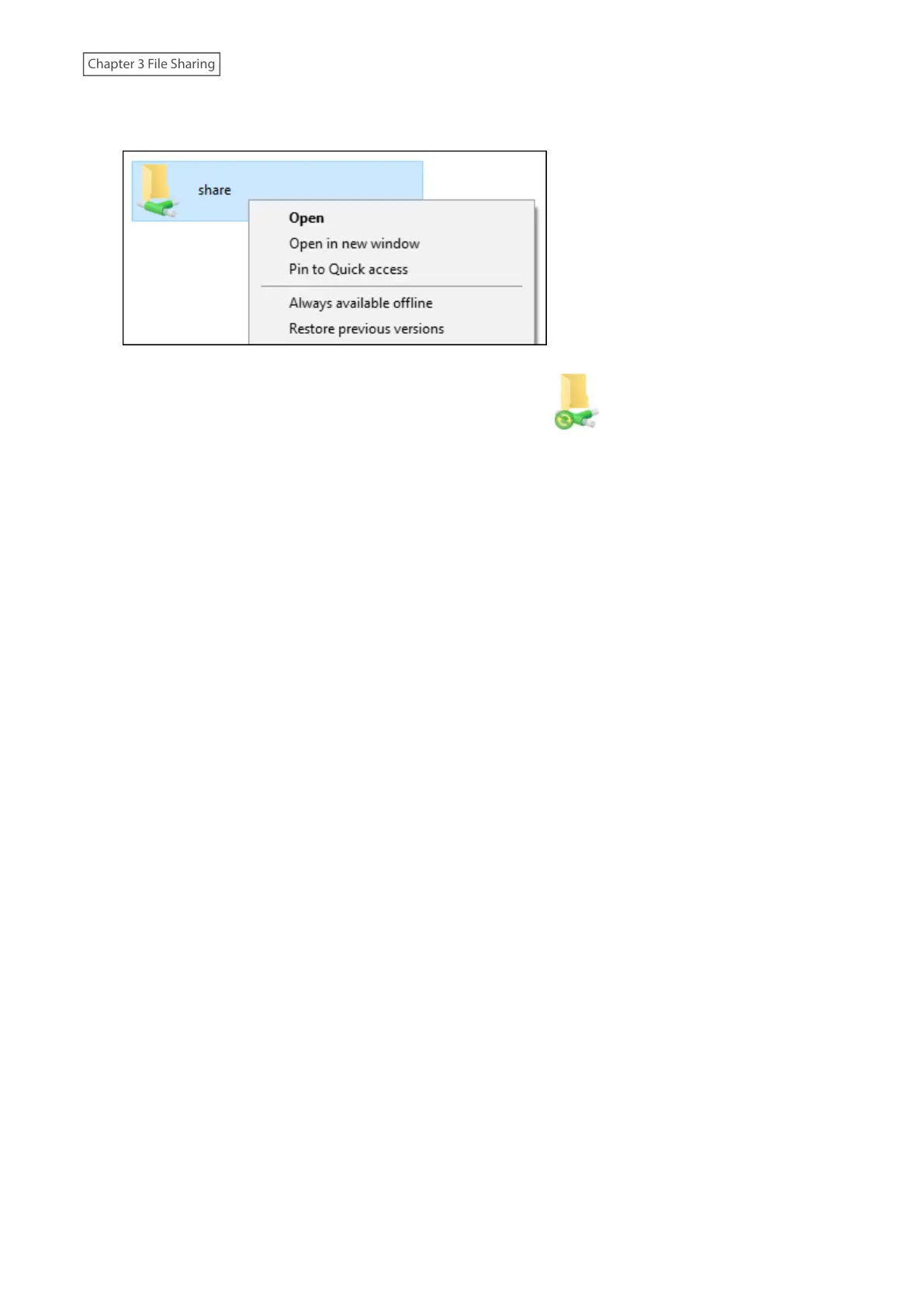
5 From File Explorer, right-click the icon of the shared folder on the TeraStation for which you have set the offline
feature, then click Always available offline.
6 The process is complete when the shared folder icon is changed to .
When the configuration of offline settings and synchronization settings is finished, synchronization will begin. If the
computer is disconnected from the network after synchronization is finished, the offline file function can be used.
Offline files can be accessed by the original Universal Naming Convention (UNC) where the data was saved.
Notes:
• If you cannot access offline files, try the following procedure:
(1) Reconnect the computer to the network.
(2) From Control Panel, change the view to the icon view and click Sync Center. Click Sync All to synchronize all
offline files.
(3) Disconnect the computer from the network and verify that you can access offline files.
• If you have configured the recycle bin for the shared folder, temp files may be created in the recycle bin.
49















 To Next Page