5
Select <Apply>, and press .
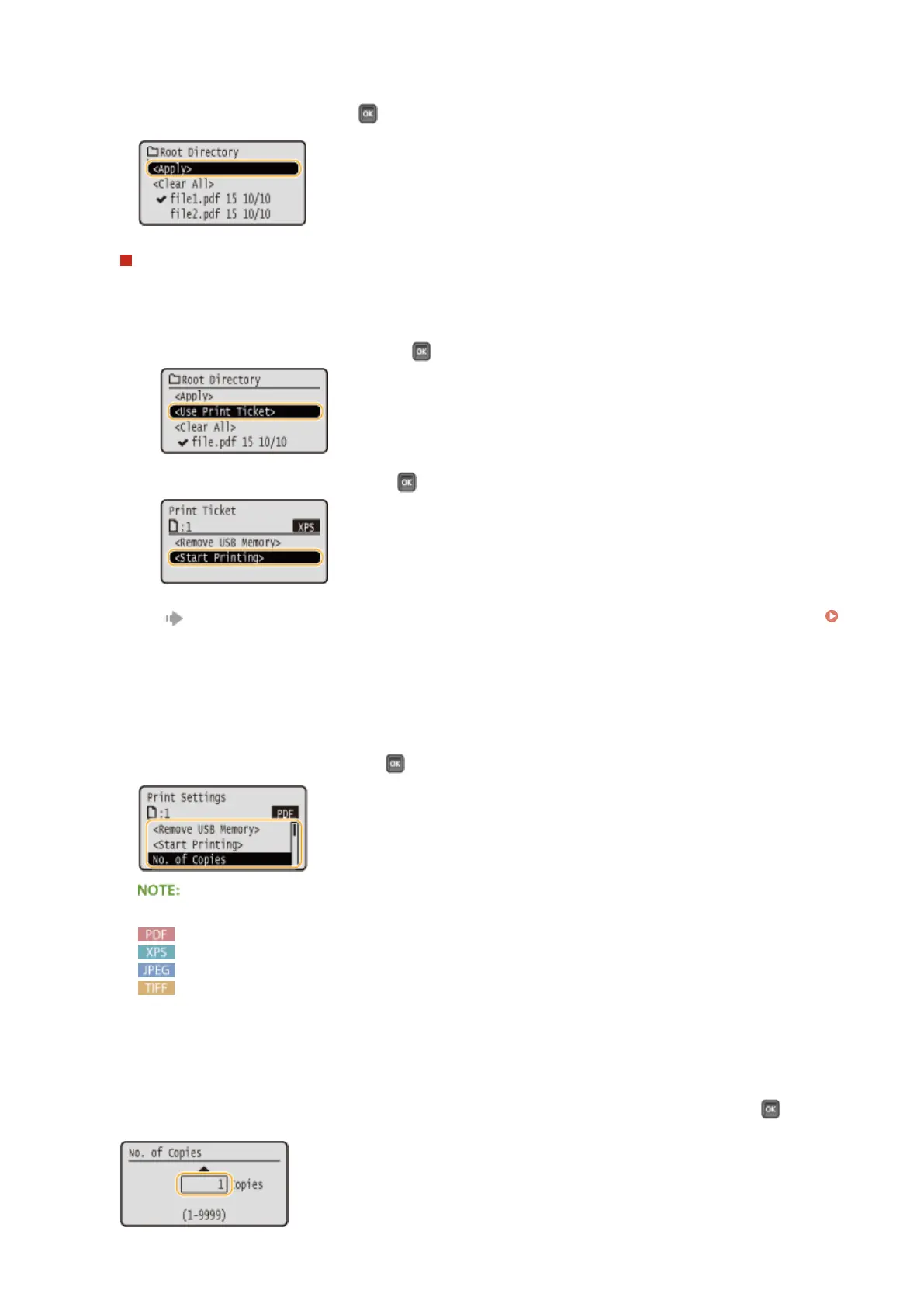
When printing an XPS Document Using a Print Ticket
When a le to print is in XPS format, it can be printed according to the print ticket (print settings) attached to
the le.
1
Select <Use Print Ticket>, and press .
2
Select <Start Printing>, and press .
Printing starts. When the printing is nished, remove the USB memory device from the machine.
Disconnect the USB memory device.(P. 128)
6
Specify the print settings as necessary.
● Select the desired setting item, press , and specify the setting.
Icons* in the description
Settings for printing PDF les
Settings for printing XPS les
Settings for printing JPEG les
Settings for printing TIFF les
*
Icons are omitted for the settings that are displayed regardless of the le format.
<No. of Copies>
Specify the number of copies from 1 to 9999. Use the numeric keys to enter a quantity, and press .
Printing a Document
122



 To Next Page