<Print Range>/<Print Range (TIFF)>
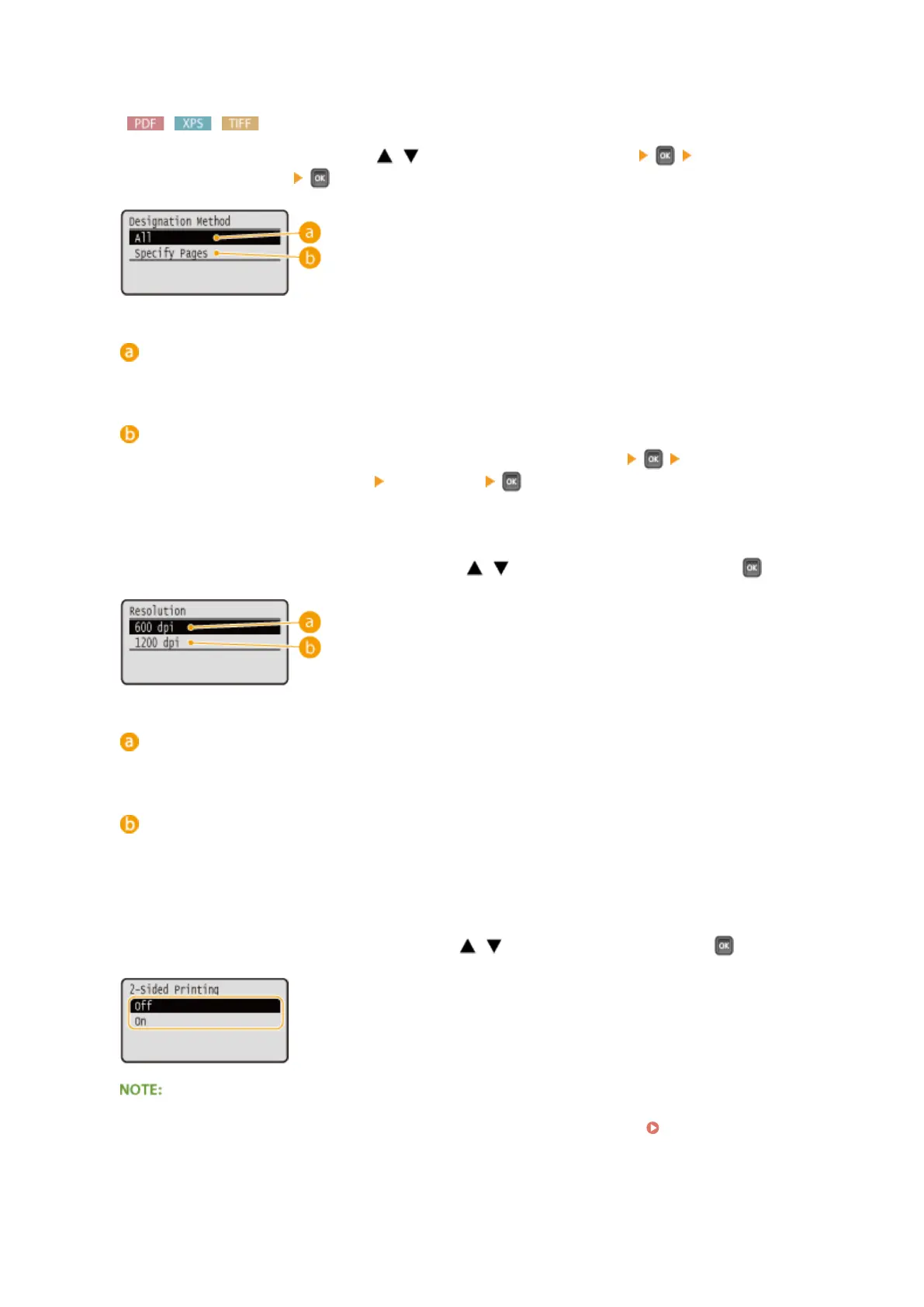
Specify the range (pages) to print. Use / to select <Designation Method> select the method to
designate the print range
.
<All>
Prints all pages.
<Specify Pages>
Prints only the specied pages. To specify the pages, select <Page Range> enter <First Page> and
<Last Page> using the numeric keys
select <Apply> .
<Resolution>
Specify the resolution for processing print data. Use / to select the resolution, and press .
<600 dpi>
This print mode is suitable for printing at a high speed.
<1200 dpi>
Edges of characters and graphics can be clearly reproduced at high resolution. This print mode is suitable for
printing data that contains many small characters.
<2-Sided Printing>
Select whether to print on both sides of paper. Use / to select the setting, and press .
● <2-Sided Printing> may not be available with some sizes or types of paper. Paper(P. 569)
Printing a Document
123



 To Next Page