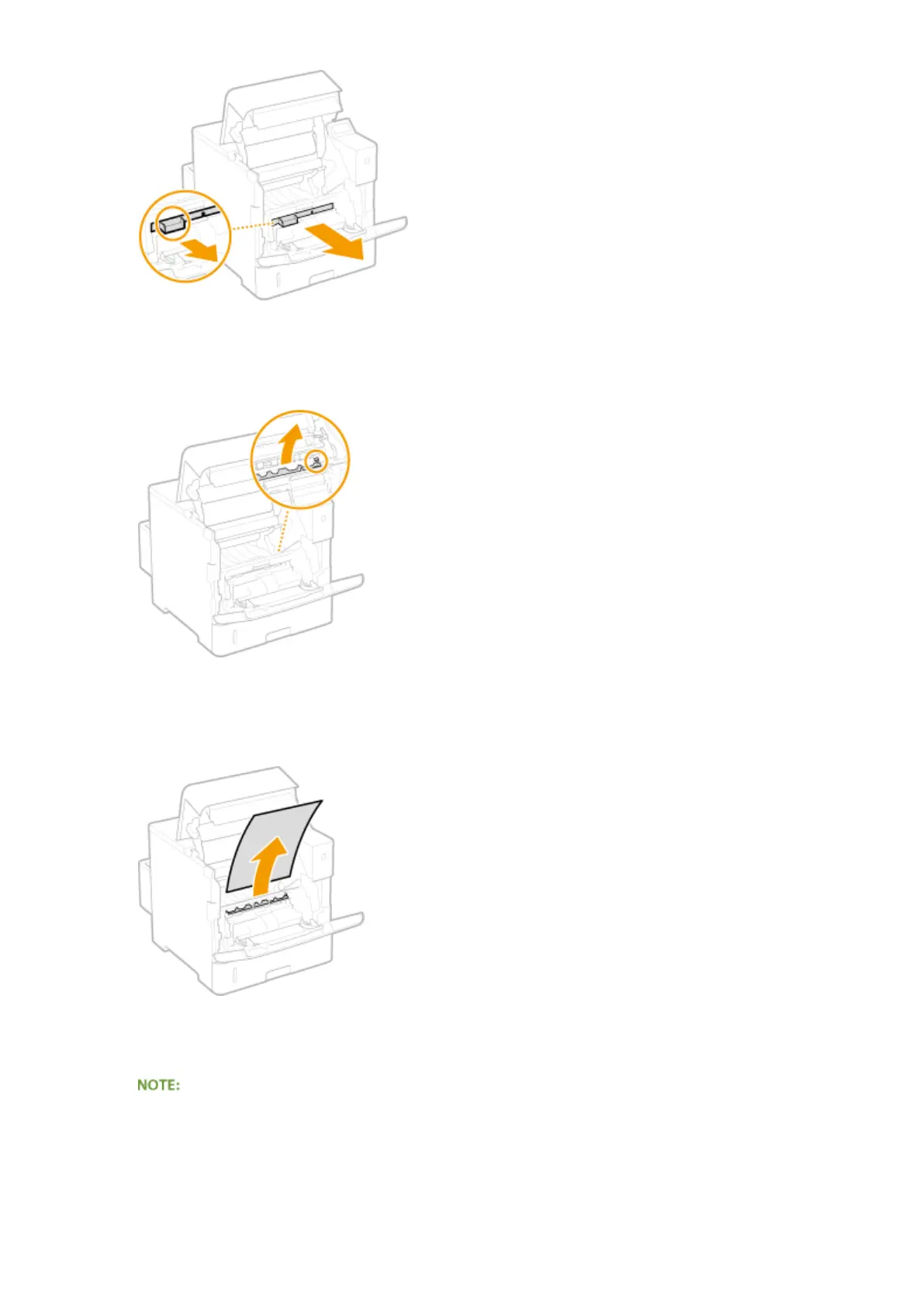
8
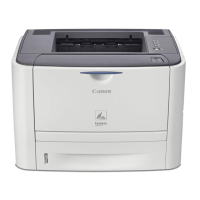
Hold the front side green knob and lift the transport guide.
● Keep holding the transport guide until returning it to the original position in step 10.
9
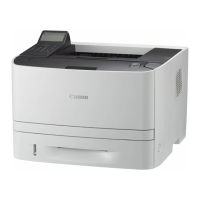
Gently pull out the paper.
● Pull out the paper atly as much as possible to prevent unxed toner from being dropped.
10
Gently return the transport guide back in place.
● When the envelope feeder had been installed, skip to step 13.
11
Replace the envelope feeder cover back in place.
Troubleshooting
476


 To Next Page