NAVIGATING THE MENU STRUCTURE
FINDING A WORD OR VALUE
ENVOY® TRANSCEIVER GETTING STARTED GUIDE 149
Finding a word or value
The quickest way to find an entry or a value in the user interface of
the control point is to use the Find function, which is available via
the key when the highlighted icon contains submenus or lists
of entries. The feature searches for the sequence of characters
(letters, numbers, or a combination of both) that you enter.
NOTE: The Find function only searches on words and
values that are visible to the user at the current view
and level of access.
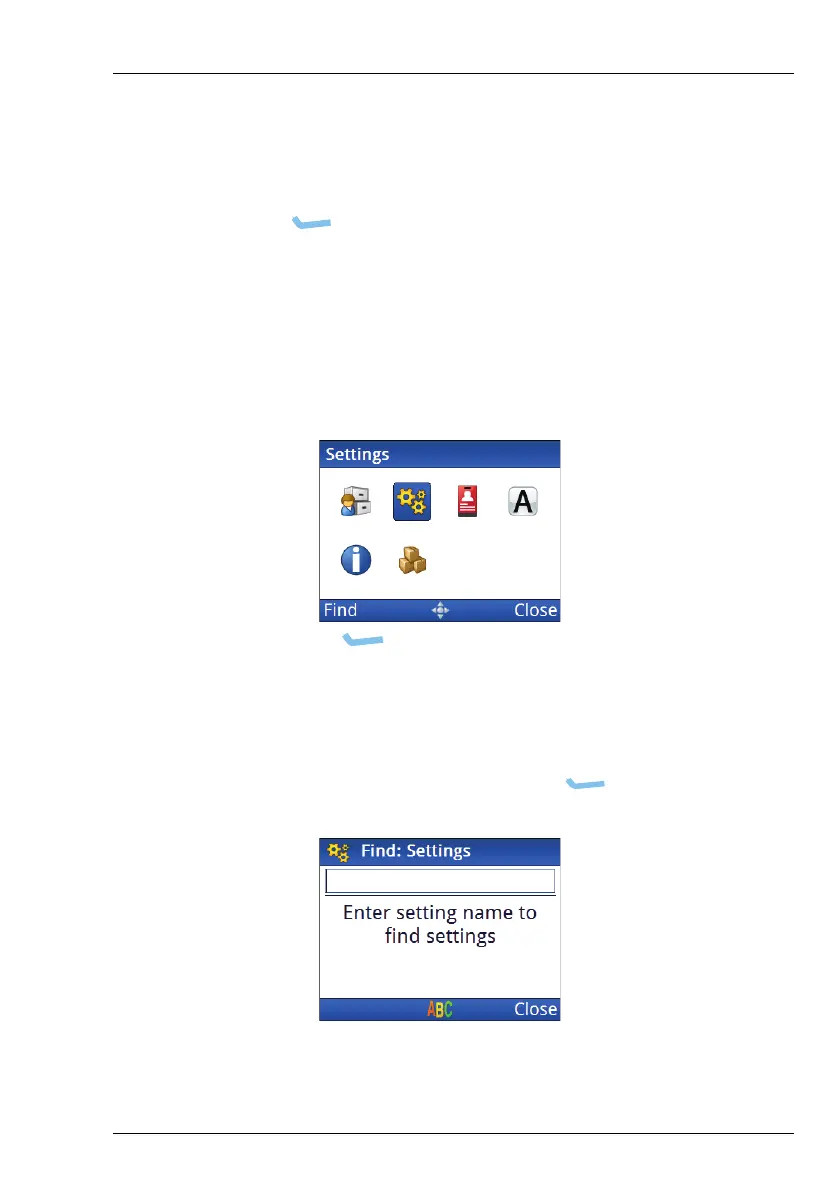
Figure 35: Find function
To find a word or value:
1 Highlight the icon that represents the highest level in which
you want to search, then press (Find).



 To Next Page