OPERATING THE TRANSCEIVER
THE CHANNEL SCREEN
ENVOY® TRANSCEIVER GETTING STARTED GUIDE 33
Your transceiver may have the option of selecting high, medium,
or low power, as set in Settings > Configuration > Tx Power.
By default, you can toggle between the Tx power settings by
pressing the 6 key. Hi, Med, or Lo is shown respectively to the
right of the signal strength indicator. If an external power amplifier
is connected, PA may also be selected.
While a call is being established, the transceiver shows that calling
activity is in progress by flashing in place of the scan indicator.
Once a call is established, these indicators are replaced with an icon
that represents the type of call being sent or received.
NOTE: For detailed information on call types, please see the
Reference Manual (Codan part number
15-04176-EN issue 7).
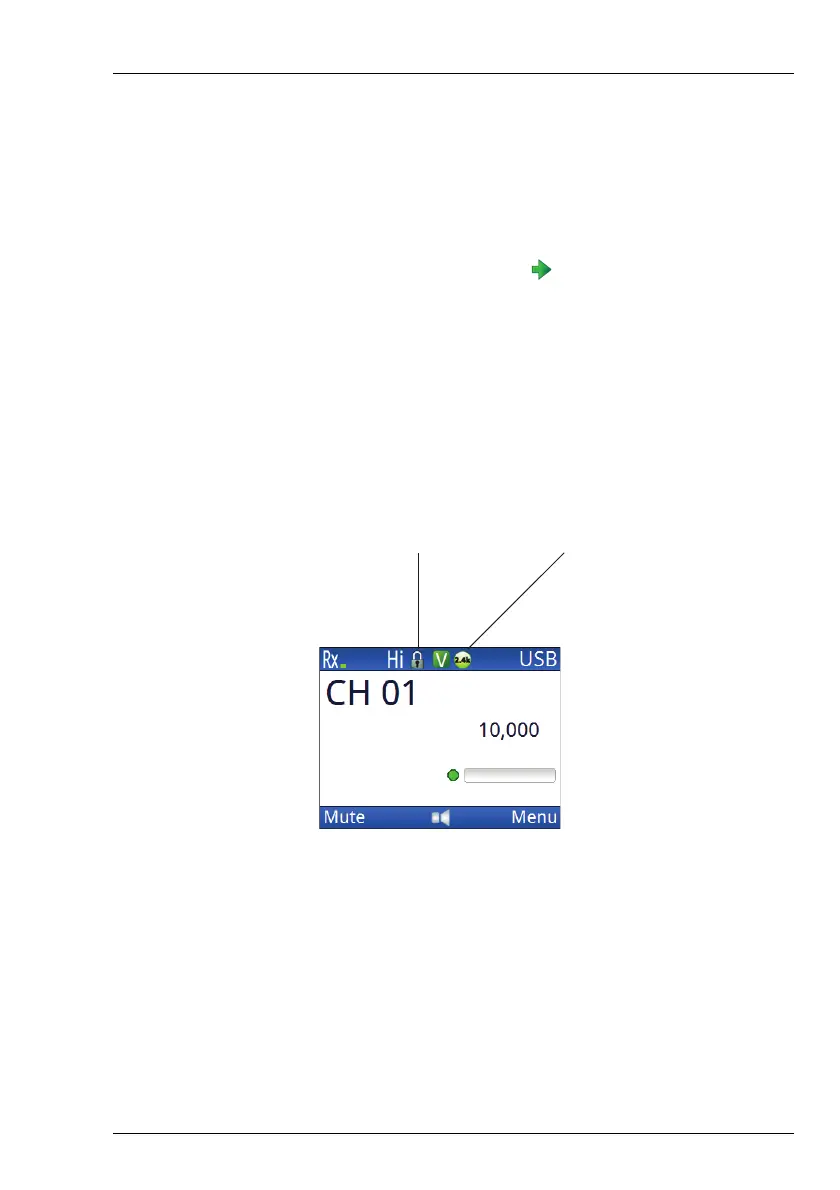
Figure 7: System lock and connected data application
icons
When the transceiver is scanning, the channel screen is replaced by
the scanning screen.
system lock
icon
connected data
application icon



 To Next Page