OPERATING THE TRANSCEIVER
USING DIGITAL VOICE
70 ENVOY® TRANSCEIVER GETTING STARTED GUIDE
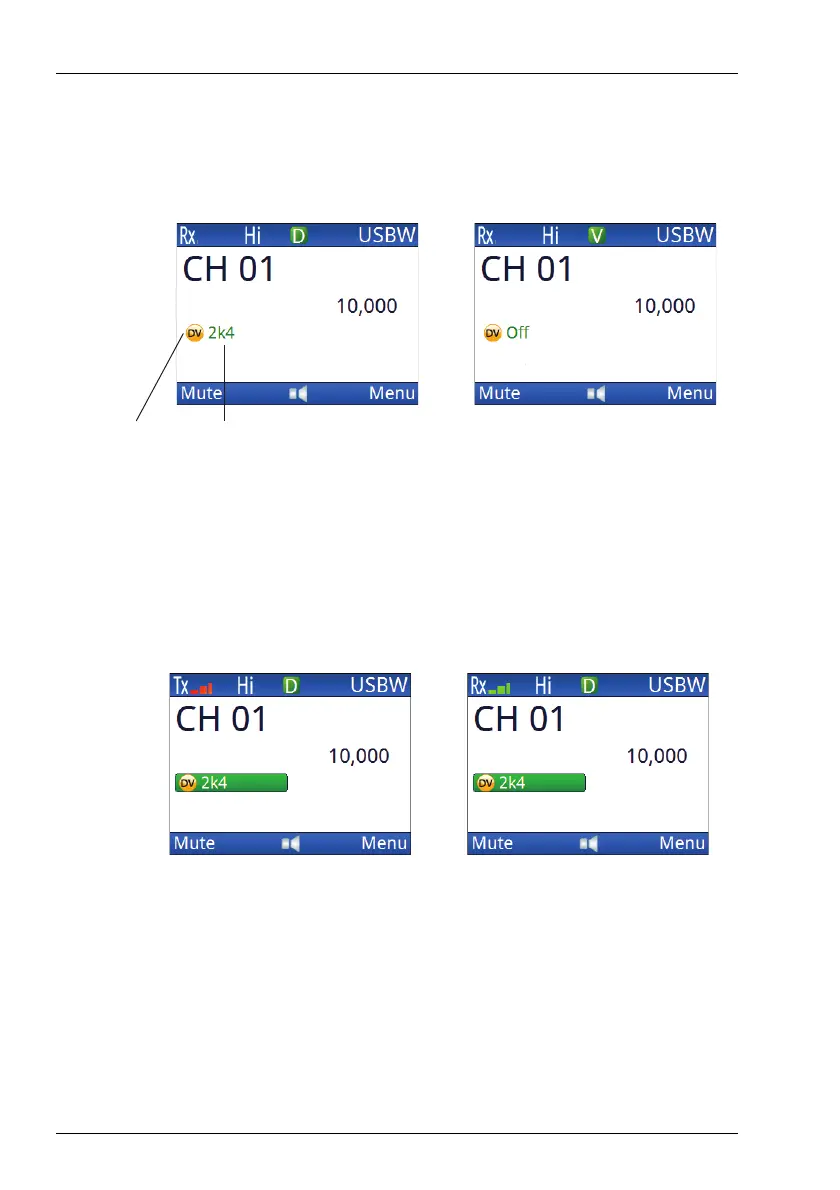
Figure 17: Channel screen showing on/off status for a DV
option (without encryption)
Figure 18: Channel screen showing transmit/receive
status for a DV option (without encryption)
CAUTION: If RC50-C is active in a data link and you
enable voice mode or press PTT, wait for up
to 25 sec before continuing with the digital
voice transmission. The receiving station
needs this time to regain digital voice
synchronisation.
Digital voice (in Rx) Analogue voice (in Rx)
digital voice
data rate
icon for
DV option
Transmit (digital voice active) Receive (digital voice active)



 To Next Page