CDM-840 Remote Router MN-CDM840
Appendix J Revision 3
J–10
J.2.2.2 Group Min/Max Control Mode
In Min/Max Control Mode, you may configure up to 31 QoS rules using VLAN Range, TOS,
Protocol (Application), Source and Destination IP Addresses/Subnets, and Source and
Destination Port range in order to match packets to the desired QoS rule. For each created rule,
you can also set the QoS treatment, such as guaranteed minimum bandwidth (Committed
Information Rate, or CIR), maximum clipping bandwidth (MIR), enable or disable WRED, and
enable or disable the FILTER ALL rule.
When you enable WRED for a specific queue, QoS randomly drops packets after reaching 50% of
the QoS queue.
When you enable the FILTER ALL option for a rule, QoS provides the ability to filter the packet
completely. In other words, all packets matching the QoS Rule with the FILTER ALL option
enabled will be dropped.
For example, using the CDM-840 HTTP Interface ‘Configuration | WAN | QoS’ page:
1. Select Min/Max as the QoS Group Control Mode.
2. Set the Modem Tx bandwidth to 20000 kbps.
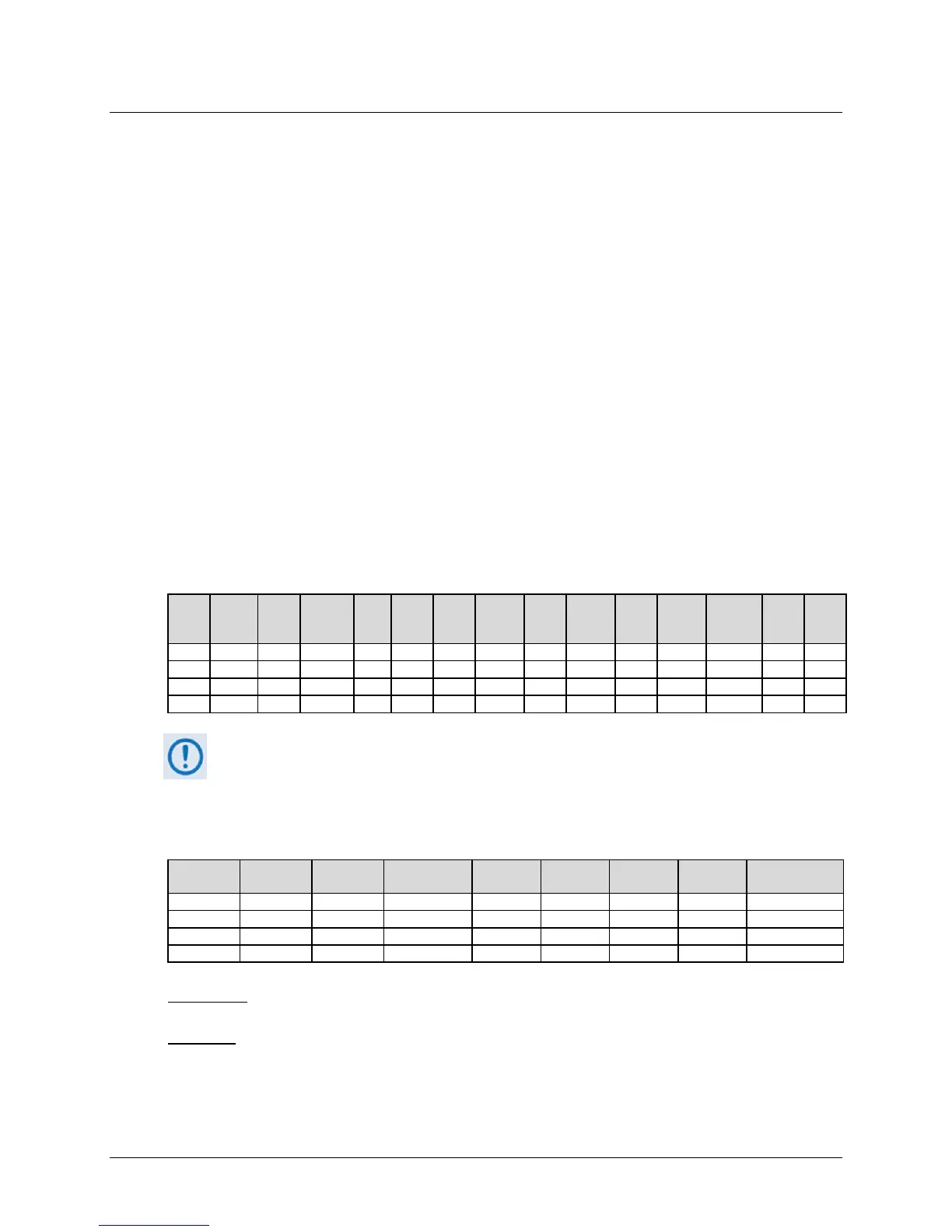
3. Configure the Min/Max QoS rules as follows:
Index
VLAN
Range
TOS Protocol
IP/
IP/
Src
Src
Dst
Dst
BW
BW
Priority WRED
Filter
All
When using the Add/Delete Per Group QoS Rule table, note that QoS Rules match
from left to right, with the VLAN Range being the highest match, and the Destination
Port range being the lowest match. Matches can be made using multiple attributes.
4. The input data streams are as follows:
Stream
TOS Protocol
Src Port Dest Port
QUESTION: What are the total output data rates and the individual stream data rates?
ANSWER:
• In Min/Max QoS Control Mode, other than the default rule (which is configured as Priority
9), all QoS rules are configured at the same priority (Priority 8).



 To Next Page