132 • SMP Gateway User Manual
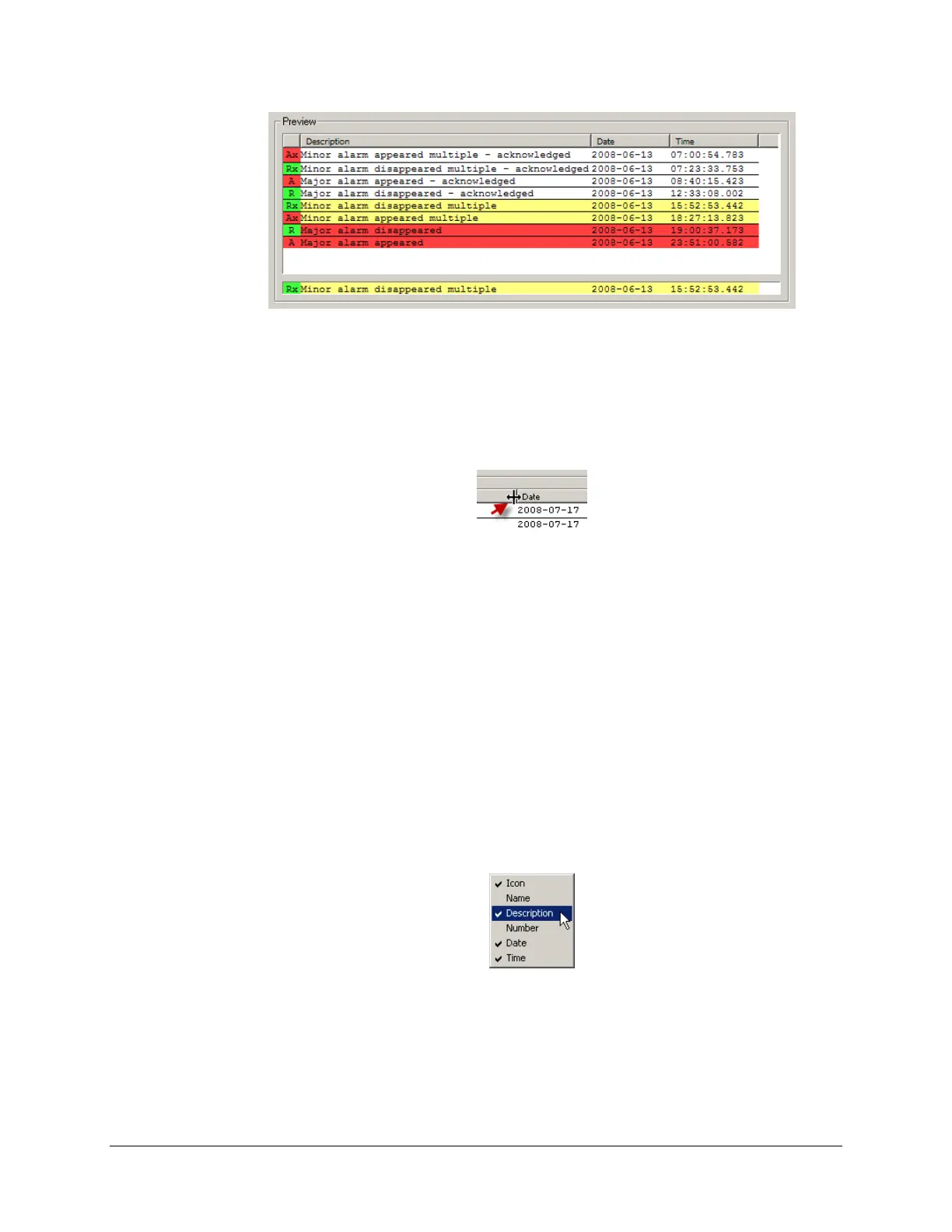
The preview pane offers much more than that:
To change the width of a column:
Pass the mouse over the line that separates two column headers. The mouse cursor will
change to this :
Click and drag the mouse to enlarge of reduce the width of the column on the left of the
cursor.
If you want a given column to take all the width space that is actually unused, click the
column header itself.
To change the columns’ order:
Drag and drop each column where you want it to appear on the display.
You can also to this using the Move Up and Move Down buttons appearing under
Columns at the top of the edition pane.
To make a column available/unavailable to the operator:
Right-click any column header in the preview display.
A checkmark indicates that the column will be available, and it should be displayed as is
in the preview pane.
Select any column name to change its availability state.



 To Next Page