SMP Gateway User Manual • 133
The rest of the customization process is performed using in other sections at the top of the edition
pane:
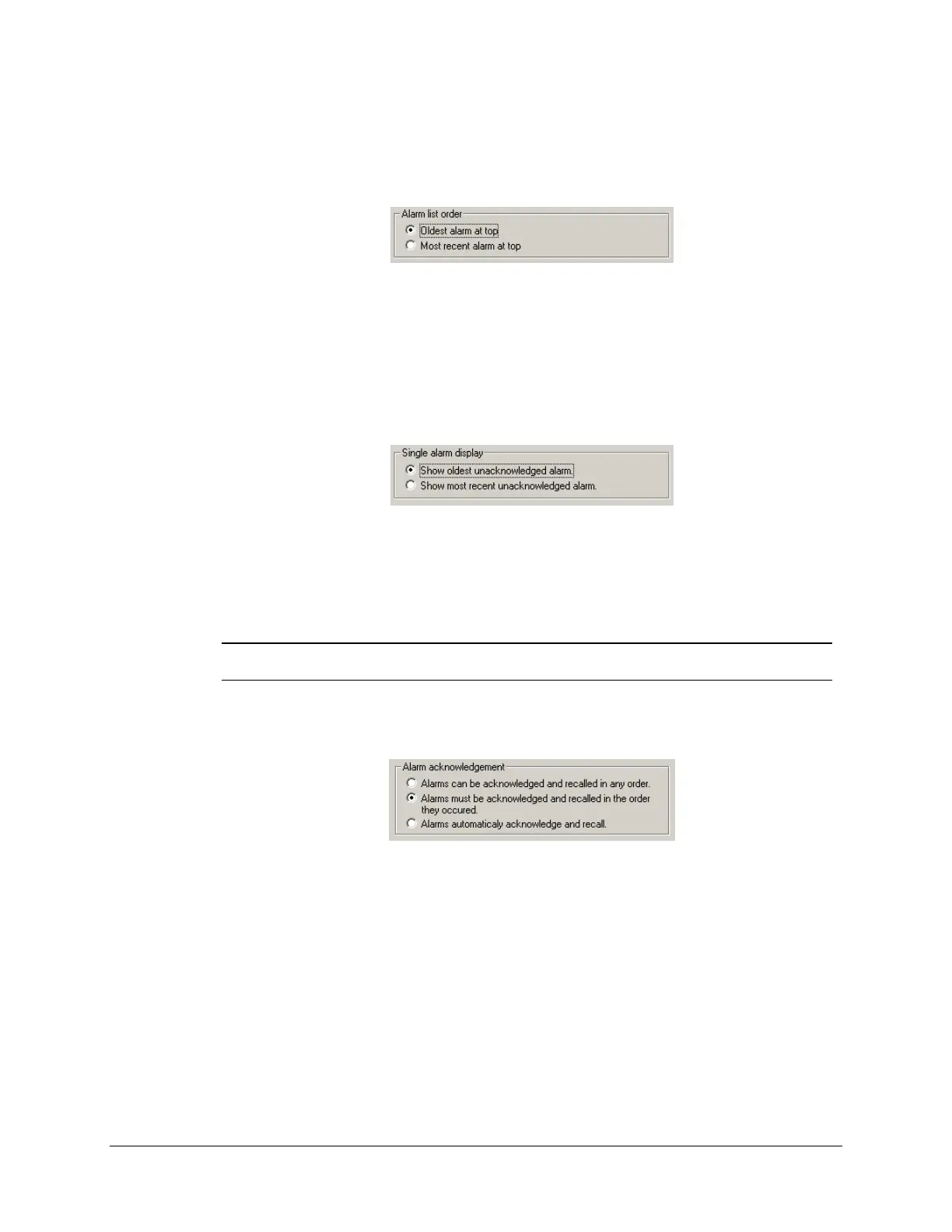
Under Alarm list order, select which alarms should be displayed at the top of the list:
The Oldest alarm at top setting is recommended if you want to deal with each alarm in
order and work them down to the most recent.
If you want to deal with alarms as they occur, select Most recent alarm at top.
Under Single alarm display, select which alarm should be displayed anytime at the bottom of
the Annunciator display:
To see the oldest unacknowledged alarm, select Show oldest unacknowledged alarm.
To see the most recent unacknowledged alarm, select Show most recent
unacknowledged alarm.
Note: To learn how to use the single alarm display, see “Using the Single Alarm
Display”, page 155.
Under Alarm acknowledgement, select how alarms will be acknowledged by the operator:
To be free to acknowledge and recall any alarm in any given order, select Alarms can be
acknowledged and recalled in any order.
To force the operator to acknowledge and recall alarms in the order they occur, select
Alarms must be acknowledged and recalled in the order they occurred.
To automatically acknowledge and recall alarms as they occur, without the intervention
of the operator, select Alarms automatically acknowledge and recall.
Under Columns, select which columns should be displayed in the alarms list. Remember that
you can see the result of your selection under Preview.



 To Next Page