SMP Gateway User Manual • 167
Define the second source point:
Type the name of the point in the Second Point box.
Or,
Without closing the dialog box, put the cursor in the Second Point box.
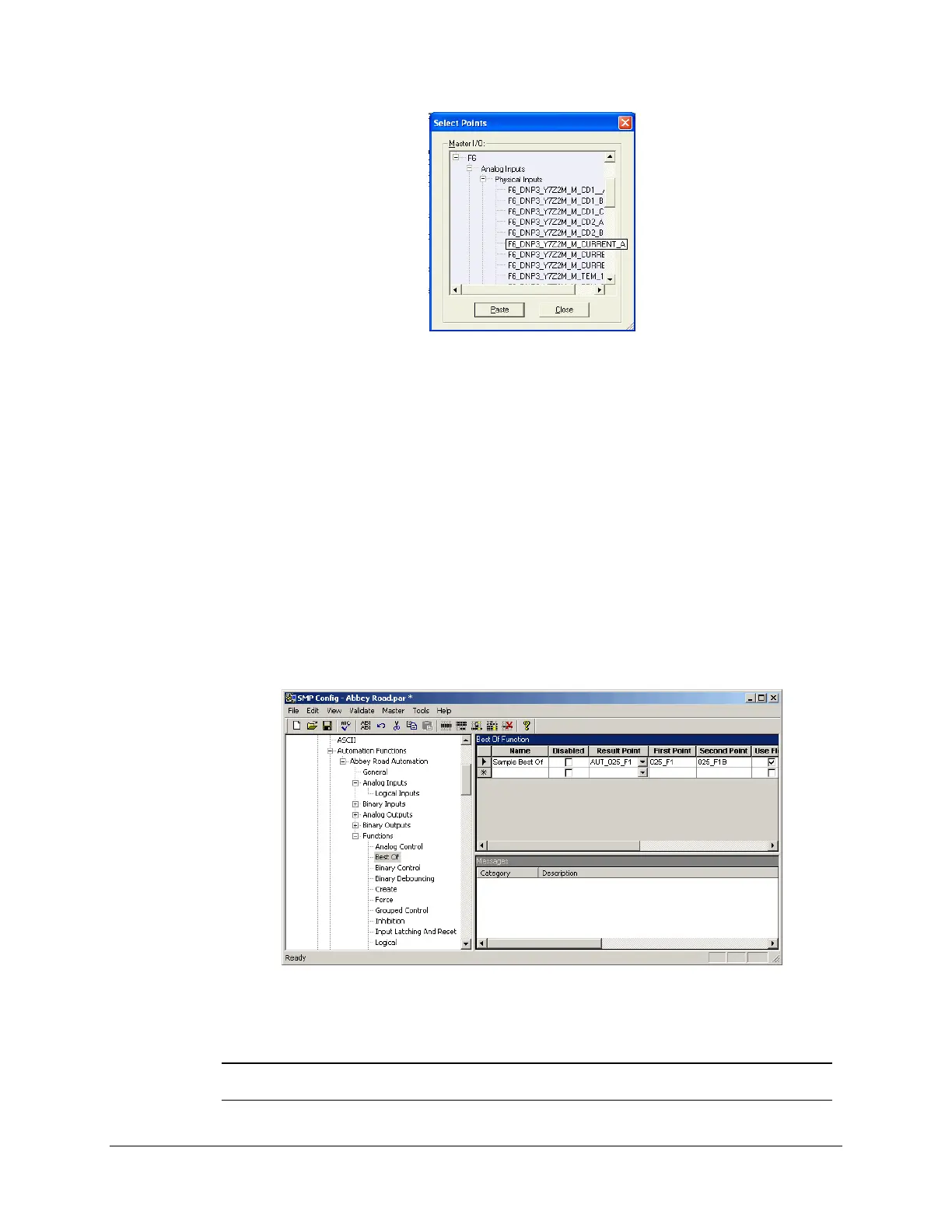
In the Select Points dialog box, choose the second source point to which you want to
subscribe. This point also has to be an analog input point, to match the data point type of
the result point. In our example, we chose an analog input point on a MODICON
MODBUS device, which represents the phase A current, as did the DNP3 point.
Click Paste to have the point appear in the Second Point box.
Type a description of the automation function, if you like.
The screen is shown next.
The Best Of function will choose the better of the 2 source points, and put the result in the result
point.
Note: In the example, we subscribed to device data points, but we could have
subscribed to any data point available in the SMP Gateway.



 To Next Page