186 • SMP Gateway User Manual
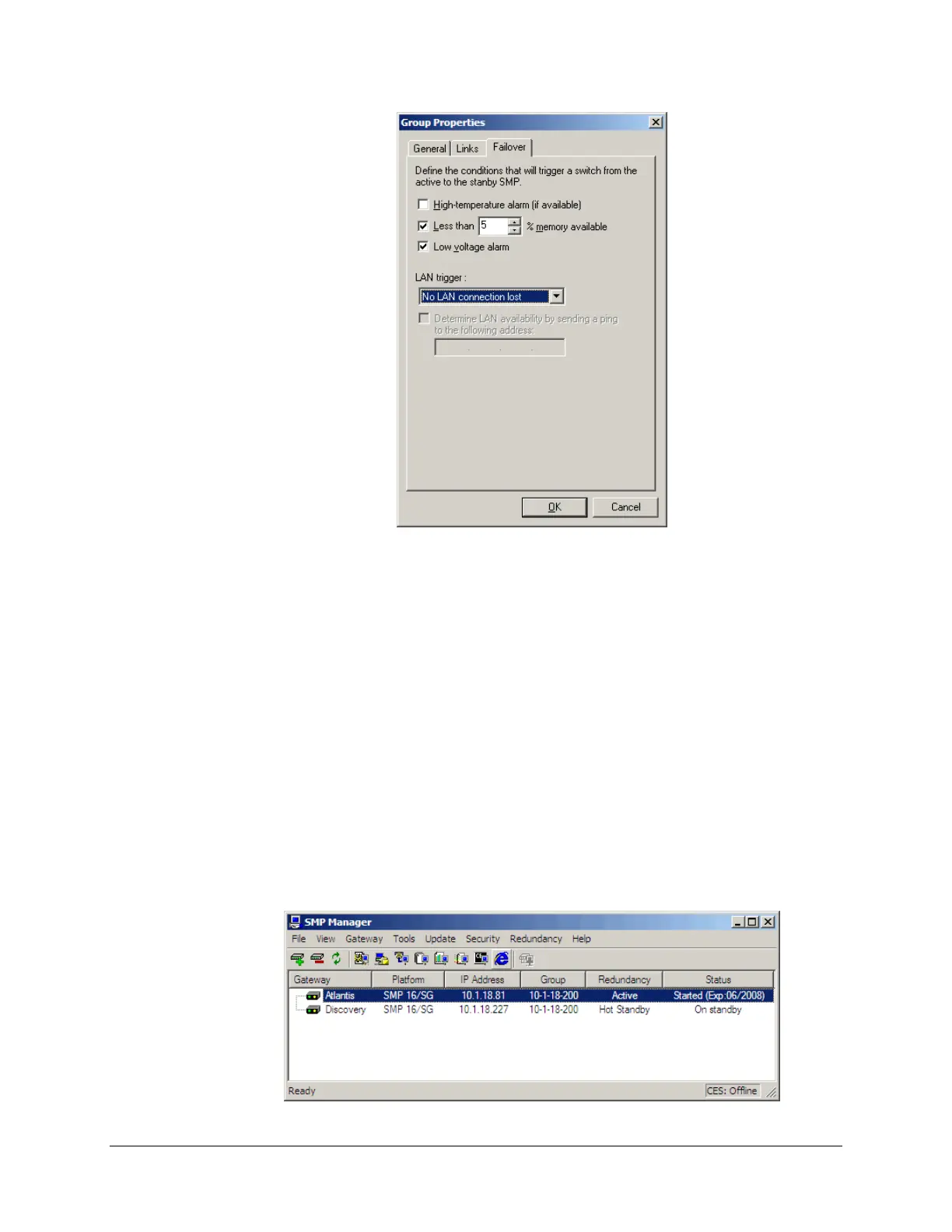
The Failover tab defines optional conditions that will trigger a failover such as:
The system available memory falls below a defined threshold.
Low-voltage alarm detected on the unit power supply.
For 16/CP-PM and 16/SG-PM, SMP 8-40, 4-20, a high-temperature alarm.
The unit’s network connections failed.
Click OK. SMP Manager sends the settings to both SMP Gateways. You will need to restart
both SMP Gateways to activate redundancy.
In the Restart Gateway dialog box, choose Shutdown and Restart to have the
SMP Gateways restart in normal mode.
The next screenshot shows two grouped SMP Gateways in SMP Manager:



 To Next Page