C
HAPTER
4
| Configuring the Switch
Configuring the MAC Address Table
– 172 –
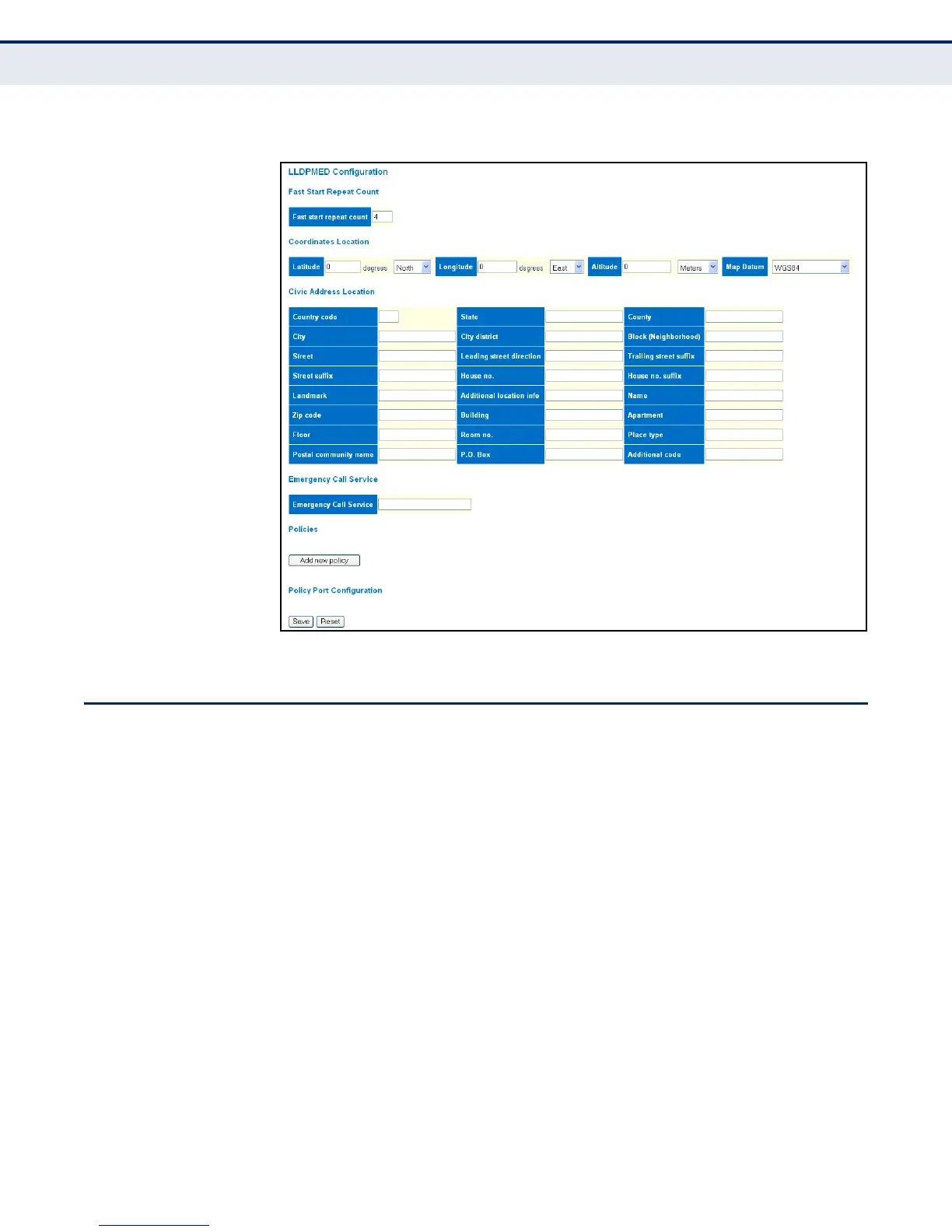
Figure 54: LLDP-MED Configuration
CONFIGURING THE MAC ADDRESS TABLE
Use the MAC Address Table Configuration page to configure dynamic
address learning or to assign static addresses to specific ports.
Switches store the addresses for all known devices. This information is
used to pass traffic directly between the inbound and outbound ports. All
the addresses learned by monitoring traffic are stored in the dynamic
address table. You can also manually configure static addresses that are
bound to a specific port.
CLI REFERENCES
◆ "MAC Commands" on page 293
PARAMETERS
The following parameters are displayed on the MAC Address Table
Configuration page:
Aging Configuration
◆ Disable Automatic Aging - Disables the automatic aging of dynamic
entries. (Address aging is enabled by default.)



 To Next Page