C
HAPTER
5
| Monitoring the Switch
Displaying Information About Ports
– 202 –
WEB INTERFACE
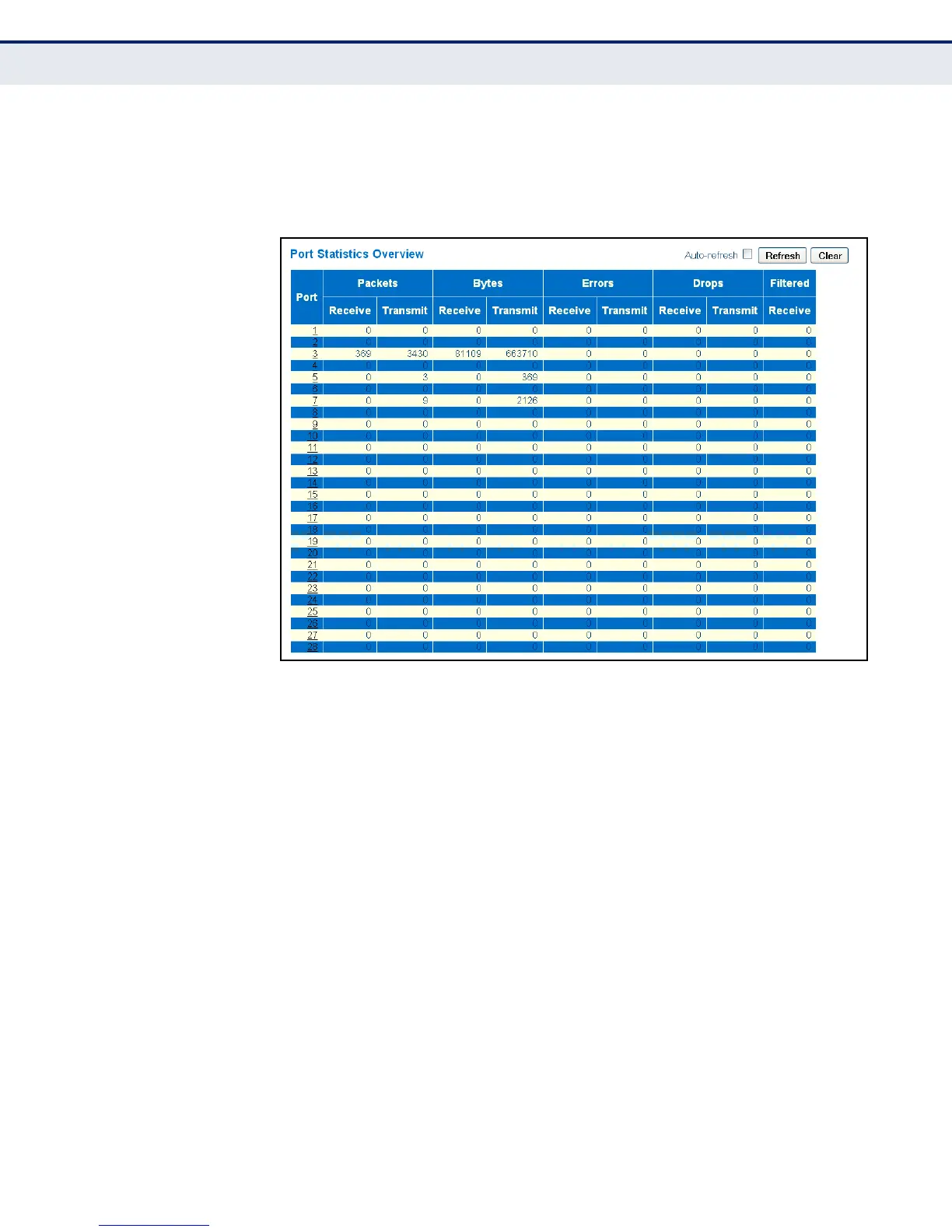
To display a summary of port statistics, click Monitor, Ports, Traffic
Overview.
Figure 74: Port Statistics Overview
DISPLAYING QOS
STATISTICS
Use the Queuing Counters page to display the number of packets
processed by each service queue.
PARAMETERS
These parameters are displayed in the web interface:
◆ Low Queue Receive/Transmit – The number of packets received and
transmitted through the low-priority queue.
◆ Normal Queue Receive/Transmit – The number of packets received
and transmitted through the normal-priority queue.
◆ Medium Queue Receive/Transmit – The number of packets received
and transmitted through the medium-priority queue.
◆ High Queue Receive/Transmit – The number of packets received
and transmitted through the high-priority queue.



 To Next Page