C
HAPTER
4
| Configuring the Switch
Configuring Private VLANs
– 178 –
PVID for untagged ingress frames. Note that this mode is normally
used for ports connected to VLAN-aware switches.
When forwarding a frame from this switch along a path that contains
any VLAN-aware devices, the switch should include VLAN tags. When
forwarding a frame from this switch along a path that does not contain
any VLAN-aware devices (including the destination host), the switch
should first strip off the VLAN tag before forwarding the frame.
◆ Port VLAN ID - VLAN ID assigned to untagged frames received on the
interface. (Range: 1-4095; Default: 1)
The port must be a member of the same VLAN as the Port VLAN ID.
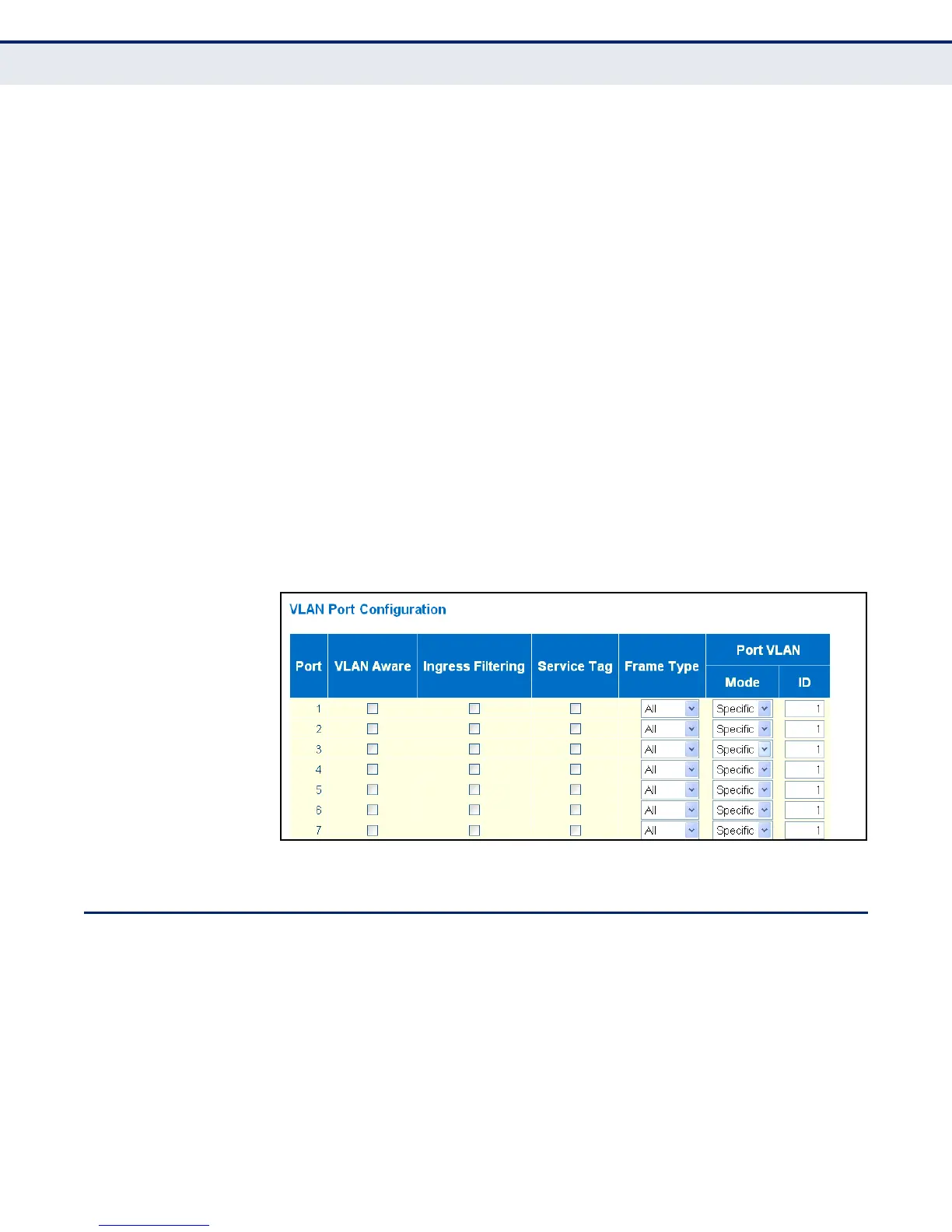
WEB INTERFACE
To configure attributes for VLAN port members:
1. Click Configuration, VLANs, Ports.
2. Configure in the required settings for each interface.
3. Click Save.
Figure 57: VLAN Port Configuration
CONFIGURING PRIVATE VLANS
Use the Private VLAN Membership Configuration page to assign port
members to private VLANs.
Private VLANs provide port-based security and isolation between ports
within the assigned VLAN. Data traffic on ports assigned to a private VLAN
can only be forwarded to, and from, uplink ports (that is, ports configured
as members of both a standard IEEE 802.1Q VLAN and the private VLAN).
Ports isolated in the private VLAN are designated as downlink ports, and
can not communicate with any other ports on the switch except for the
uplink ports. Ports assigned to both a private VLAN and an 802.1Q VLAN



 To Next Page