C
HAPTER
4
| Configuring the Switch
Configuring Security
– 78 –
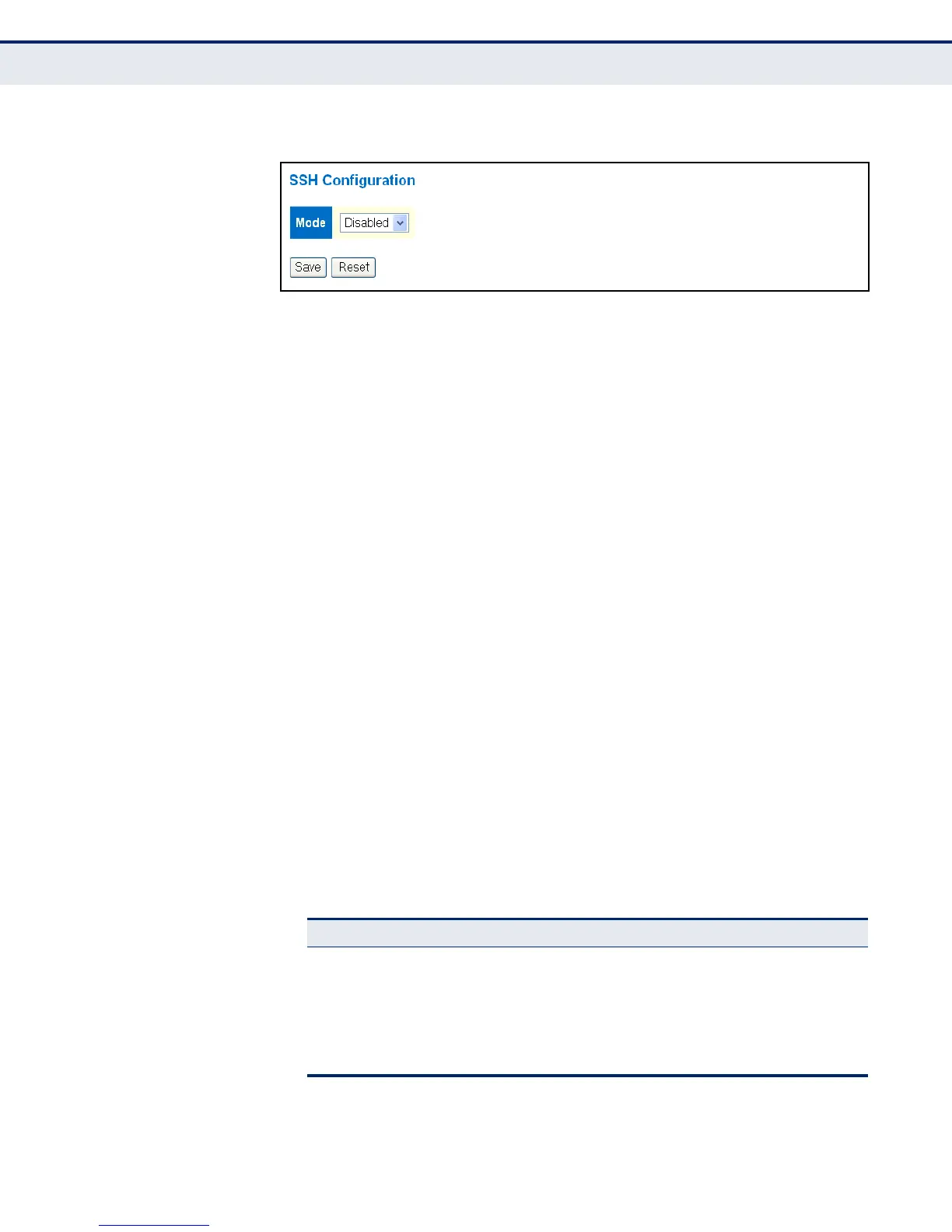
Figure 13: SSH Configuration
CONFIGURING HTTPS Use the HTTPS Configuration page to enable the Secure Hypertext Transfer
Protocol (HTTPS) over the Secure Socket Layer (SSL). HTTPS provides
secure access (i.e., an encrypted connection) to the switch's web interface.
CLI REFERENCES
◆ "HTTPS Commands" on page 319
USAGE GUIDELINES
◆ If you enable HTTPS, you must indicate this in the URL that you specify
in your browser: https://device[:port-number]
◆ When you start HTTPS, the connection is established in this way:
■
The client authenticates the server using the server’s digital
certificate.
■
The client and server negotiate a set of security protocols to use for
the connection.
■
The client and server generate session keys for encrypting and
decrypting data.
■
The client and server establish a secure encrypted connection.
A padlock icon should appear in the status bar for Internet Explorer
5.x or above, Netscape 6.2 or above, and Mozilla Firefox 2.0.0.0 or
above.
◆ The following web browsers and operating systems currently support
HTTPS:
Table 5: HTTPS System Support
Web Browser Operating System
Internet Explorer 5.0 or later Windows 98,Windows NT (with service pack 6a),
Windows 2000, Windows XP, Windows Vista, Windows
7
Netscape 6.2 or later Windows 98,Windows NT (with service pack 6a),
Windows 2000, Windows XP, Windows Vista, Solaris
2.6
Mozilla Firefox 2.0 or later Windows 2000, Windows XP, Windows Vista, Linux



 To Next Page