C
HAPTER
4
| Configuring the Switch
Configuring Security
– 76 –
N
OTE
:
This guide assumes that RADIUS and TACACS+ servers have already
been configured to support AAA. The configuration of RADIUS and
TACACS+ server software is beyond the scope of this guide. Refer to the
documentation provided with the RADIUS and TACACS+ server software.
PARAMETERS
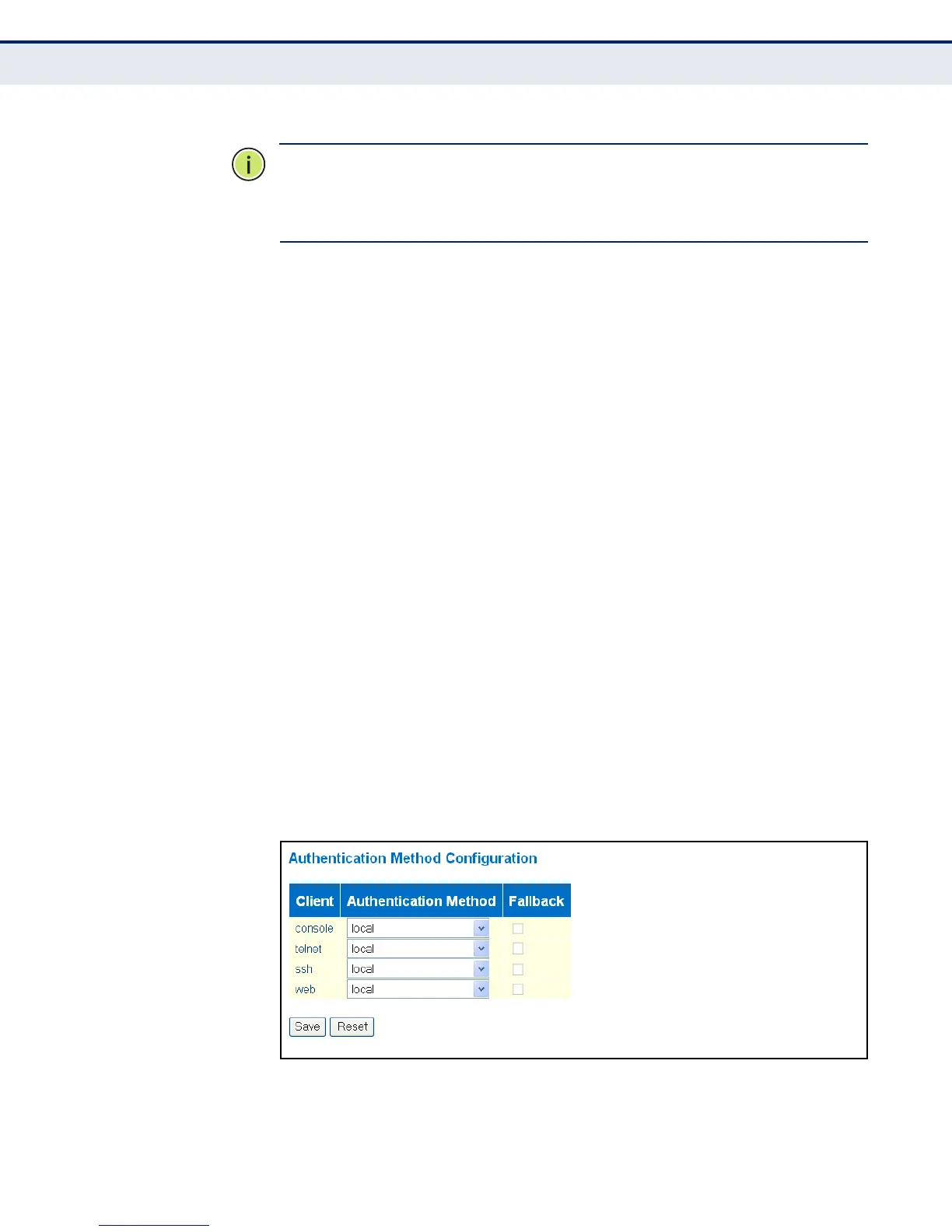
The following parameters are displayed on the Authentication Method
Configuration page:
◆ Client – Specifies how the administrator is authenticated when logging
into the switch via Telnet, SSH, a web browser, or the console interface.
◆ Authentication Method – Selects the authentication method.
(Options: None, Local, RADIUS, TACACS+; Default: Local)
Selecting the option “None” disables access through the specified
management interface.
◆ Fallback – Uses the local user database for authentication if none of
the configured authentication servers are alive. This is only possible if
the Authentication Method is set to something else than “none” or
“local.”
WEB INTERFACE
To configure authentication for management access:
1. Click Configuration, Security, Switch, Auth Method.
2. Configure the authentication method for management client types, and
specify whether or not to fallback to local authentication if no remote
authentication server is available.
3. Click Save.
Figure 12: Authentication Method for Management Access



 To Next Page