C
HAPTER
4
| Configuring the Switch
Configuring Security
– 71 –
◆ Privilege Level – Specifies the user level. (Options: 1 - 15)
Access to specific functions are controlled through the Privilege Levels
configuration page (see page 72). The default settings provide four
access levels:
■
1 – Read access of port status and statistics.
■
5 – Read access of all system functions except for maintenance and
debugging
■
10 – read and write access of all system functions except for
maintenance and debugging
■
15 – read and write access of all system functions including
maintenance and debugging.
WEB INTERFACE
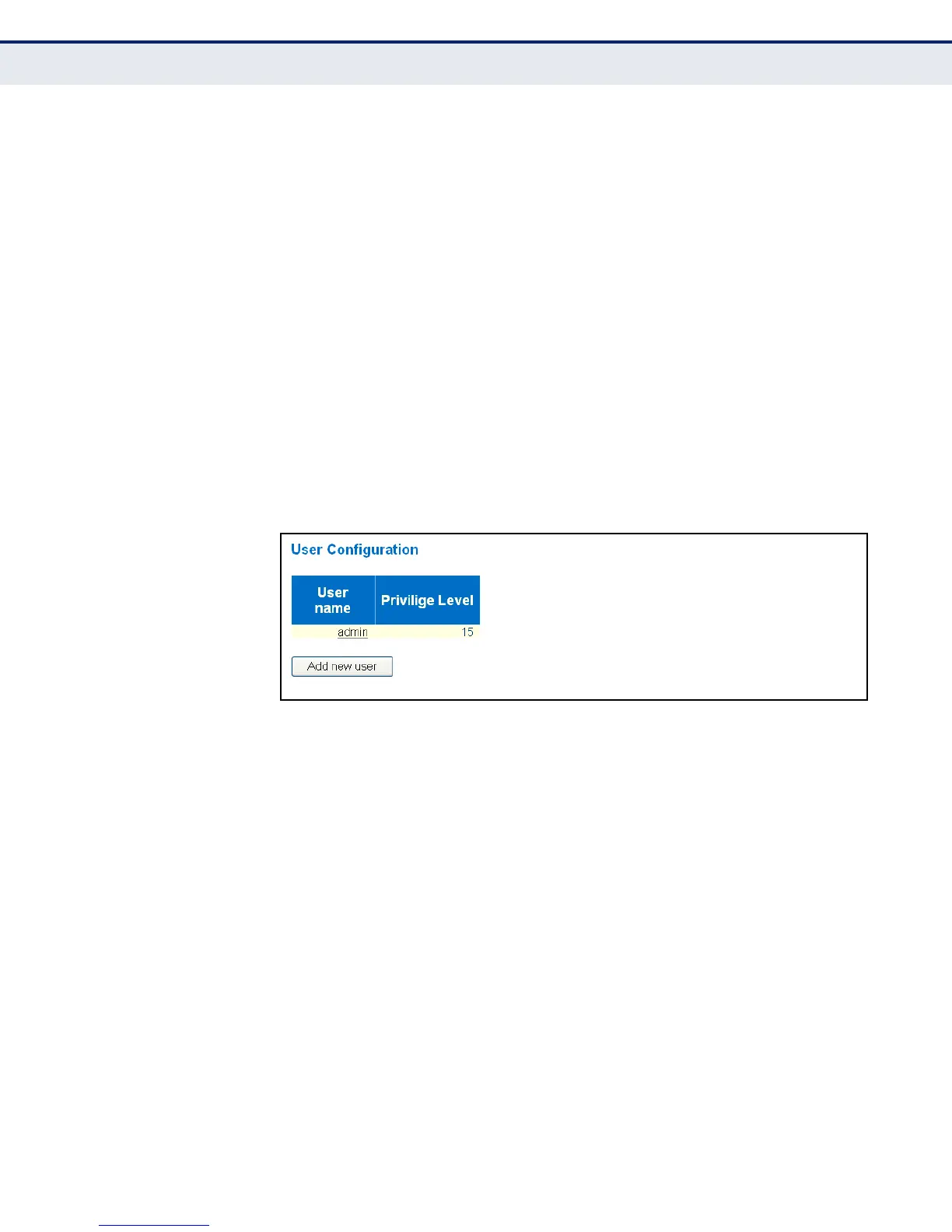
To show user accounts:
1. Click Configuration, System, Switch, Users.
Figure 8: Showing User Accounts
To configure a user account:
1. Click Configuration, System, Switch, Users.
2. Click “Add new user.”
3. Enter the user name, password, and privilege level.
4. Click Save.



 To Next Page