C
HAPTER
4
| Configuring the Switch
IEEE 802.1Q VLANs
– 176 –
WEB INTERFACE
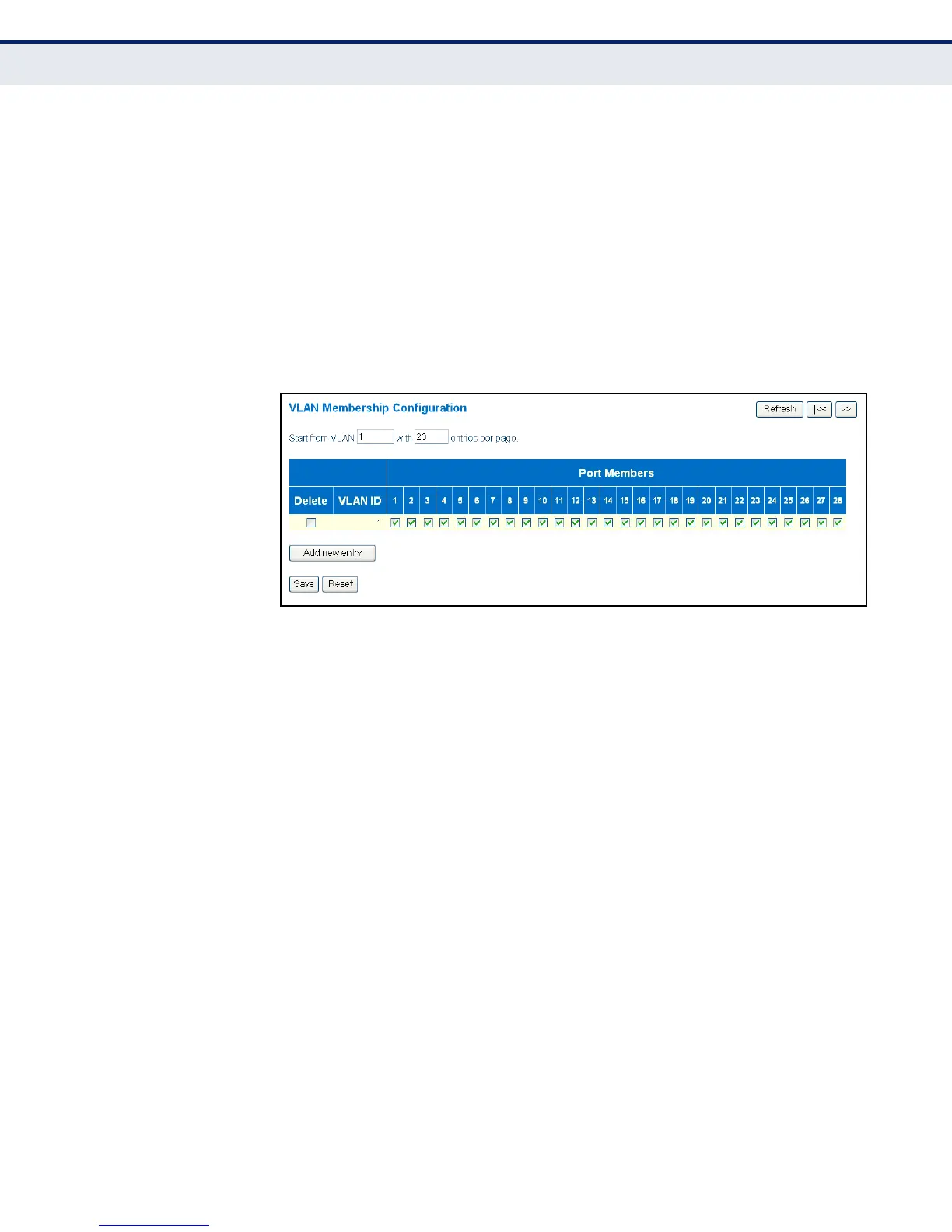
To configure IEEE 802.1Q VLAN groups:
1. Click Configuration, VLANs, VLAN Membership.
2. Change the ports assigned to the default VLAN (VLAN 1) if required.
3. To configure a new VLAN, click Add New VLAN, enter the VLAN ID, and
then mark the ports to be assigned to the new group.
4. Click Save.
Figure 56: VLAN Membership Configuration
CONFIGURING VLAN
ATTRIBUTES FOR PORT
MEMBERS
Use the VLAN Port Configuration page to configure VLAN attributes for
specific interfaces, including whether or not the ports are VLAN aware,
enabling ingress filtering, accepting Queue-in-Queue frames with
embedded tags, setting the accepted frame types, and configuring the
default VLAN identifier (PVID).
CLI REFERENCES
◆ "VLAN Commands" on page 299
PARAMETERS
The following parameters are displayed on the VLAN Port Configuration
page:
◆ Port - Port identifier.
◆ VLAN Aware - Configures whether or not a port processes the
VLAN ID in ingress frames. (Default: Disabled)
If a port is not VLAN aware, all frames are assigned to the default VLAN
(as specified by the Port VLAN ID) and tags are not removed.
If a port is VLAN aware, each frame is assigned to the VLAN indicated in
the VLAN tag, and the tag is removed.



 To Next Page