C
HAPTER
3
| Using the Web Interface
Navigating the Web Browser Interface
– 55 –
N
OTE
:
To ensure proper screen refresh, be sure that Internet Explorer is
configured so that the setting “Check for newer versions of stored pages”
reads “Every visit to the page.”
Internet Explorer 6.x and earlier: This option is available under the menu
“Tools / Internet Options / General / Temporary Internet Files / Settings.”
Internet Explorer 7.x: This option is available under “Tools / Internet
Options / General / Browsing History / Settings / Temporary Internet Files.”
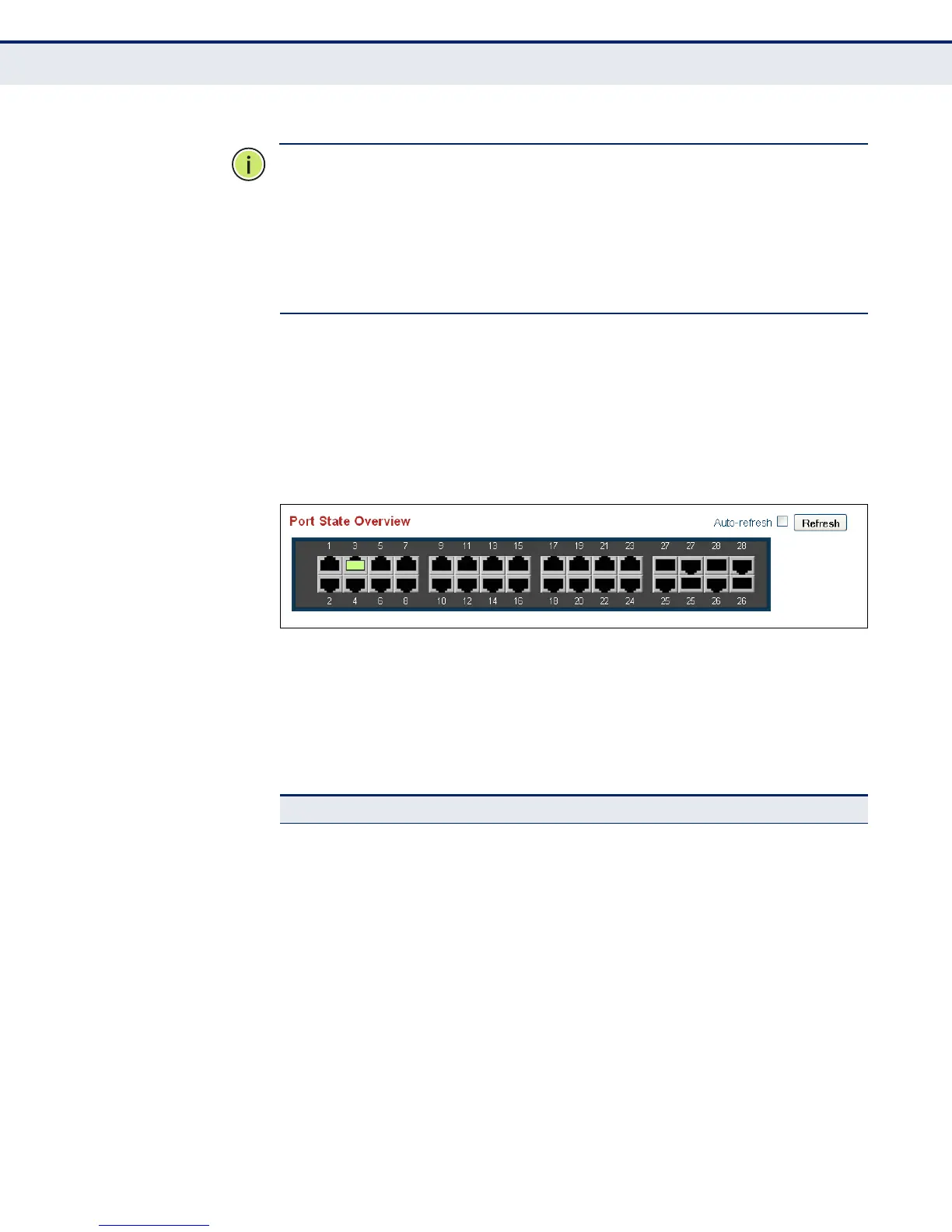
PANEL DISPLAY The web agent displays an image of the switch’s ports. The refresh mode is
disabled by default. Click Auto-refresh to refresh the data displayed on the
screen approximately once every 5 seconds, or click Refresh to refresh the
screen right now. Clicking on the image of a port opens the Detailed
Statistics page as described on page 203.
Figure 2: Front Panel Indicators
MAIN MENU Using the onboard web agent, you can define system parameters, manage
and control the switch, and all its ports, or monitor network conditions. The
following table briefly describes the selections available from this program.
Table 4: Main Menu
Menu Description Page
Configuration 61
System
Information Configures system contact, name and location 61
IP Configures IPv4 and SNTP settings 62
IPv6 Configures IPv6 and SNTP settings 64
NTP Enables NTP, and configures a list of NTP servers 66
Ports Configures port connection settings 67
Security 70
Switch 70
Users Configures user names, passwords, and access levels 70
Privilege Levels Configures privilege level for specific functions 72



 To Next Page