C
HAPTER
4
| Configuring the Switch
Configuring Security
– 92 –
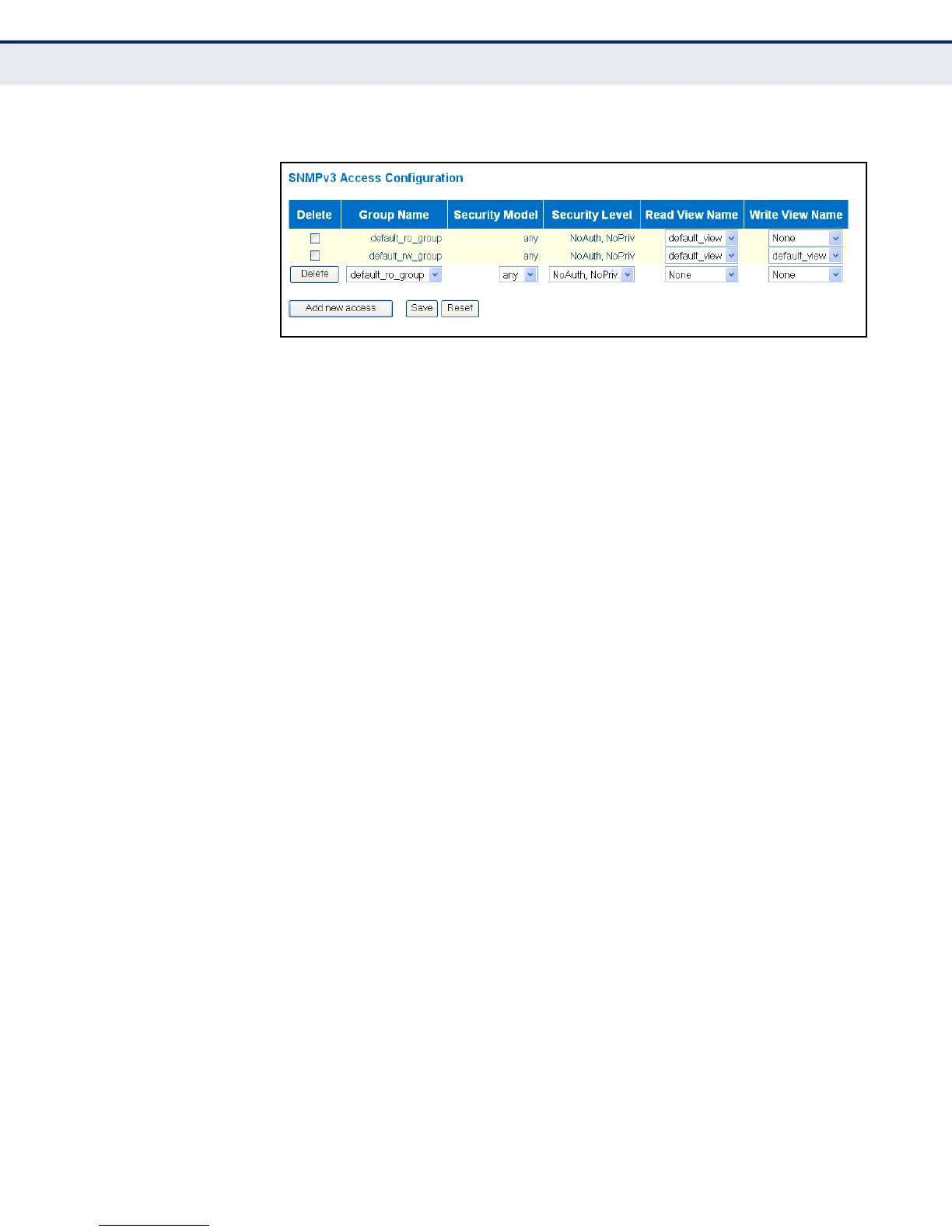
Figure 21: SNMPv3 Access Configuration
CONFIGURING PORT
LIMIT CONTROLS
Use the Port Limit Control Configuration page to limit the number of users
accessing a given port. A user is identified by a MAC address and VLAN ID.
If Limit Control is enabled on a port, the maximum number of users on the
port is restricted to the specified limit. If this number is exceeded, the
switch makes the specified response.
CLI REFERENCES
◆ "Port Security Limit Control" on page 349
PARAMETERS
The following parameters are displayed on the Port Limit Control
Configuration page:
System Configuration
◆ Mode – Enables or disables Limit Control is globally on the switch. If
globally disabled, other modules may still use the underlying
functionality, but limit checks and corresponding actions are disabled.
◆ Aging Enabled – If enabled, secured MAC addresses are subject to
aging as discussed under Aging Period.
With aging enabled, a timer is started once the end-host gets secured.
When the timer expires, the switch starts looking for frames from the
end-host, and if such frames are not seen within the next Aging Period,
the end-host is assumed to be disconnected, and the corresponding
resources are freed on the switch.
◆ Aging Period – If Aging Enabled is checked, then the aging period is
controlled with this parameter. If other modules are using the
underlying port security for securing MAC addresses, they may have
other requirements for the aging period. The underlying port security
will use the shortest requested aging period of all modules that use this
functionality. (Range: 10-10,000,000 seconds; Default: 3600 seconds)
Port Configuration
◆ Port – Port identifier. (Range: 1-28)



 To Next Page