C
HAPTER
5
| Monitoring the Switch
Displaying Information About Security Settings
– 209 –
periodically check that this MAC address is still forwarding traffic. If the
age period (measured in seconds) expires and no frames have been
seen, the MAC address will be removed from the MAC table. Otherwise
a new age period will begin.
If aging is disabled or a user module has decided to hold the MAC
address indefinitely, a dash (-) will be shown.
WEB INTERFACE
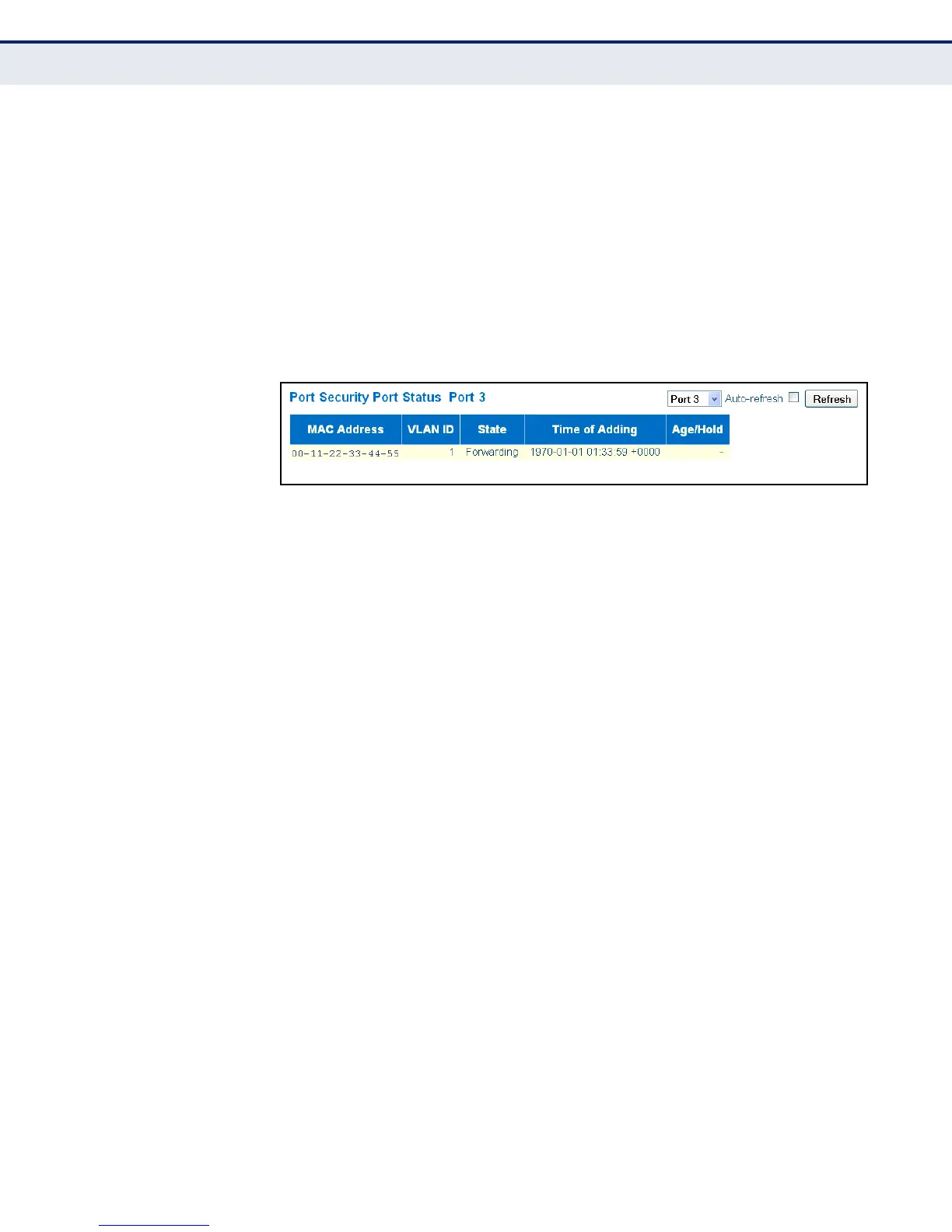
To display information about the MAC address learning through the Port
Security module, click Monitor, Security, Network, Port Security, Port.
Figure 79: Port Security Port Status
DISPLAYING PORT
STATUS FOR
AUTHENTICATION
SERVICES
Use the Network Access Server Switch Status page to show the port status
for authentication services, including 802.1X security state, last source
address used for authentication, and last ID.
CLI REFERENCES
◆ "security network nas configuration" on page 355
PARAMETERS
These parameters are displayed in the web interface:
◆ Port – The switch port number. Click to navigate to detailed NAS
statistics for this port.
◆ Admin State – The port's current administrative state. Refer to NAS
Admin State for a description of possible values (see page 94).
◆ Port State – The current state of the port. Refer to NAS Port State for
a description of the individual states (see page 94).
◆ Last Source – The source MAC address carried in the most recently
received EAPOL frame for EAPOL-based authentication, and the most
recently received frame from a new client for MAC-based
authentication.
◆ Last ID – The user name (supplicant identity) carried in the most
recently received Response Identity EAPOL frame for EAPOL-based
authentication, and the source MAC address from the most recently
received frame from a new client for MAC-based authentication.



 To Next Page