C
HAPTER
5
| Monitoring the Switch
Displaying Information About Ports
– 201 –
DISPLAYING INFORMATION ABOUT PORTS
You can use the Monitor/Port menu to display a graphic image of the front
panel which indicates the connection status of each port, basic statistics on
the traffic crossing each port, the number of packets processed by each
service queue, or detailed statistics on port traffic.
DISPLAYING PORT
STATUS ON THE
FRONT PANEL
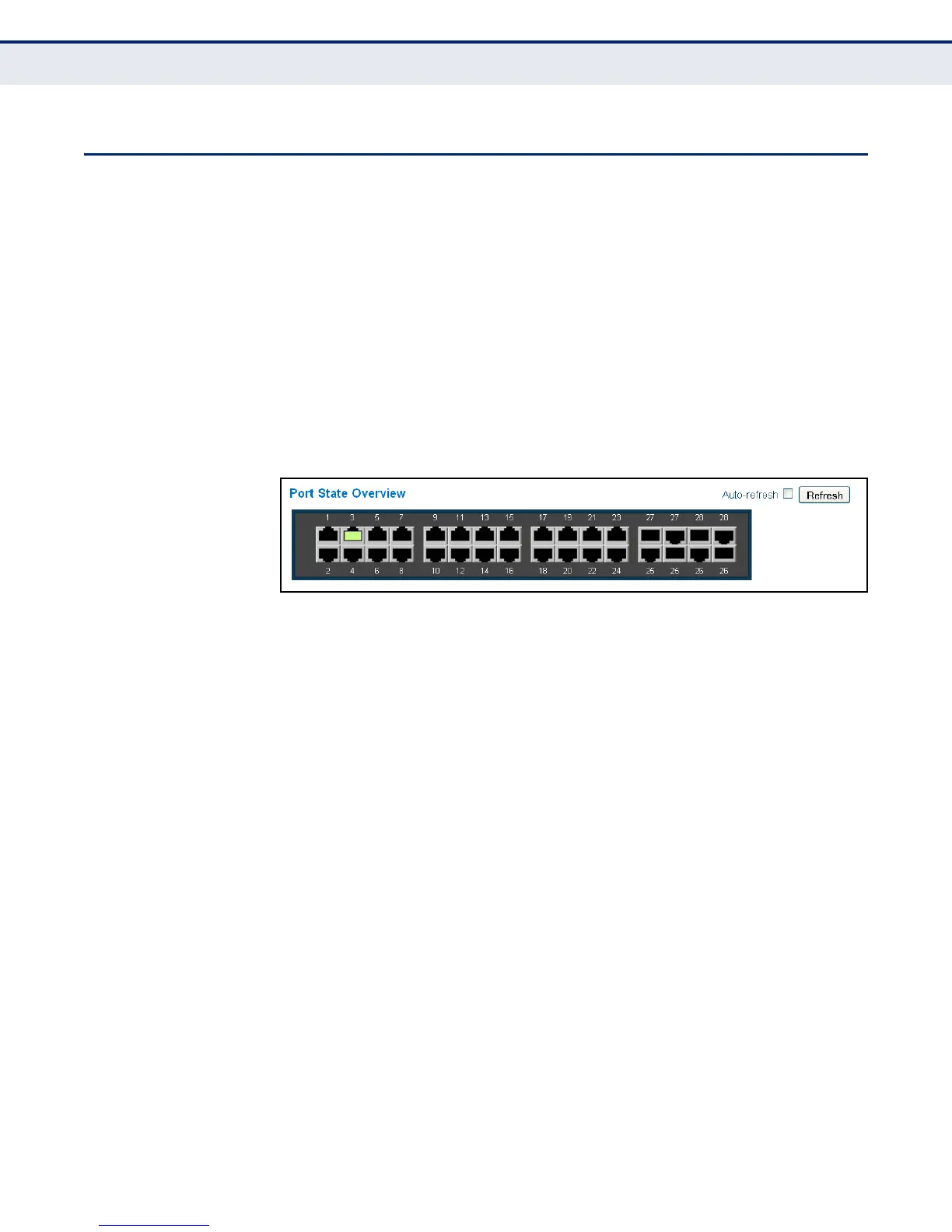
Use the Port State Overview page to display an image of the switch's ports.
Clicking on the image of a port opens the Detailed Port Statistics page as
described on page 203.
WEB INTERFACE
To display an image of the switch's ports, click Monitor, Ports, State.
Figure 73: Port State Overview
DISPLAYING AN
OVERVIEW OF PORT
STATISTICS
Use the Port Statistics Overview page to display a summary of basic
information on the traffic crossing each port.
CLI REFERENCES
◆ "port statistics" on page 289
PARAMETERS
These parameters are displayed in the web interface:
◆ Packets Receive/Transmit – The number of packets received and
transmitted.
◆ Bytes Receive/Transmit – The number of bytes received and
transmitted.
◆ Errors Receive/Transmit – The number of frames received with
errors and the number of incomplete transmissions.
◆ Drops Receive/Transmit – The number of frames discarded due to
ingress or egress congestion
◆ Filtered Receive – The number of received frames filtered by the
forwarding process.



 To Next Page