C
HAPTER
4
| Configuring the Switch
Quality of Service
– 191 –
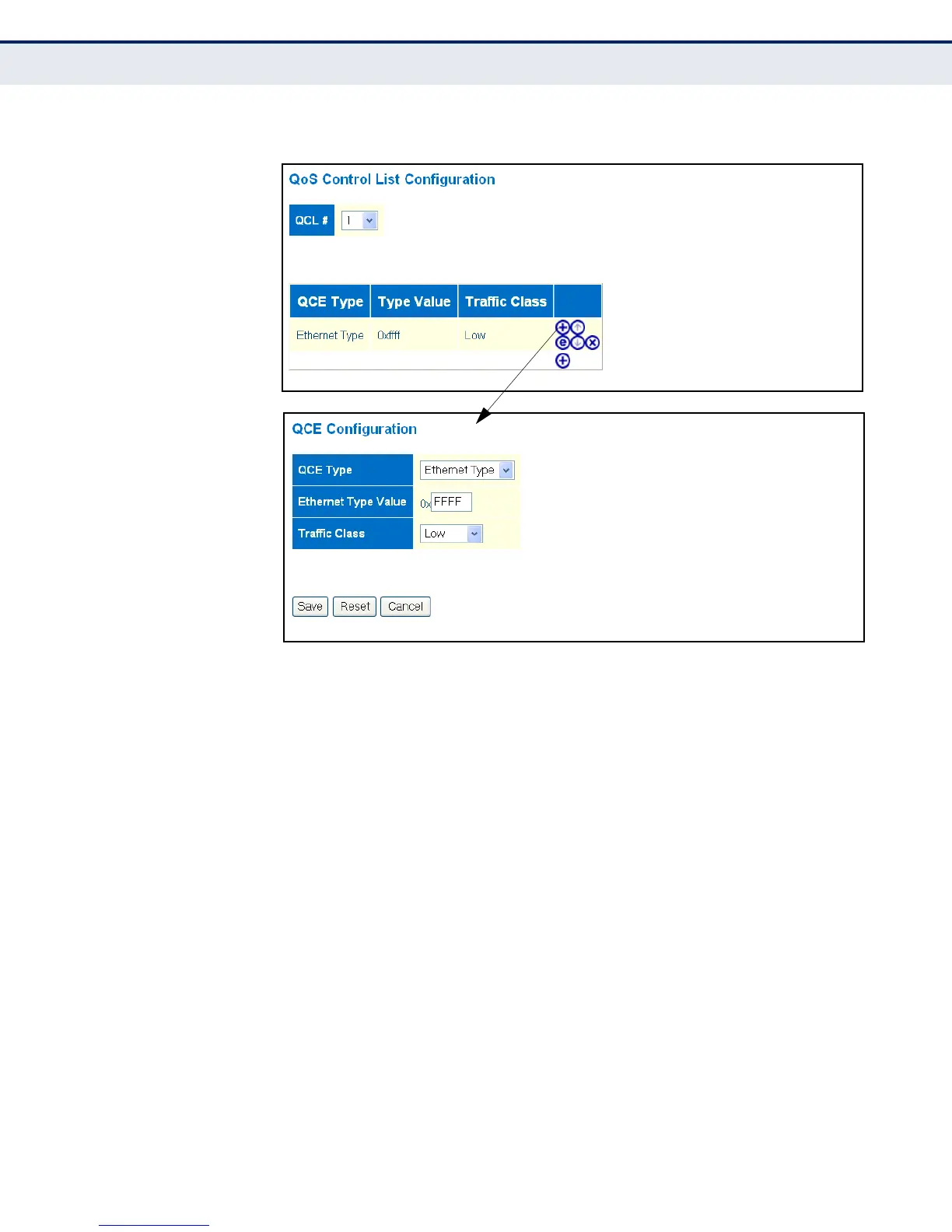
Figure 64: QoS Control List Configuration
CONFIGURING RATE
LIMITING
Use the Rate Limit Configuration page to control the maximum rate for
traffic transmitted or received on an interface. Rate limiting can be
configured on interfaces at the edge of a network to form part of the
customer service package by limiting traffic into or out of the switch.
Packets that exceed the acceptable amount of traffic are dropped, while
conforming traffic is forwarded without any changes.
CLI REFERENCES
◆ "QoS Commands" on page 459
PARAMETERS
The following parameters are displayed on the Rate Limit Configuration
page:
◆ Port - Port identifier.
Ingress Limits
◆ Policer Enabled - Enables or disables ingress rate limiting.
(Default: Disabled)
◆ Policer Rate - Configure the rate for the port policer.
(Range: 500-1000000 kbps, or 1-1000 Mbps; Default: 500 kbps)



 To Next Page