C
HAPTER
5
| Monitoring the Switch
Displaying Information About VLANs
– 244 –
■
MVR: Eliminates the need to duplicate multicast traffic for
subscribers in each VLAN. Multicast traffic for all channels is sent
only on a single (multicast) VLAN.
■
Voice VLAN: A VLAN configured specially for voice traffic typically
originating from IP phones.
■
MSTP: The 802.1s Multiple Spanning Tree protocol uses VLANs to
create multiple spanning trees in a network, which significantly
improves network resource utilization while maintaining a loop-free
environment.
■
Combined: Shows information for all active user modules.
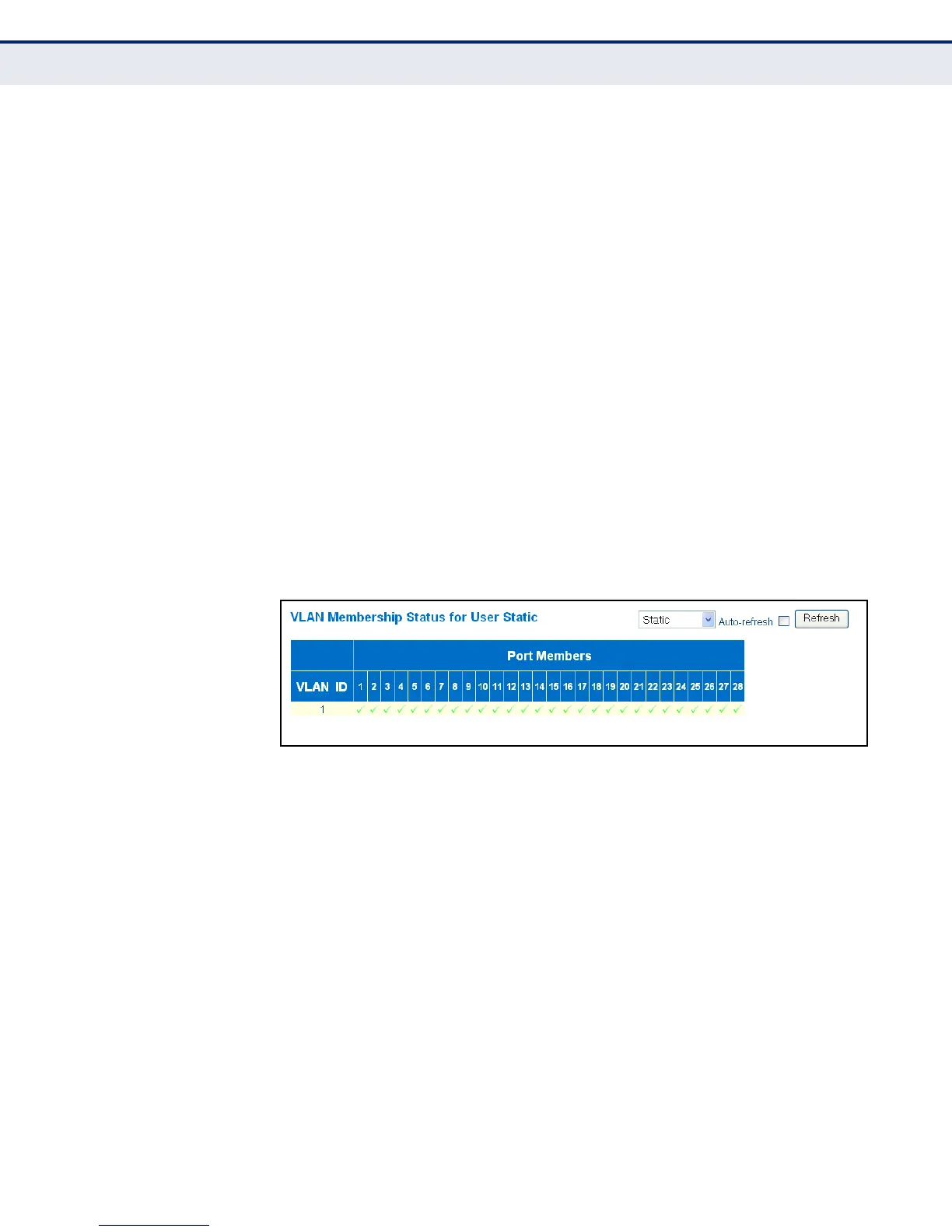
◆ VLAN ID – A VLAN which has created by one of the software modules.
◆ Port Members – The ports assigned to this VLAN.
WEB INTERFACE
1. To display VLAN members, click Monitor, VLAN, VLAN Membership.
2. Select a software module from the drop-down list on the right side of
the page.
Figure 103: Showing VLAN Members
VLAN PORT STATUS Use the VLAN Port Status page to show the VLAN attributes of port
members for all VLANs configured by a selected software module, including
PVID, VLAN aware, ingress filtering, frame type, egress filtering, and UVID.
Refer to the preceding section for a description of the software modules
that use VLAN management services.
CLI REFERENCES
◆ "vlan status" on page 304
PARAMETERS
These parameters are displayed in the web interface:
◆ VLAN User – A software module that uses VLAN management services
to configure VLAN membership and VLAN port settings such as the
PVID or untagged VLAN ID. Refer to the preceding section for a



 To Next Page