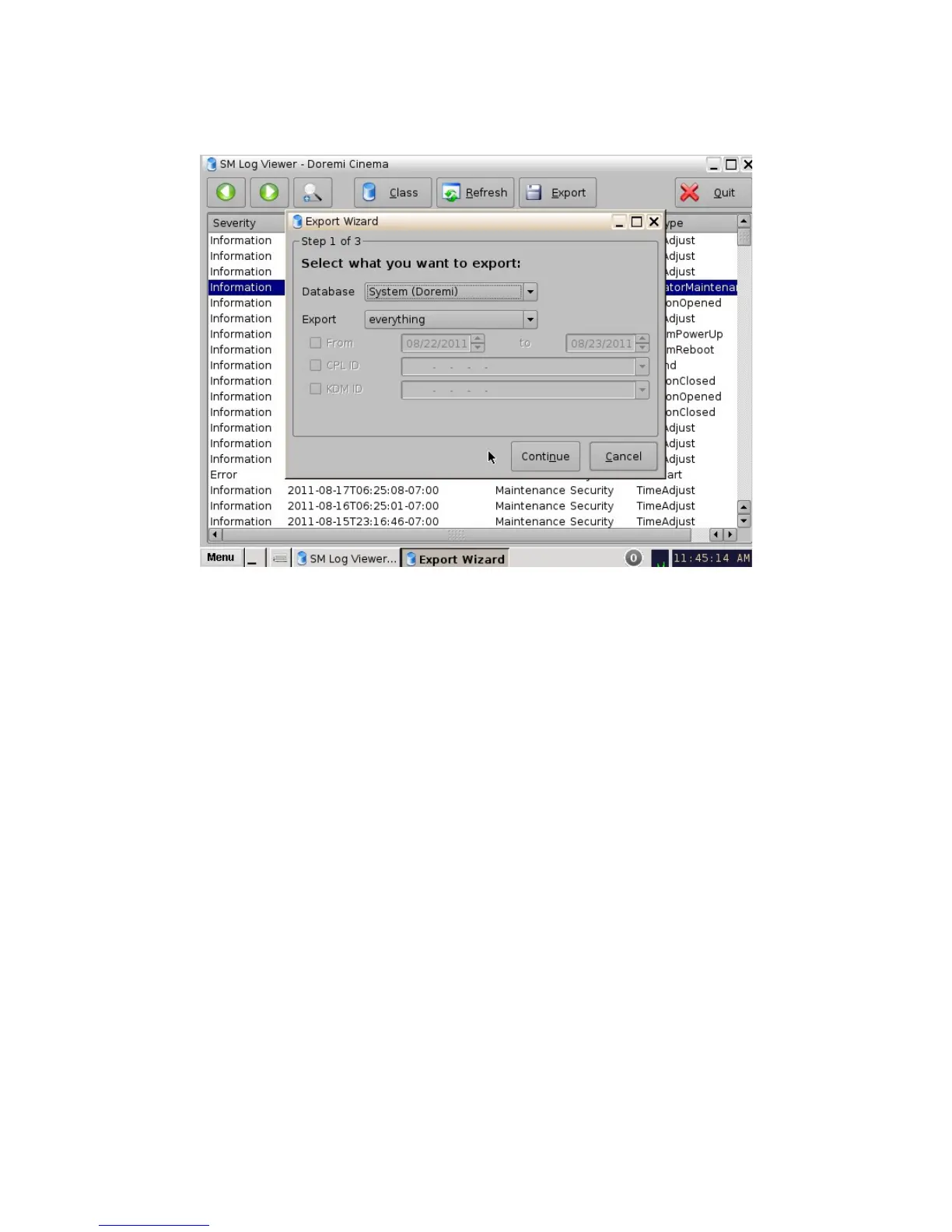
• The following window will appear:
Figure 123: SM Log Viewer Log – Export
• Select the database from which to export the log, either System (Doremi) or Security
(SMPTE).
• Select whether or not to export everything, selection, or “asrunlog.” This applies to System
(Doremi) logs (Figure 123).
• Select whether or not to export selection or “asrunlog.” This applies to Security (SMPTE)
logs (Figure 124).
______________________________________________________________________________________
D2K.OM.001822.DRM Page 101 of 177 Version 1.5
Doremi Labs



 To Next Page