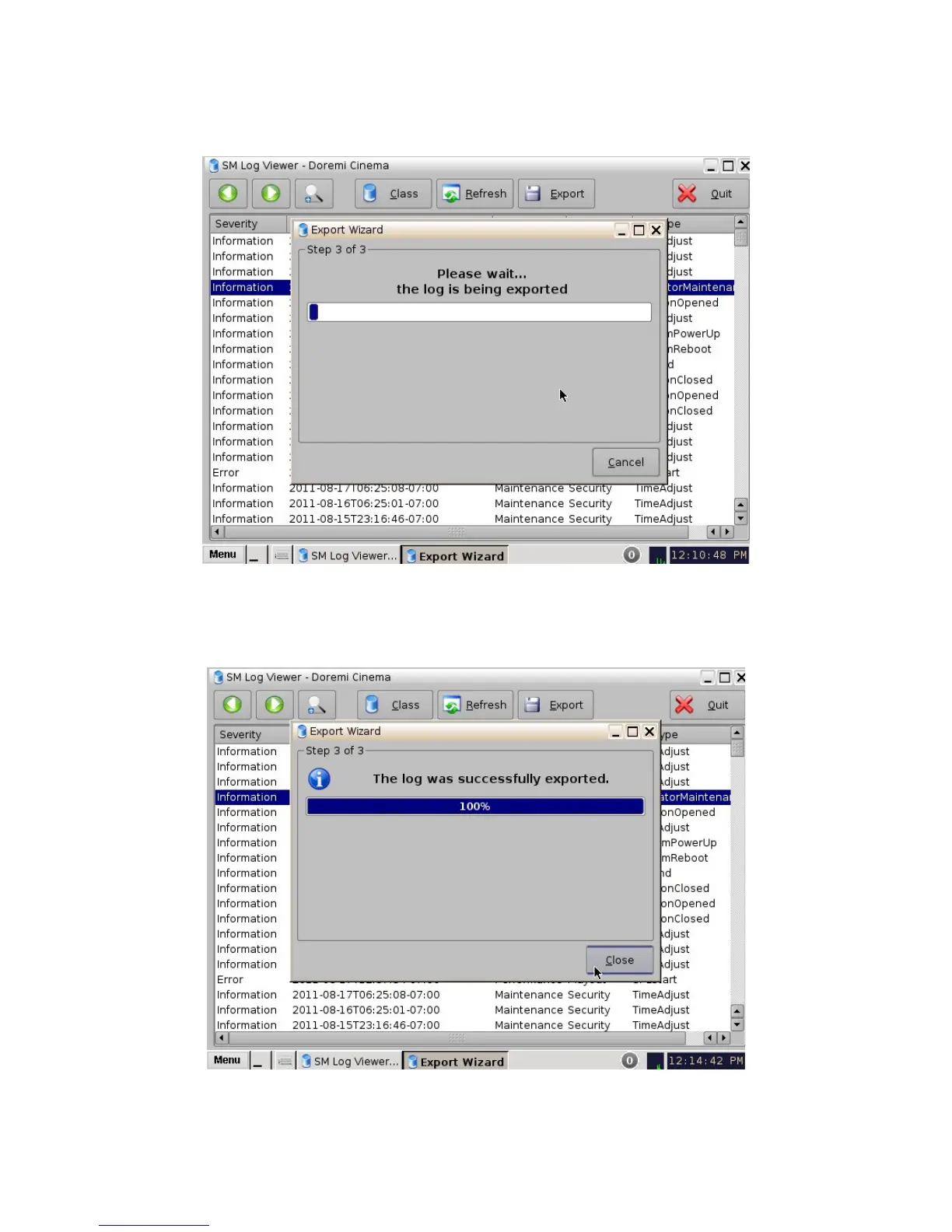
• The following window will appear: The log will be exported (Figure 126).
Figure 126: SM Log Viewer Log – Export
• Once the log exportation is complete, the GUI will indicate the process was successful
(Figure 127). Click the Close button to exit the pop-up window.
Figure 127: SM Log Viewer Log – Export
______________________________________________________________________________________
D2K.OM.001822.DRM Page 103 of 177 Version 1.5
Doremi Labs



 To Next Page