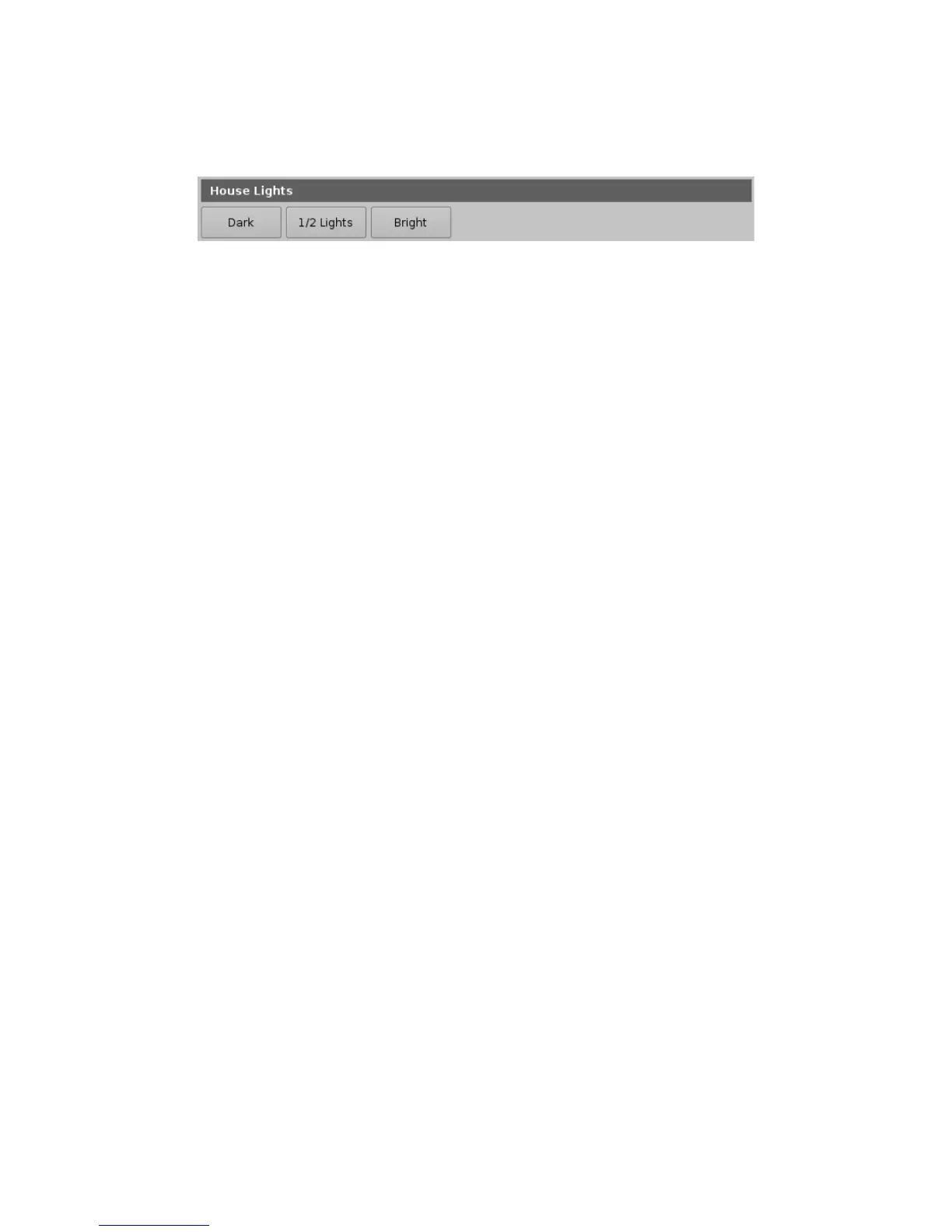
• CineLister will render this configuration to the capture below:
Figure 218: Control Tab
• Each element <ControlView> defines a section. In the example above, we define a new
section with the <TitleText> set to “House Lights.”
• The list of macro buttons available in a section are defined inside the block
<ControlViewButtonList>. Each element <ControlViewButton> defines a macro button in the
section and there are two settings that define a macro button: The button text (<Text>) and
the macro to execute once the button is pushed (<Execute>).
______________________________________________________________________________________
D2K.OM.001822.DRM Page 172 of 177 Version 1.5
Doremi Labs



 To Next Page