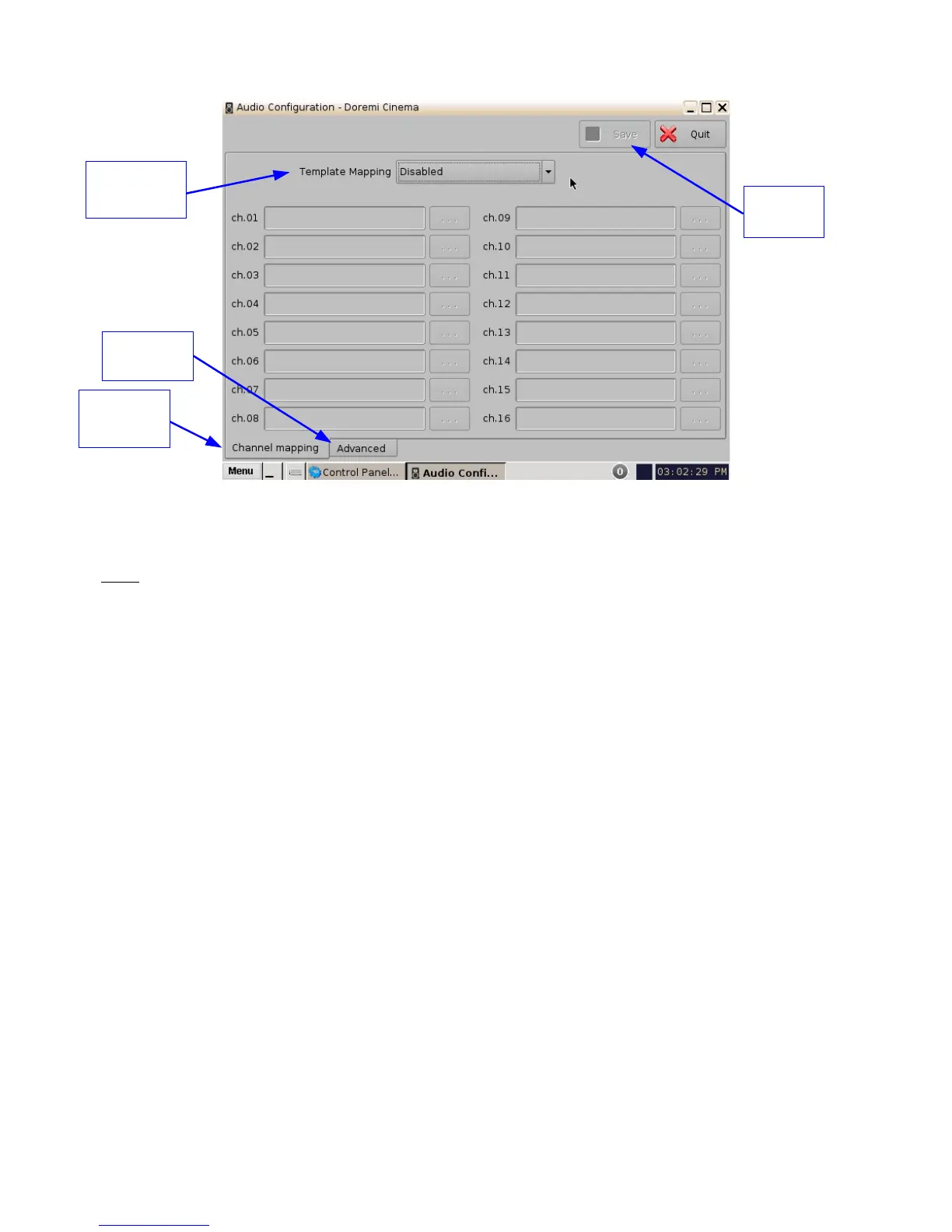
Figure 23: Audio Configuration - Default Setting
• When first launched, the Audio Configuration application opens in the Channel Mapping
tab. The Template Mapping will be set to Disabled (Figure 23).
Note: All the templates, except “Disabled,” can be modified directly instead of having to select
“Custom.” Once the template is edited, the “Template Mapping” will read “Custom.”
• Available configurations include:
• Disabled: This setting is the default and as such cannot be mapped (Section
6.2.1.1).
• 4 channels: This is a pre-set configuration.
• 6 channels: This is a pre-set configuration.
• 7 channels: This is a pre-set configuration.
• 8 channels: This is a pre-set configuration.
• 9 channels: This is a pre-set configuration.
• ISDCF: This is a pre-set configuration.
• Custom: This setting allows the user to create his/her own custom audio
configuration.
______________________________________________________________________________________
D2K.OM.001822.DRM Page 23 of 177 Version 1.5
Doremi Labs
Channel
Mapping
Advanced
Tab
Template
Mapping
Save
Button



 To Next Page