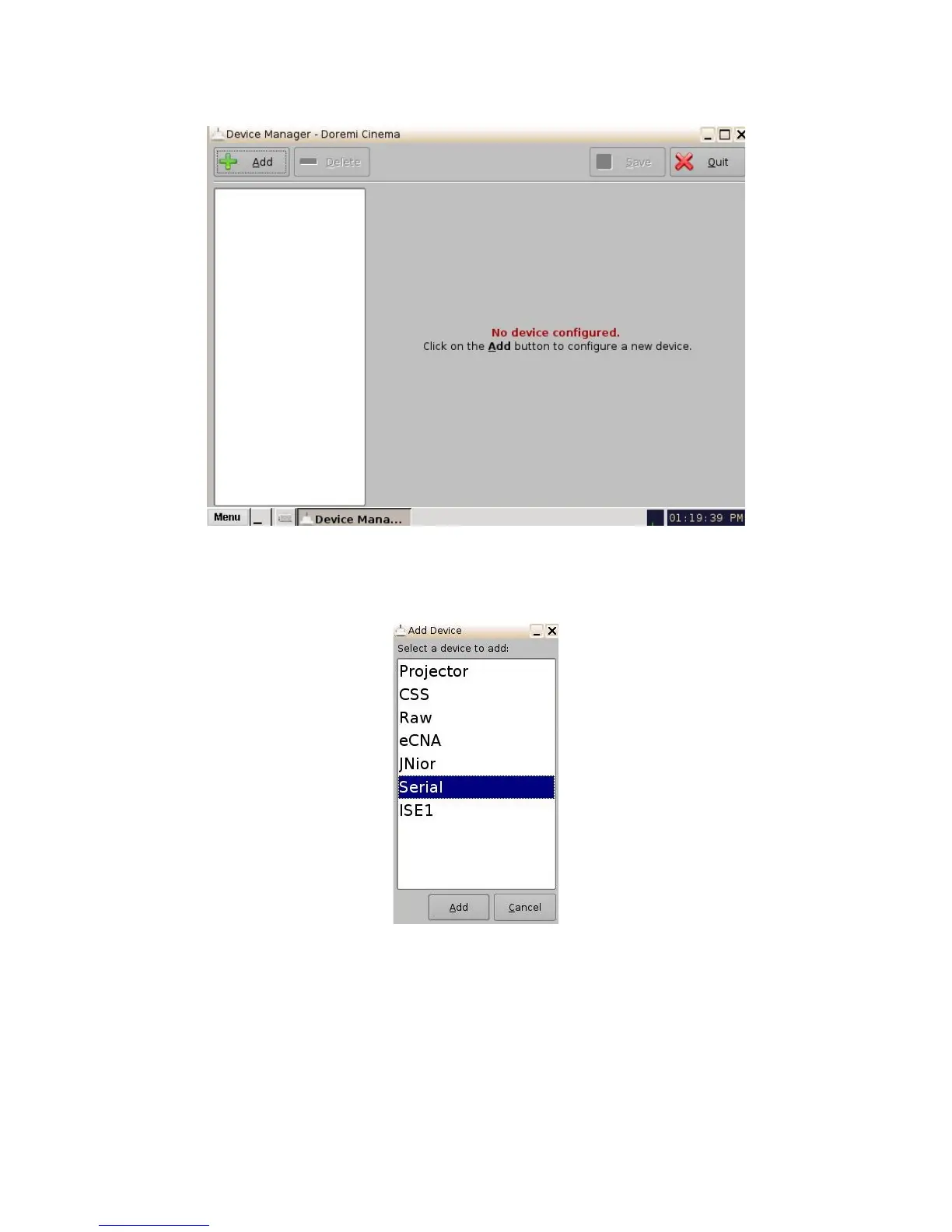
Figure 88: Device Manager GUI
• Click on the Add button and select the item Serial from the pop-up list.
Figure 89: Add Device Window
• Click the Add button (Figure 89). The following window will appear:
• It is necessary to provide some configuration parameters in the window:
• Identifier is the friendly name of the new configured device.
______________________________________________________________________________________
D2K.OM.001822.DRM Page 76 of 177 Version 1.5
Doremi Labs



 To Next Page