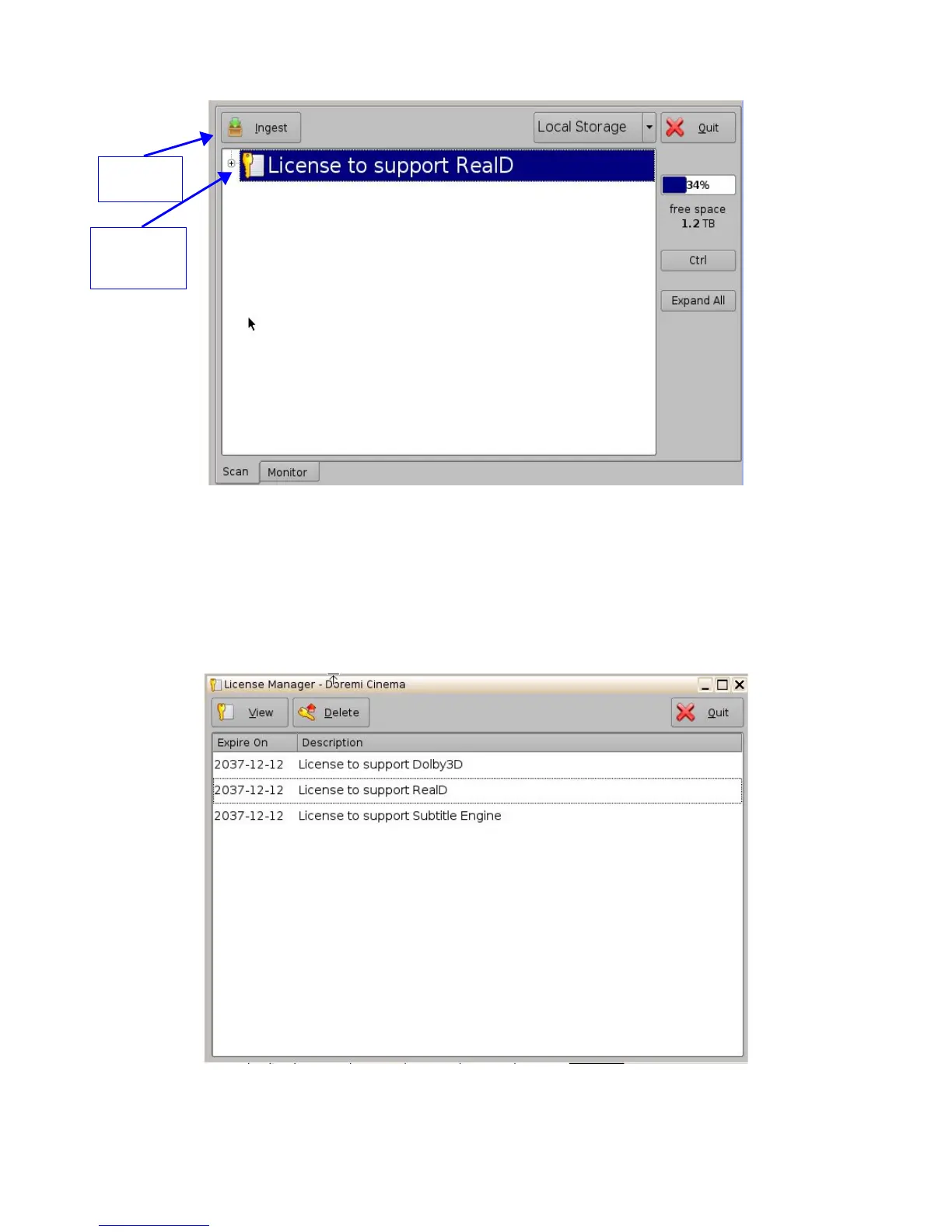
Figure 103: License Ingest Example
• Select the license file(s) to install and click the Ingest button.
• The user will be asked for a password. Enter the appropriate password and press Ok.
• You do not have to reboot the unit (See Note below).
• Go back to the License Manager GUI from Menu → Control Panel. The ingested license(s)
will be visible as illustrated below:
Figure 104: License Manager GUI – Three Licenses Added
______________________________________________________________________________________
D2K.OM.001822.DRM Page 87 of 177 Version 1.5
Doremi Labs
Select the
license to
add
Ingest
Button



 To Next Page