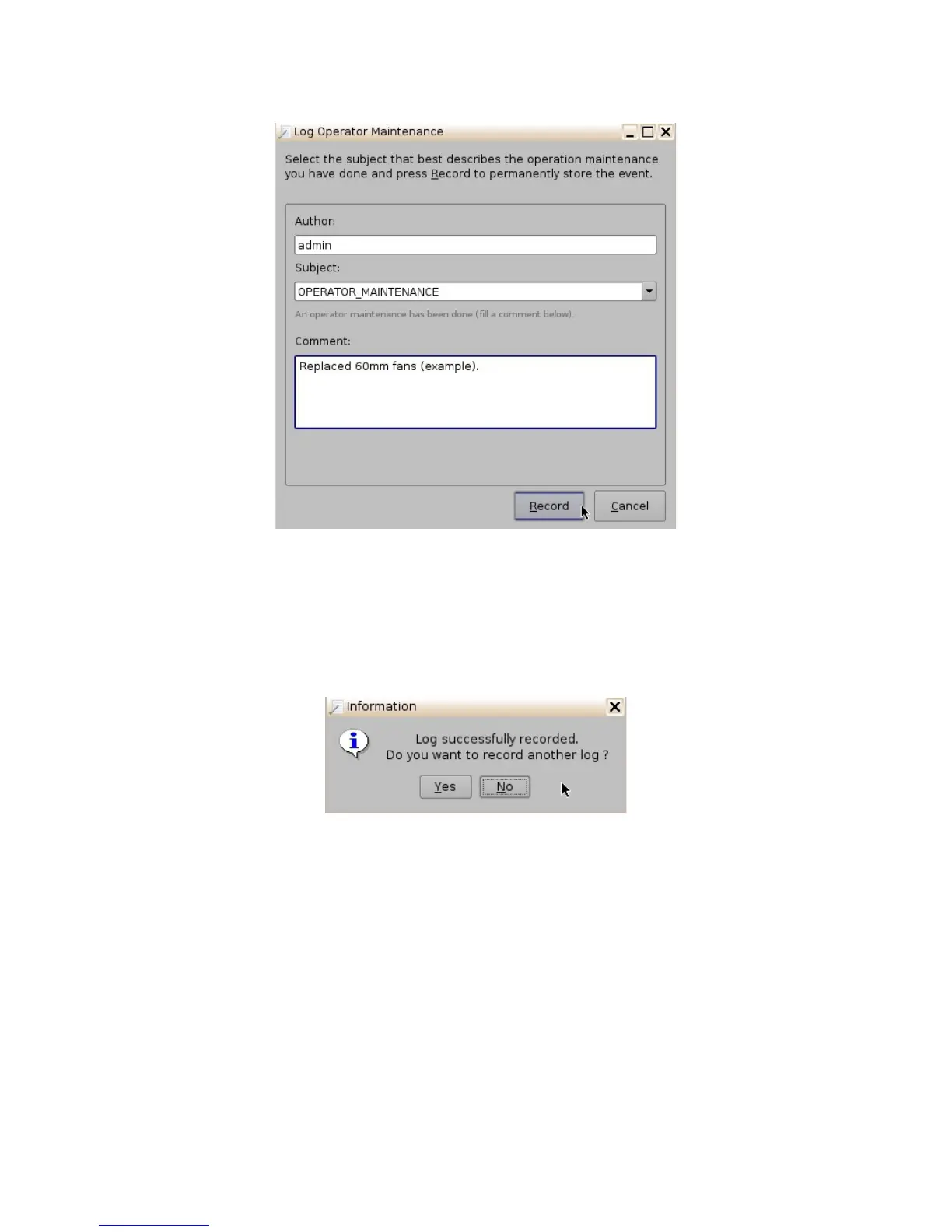
Figure 119: Log Operator Maintenance Entry Example
• Click the Record button.
• The following window will appear (Figure 120). Confirm whether or not you would like to
create another log (clicking No will take you out of the Log Operator Maintenance
application).
Figure 120: Information Window
• In order to view the logs that were added, go to Menu -> Doremi Apps.-> SM Log Viewer.
Here you can search for logs based on class, date, etc.
• Click on the concerned log to view its properties/details.
______________________________________________________________________________________
D2K.OM.001822.DRM Page 99 of 177 Version 1.5
Doremi Labs



 To Next Page