466 Eos Apex, Eos Ti, Gio, Gio @5, Ion Xe, Ion Xe 20, and Element 2 User Manual
Exporting and Importing Magic Sheets
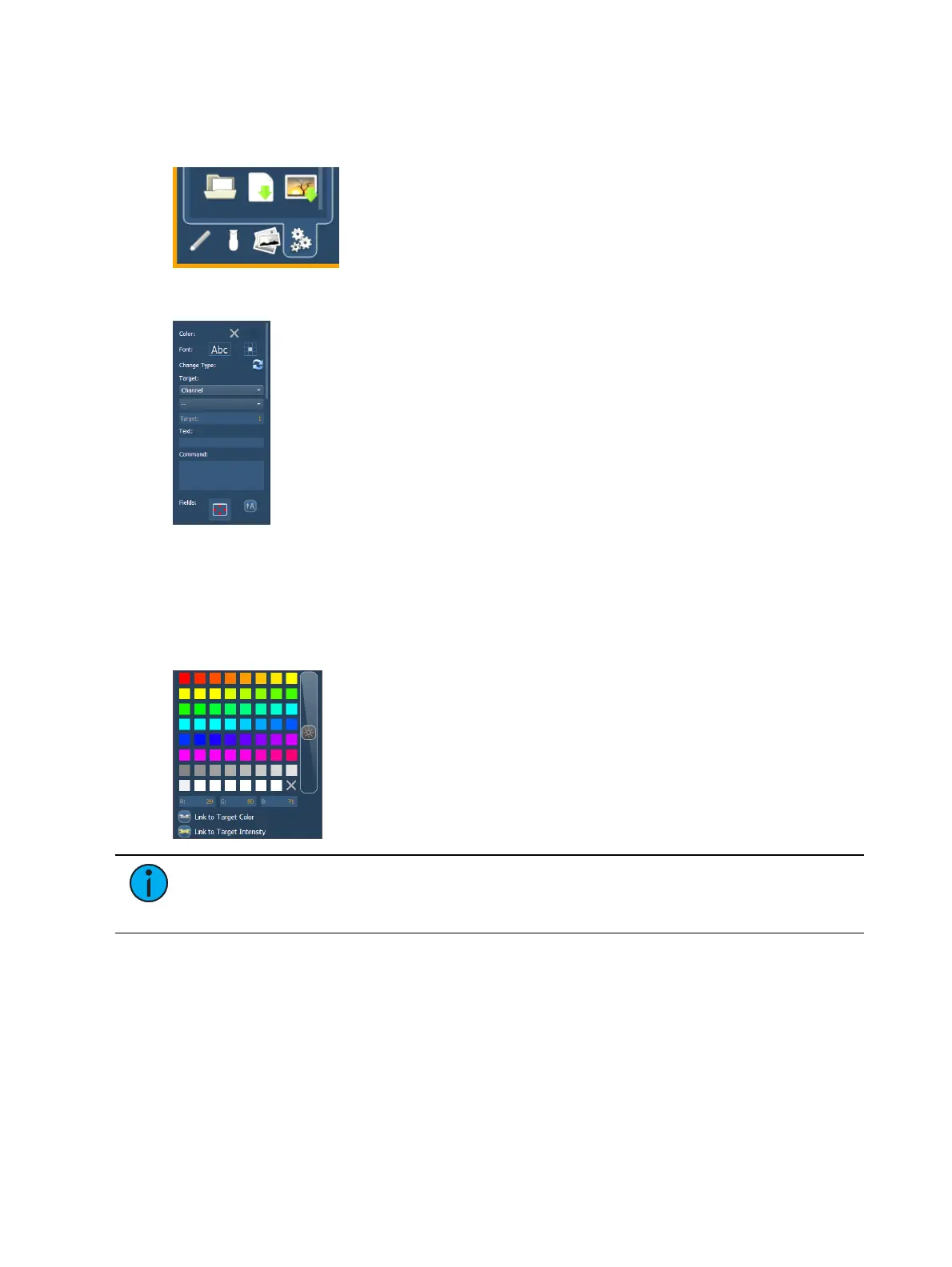
Magic Sheets can be exported and imported in .xml format. The export and import icons are
located at the bottom of the background settings tab.
MS Object Properties
You can customize MS objects and fixture symbols in numerous ways found in the MS Object
Properties area. With an object selected, you can modify its options.
Color
The object’s outline width, outline and fill colors can be adjusted here. The object can be
linked to the target’s color and / or intensity.
Note:
If any object's outline color is set to Link to Channel Intensity, the brightness
of the outline color will be tied to the DMX level of the address. The higher that the
DMX value is the brighter the outline color will be.
Font
The font used for a text object can be changed and adjusted as needed here. You can select
font type, size, color, bold, italic, underline, and justification.
Change Type
Allows you to quickly change the type of one or more selected objects.



 To Next Page