532 Eos Apex, Eos Ti, Gio, Gio @5, Ion Xe, Ion Xe 20, and Element 2 User Manual
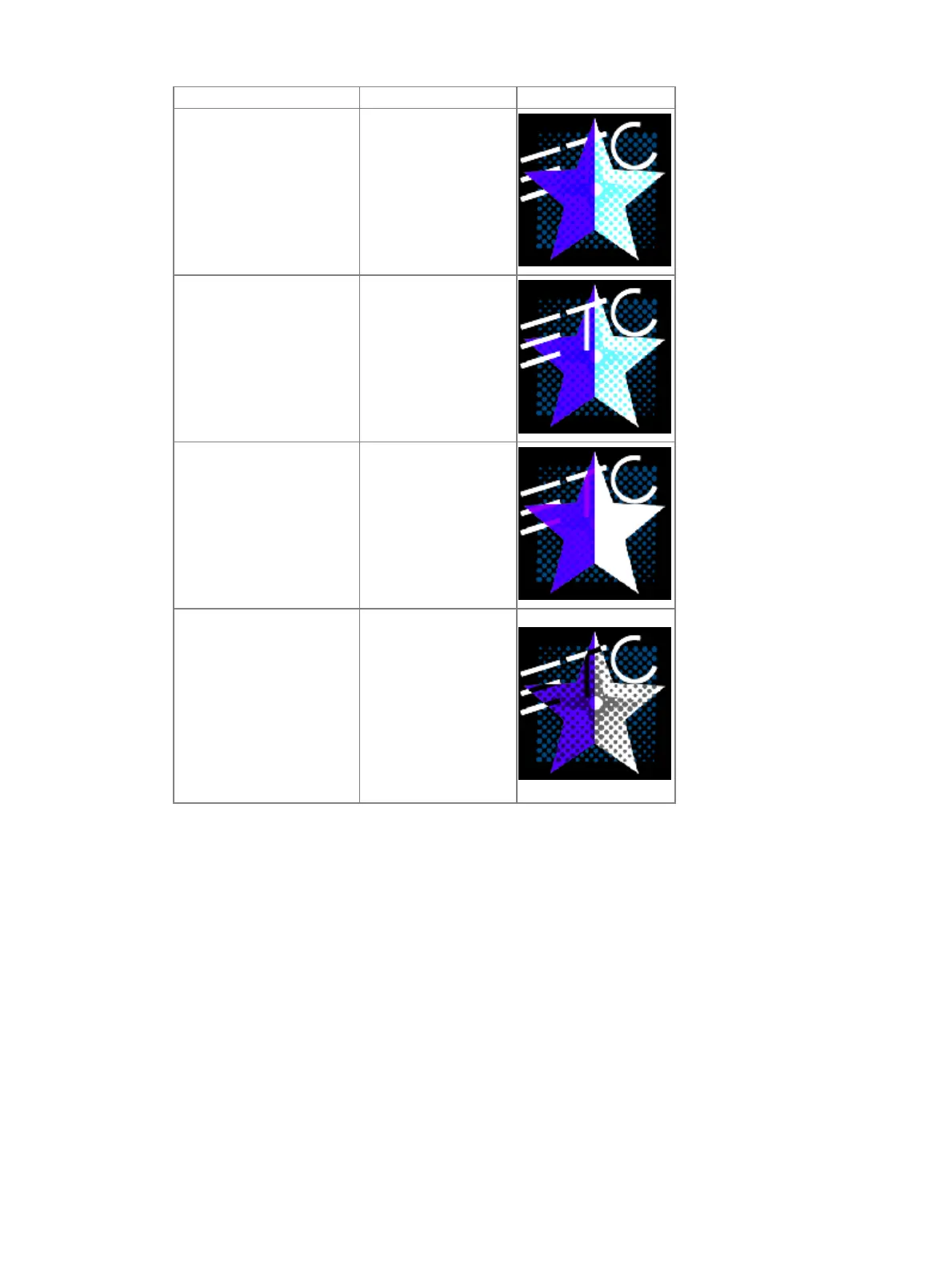
Mode Description Result
{Burn}
Bottom layer’s color
darkened to reflect
the top layer’s color
{Hard Light}
Does a multiply or
screen effect on the
lightness or darkness
of the top layer
{Soft Light}
Darkens or lightens
colors depending on
the top layer
{Xor}
Top layer with
opacity reduced by
inverse opacity of
bottom layer, and
then blended with
the bottom layer
with opacity reduced
by the inverse
opacity of the top
layer
{Library} - selects the image library.
{File} - selects the media file within the selected library.
{Mask On/Off} - masks takes a lower layer and a higher layer, finds only the non-
transparent pixels they have in common, and then displays the common pixels of the
higher layer.
{FoView} - perspective. This only affects media when {X Rotate} and/or {Y Rotate} are
not set to 0.
{Loop In} - sets the starting point of a gradient.
{Loop Out} - sets the ending point of a gradient.
{Scale} - changes the scale of the content to either be larger or smaller than the standard
content playback.
{Aspect Ratio} - stretches or shrinks the content only along the X axis, making it wide or
squished looking. Z Rotate can be used to modify the aspect ratio along the Y axis.
{XYZ Rotation Controls} - rotation control for all layers.



 To Next Page