3GS Technical Manual
Issue 4.5 August 2005
8-26 Programming Menus
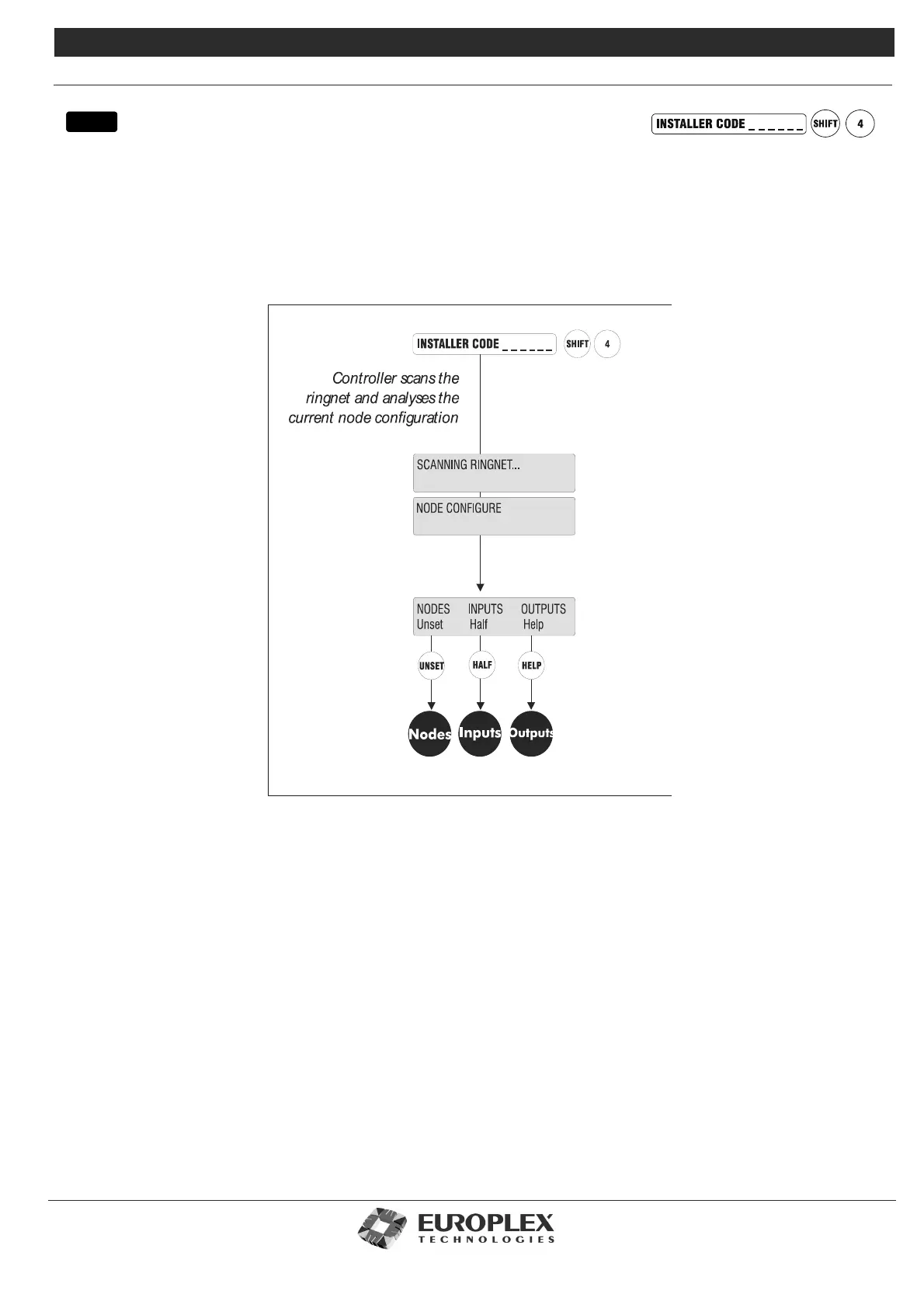
NODE CONFIGURE
Function: This menu allows you to program and view the configuration of the Ringnet. You can find nodes, examine their
status, change their descriptions, change their IDs, and set up the RKD node backlight, contrast, and so on.
In addition, you can view or change the mapping of zones to node inputs and view or change the mapping of
output types to node outputs.
Additional Information
The Node Configure menu has the following submenus:
Nodes - Information - Find: See page 8-27
• Use this option to scroll through the nodes and view node information and sound buzzer.
Nodes - Inputs: See page 8-30
• Allows you to clear input zone assignments from a node, manually re-assign zone assignments to a new input or node, and
to automatically re-assign zone assignments to all inputs.
Nodes - Outputs: See page 8-32
• Allows you to clear output assignments from a node and to manually reassign outputs to a node.
menu



 To Next Page