9-8
UNSET/RESET
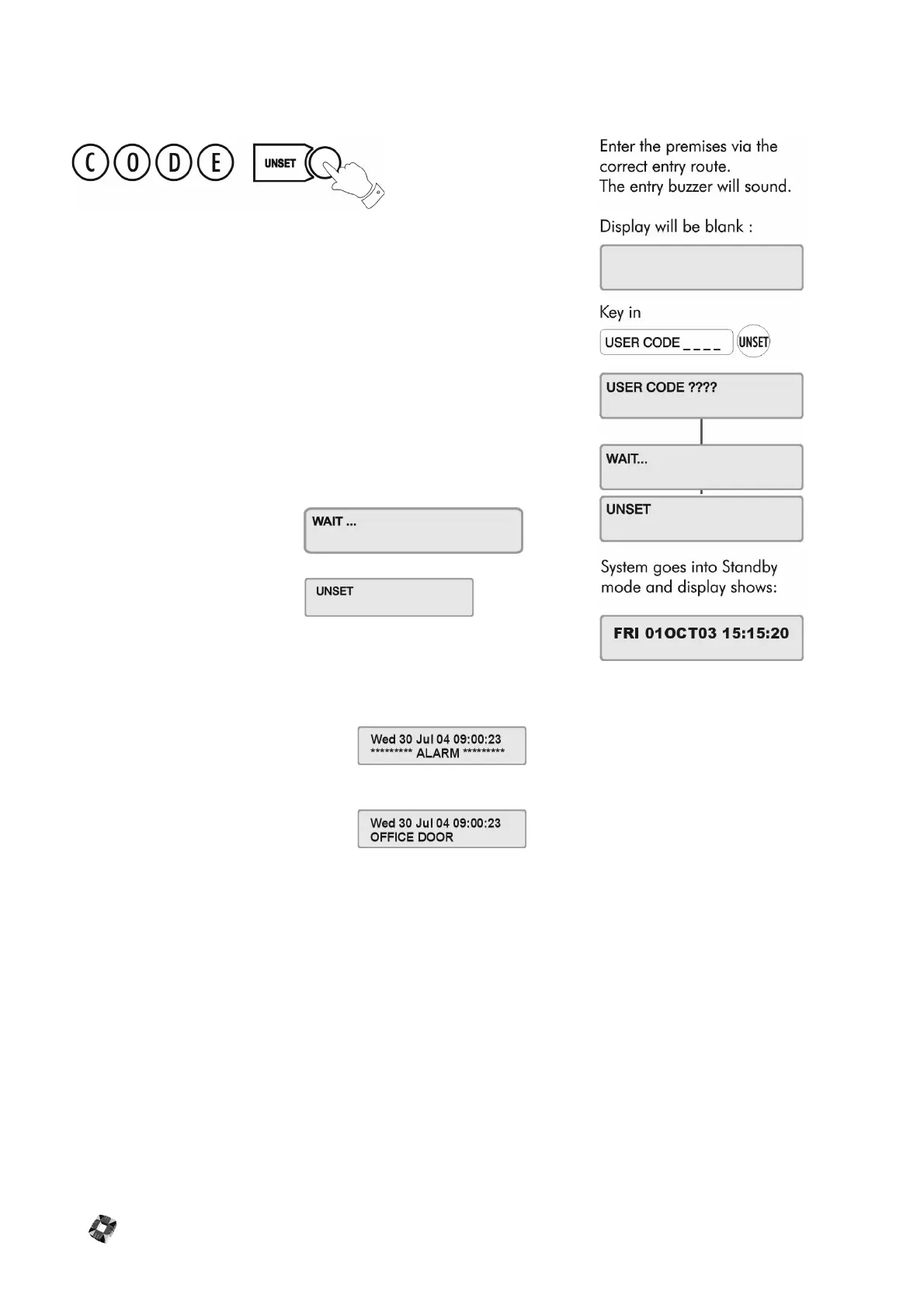
Unsetting/Disarming the System
Select the Unset/Reset option to disarm the system when you enter the
premises, or to cancel alarms, bells etc. after an alarm activation.
This will put the 3GS into Unset/Disarm mode (i.e. normal daytime
operation). The system alarm outputs (buzzers etc.) which had been
activated are reset to normal.
After an Alarm Activation
After an alarm activation proceed directly to the control panel enter the
code and press Unset.
The display will show:
Followed by:
followed by the cause of the alarm, i.e. which zone has been opened.
Example:
Alarm alert message:
Zone alert message:
These messages will be flashing.
To clear flashing (Alert) messages follow "Accept All Alerts"



 To Next Page