3GS Version 5 User Guide 9-13
UNABLE TO SET
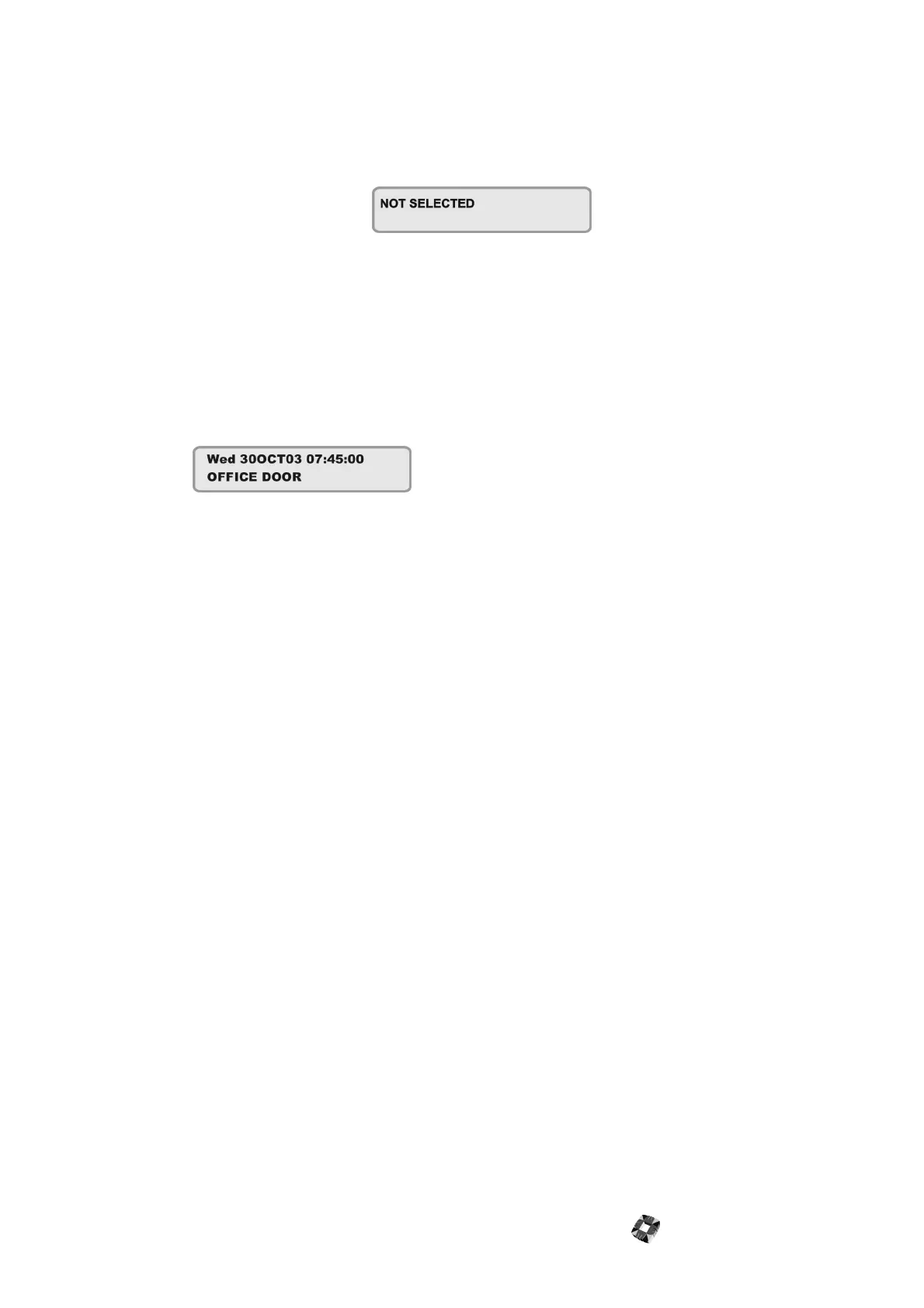
If attempts to Part, Half, Area or Full Set the system fail, the system buzzer briefly sounds and the display briefly shows:
This is normally due to a zone or door being open away from the exit route.
The 3GS system will display a FAILED TO SET message followed by suggestions as to what action to take in order to set
the system – for example, close all zones/doors.
Note The system will display which zones are open. In a multi-area system, the display does not indicate which
zones are open until you press CODE SHIFT SHIFT PART.
For example:
Action to take:
● Go to the Area concerned and close the zone(s).
● Return to the keypad and reselect the required ‘set/arm’ mode.
● Leave via the exit route.
The system buzzer will stop when:
1. The Exit time expires or
2. When the ‘exit terminator’ button is pressed (if fitted).



 To Next Page