3GS Technical Manual
Issue 4.5 August 2005
8-78 Programming Menus
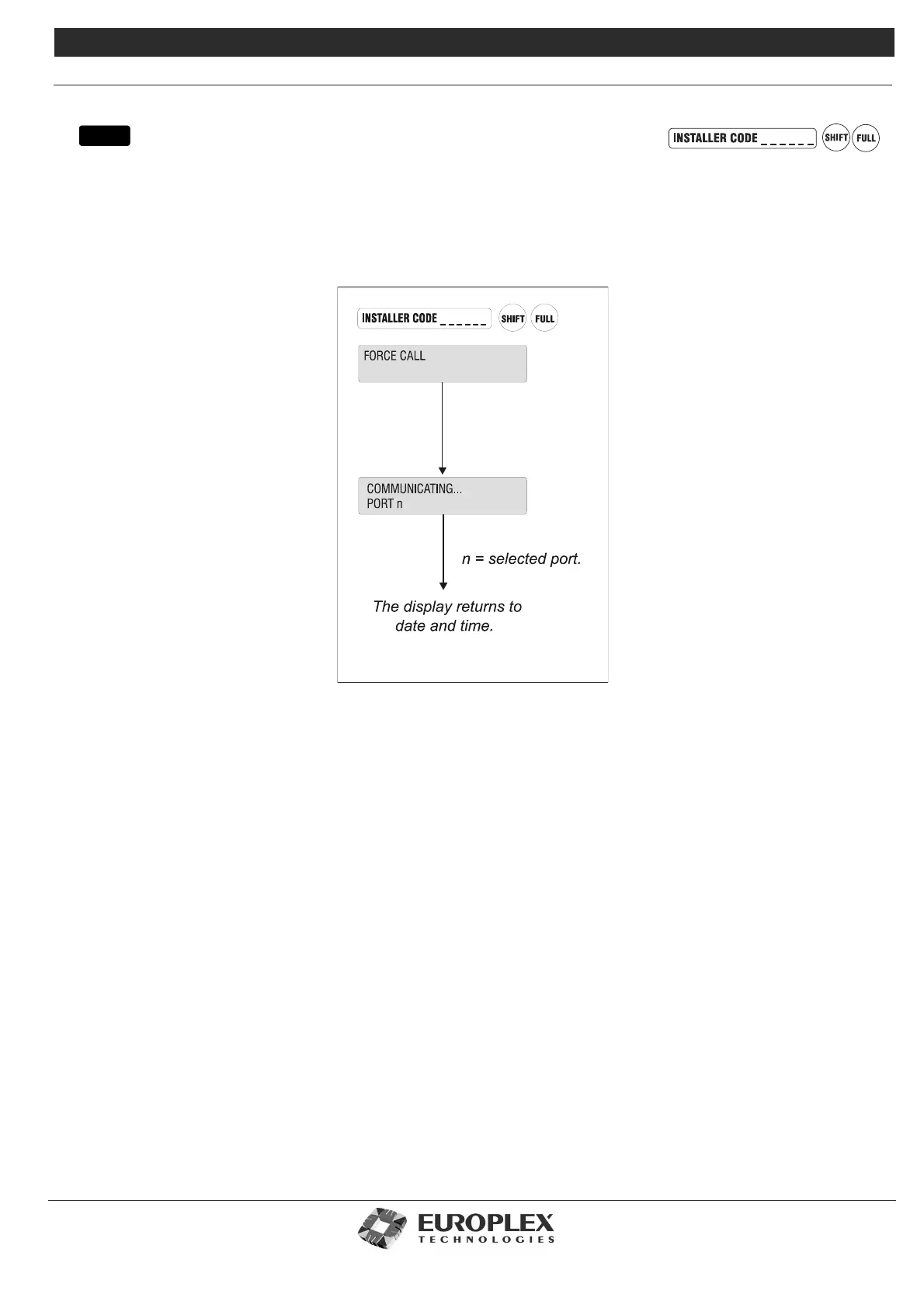
FORCE CALL
Function: This menu allows you to initiate a call from the 3GS to the telephone number programmed in the Set data
Formats menu or to the telephone number programmed in the DM1200 menu.
Additional Information
By selecting Force Call, the 3GS will dial the connected modem’s primary telephone number – see “Set Data Format” on
page 8-72 – and establish communications with a remote PC. This could be used as a test function or to allow personnel at a
remote location to perform system maintenance using Panelman software. The 3GS serial port will already have been
configured and a DM1200 or modem connected.
menu



 To Next Page