17 - 7
GETTING STARTED
To run Panelman for windows after it has been installed,simply click on the Panelman entry in the program menu
bar.
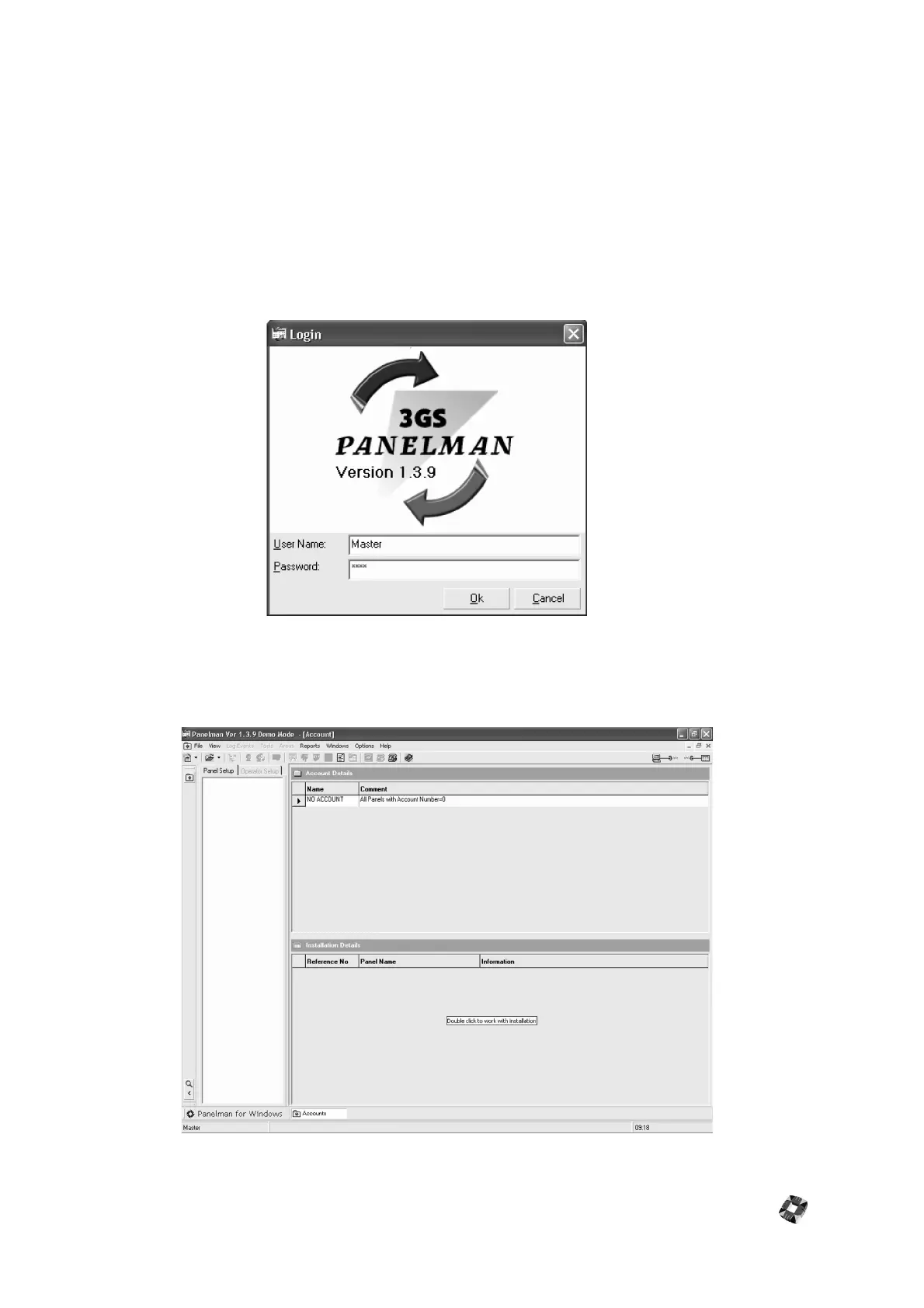
• A login window appears (shown below), requiring you to enter your User Name and Password. The
default user name is Master and the default code is 1111.
Note: The user name is case-sensitive.
• For security reasons it is advisable to change this default code as soon as possible. This password can
consist of Letters and/or Numbers up to a maximum of 5 characters. Note however that if Letters are
used, they will be case sensitive.
Once successfully logged in, the application opens with the main Panelman Window (shown below)displaying the
Treeview window on the left (initially blank), and Account and Installation details on the right. When New
Accounts and Installations are created, their details can be viewed in these windows.



 To Next Page