Issue 4.5 August 2005 Europlex Universal Interface Card (EUIC) 11-4
CONNECTING THE EUIC TO THE 3GS CONTROLLER
The EUIC requires a 12V DC supply cable capable of providing 200mA. This can be supplied by the power pins on the
3GS ports 2 or 3, if no other peripherals are attached. Otherwise the power must be supplied from the main system
power supply.
To connect the EUIC to the 3GS Controller
1 Connect the serial cable to the panel port on the EUIC using the push-on connector.
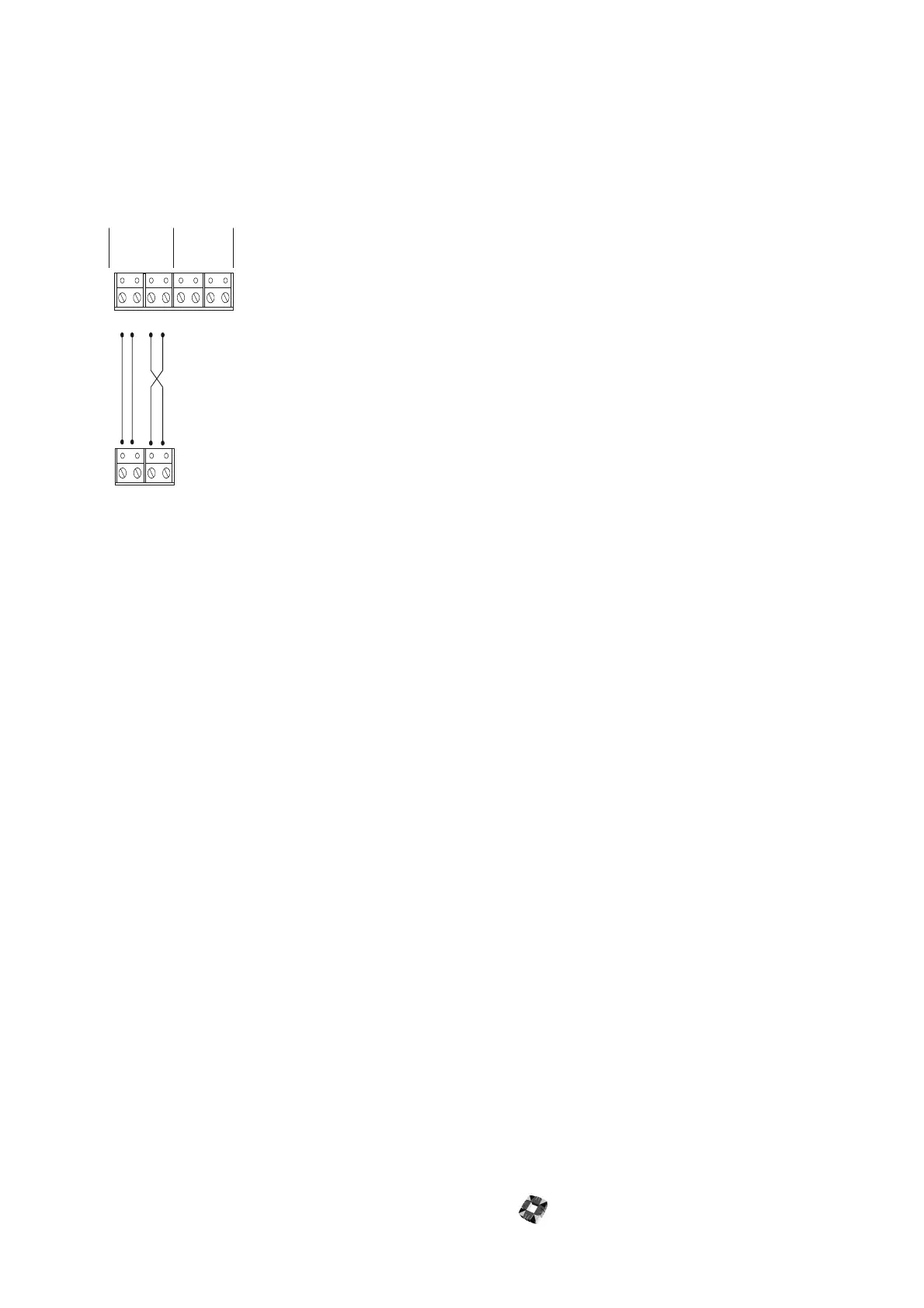
2 Select the 3GS port you want to use and set it up to the same settings as those chosen for the panel port on the
EUIC. The EUIC Tx connection is wired to the 3GS Rx connection and the EUIC Rx connection is wired to the 3GS
Tx connection. It is recommended that you use a baud rate of 19200 as this provides the best performance for the
system.
3 Attach the serial cable to the 3GS port.
4 On power up, LED 1 on the EUIC should flash briefly along with LED 3.
If there are no command lines present, LED 1 will go out and LED 3 will remain on.
If there are any command lines present in the EUIC (that is, program strings), LED 1 will continue to flash. This
indicates successful communications with the 3GS. If communication with the 3GS was unsuccessful, LED 1 will go
out.
Port 2 Port 3
0V0V
0V
12V
12V
12V
TXTX
TX
RXRX
RX
3GS
EUIC to 3GS Panel Port (J1)



 To Next Page