3GS Technical Manual
Issue 4.5 August 2005
Programming Menus 8-97
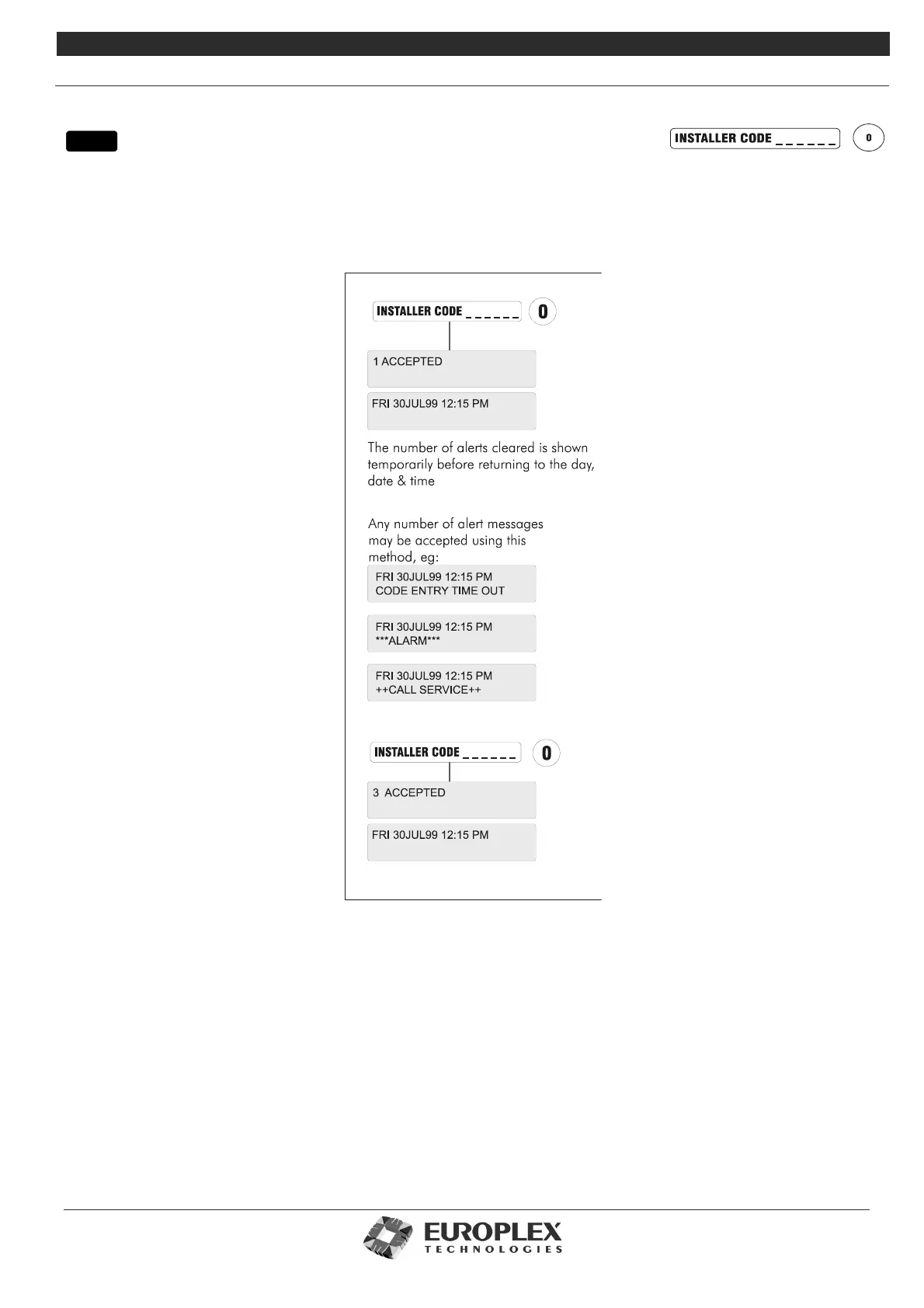
ACCEPT ALL ALERTS
Function: This menu allows you to clear all alert messages from the display.
Additional Information
Alert messages are flashing messages displayed to alert the user that a particular condition exists/existed on the system. Alert
messages must be accepted, as shown in diagram above. This will remove the message and silence the buzzer. When the alert
accept option is selected, all alert messages which are currently displayed are accepted (removed).
If the condition that caused the alert message still exists, a steady warning message will remain on the display until the condition
indicated no longer exists.
The Battery voltage level is checked approximately every 2 seconds on the system. The accept all alerts feature will temporarily
clear the battery alert message, but the alert message will return if the condition still exists at the next voltage level scan.
Entry to the ALERT ACCEPT option is not logged but acceptance of any alert message is logged along with the identity of the user.
menu



 To Next Page