3GS Technical Manual
Issue 4.5 August 2005
8-70 Programming Menus
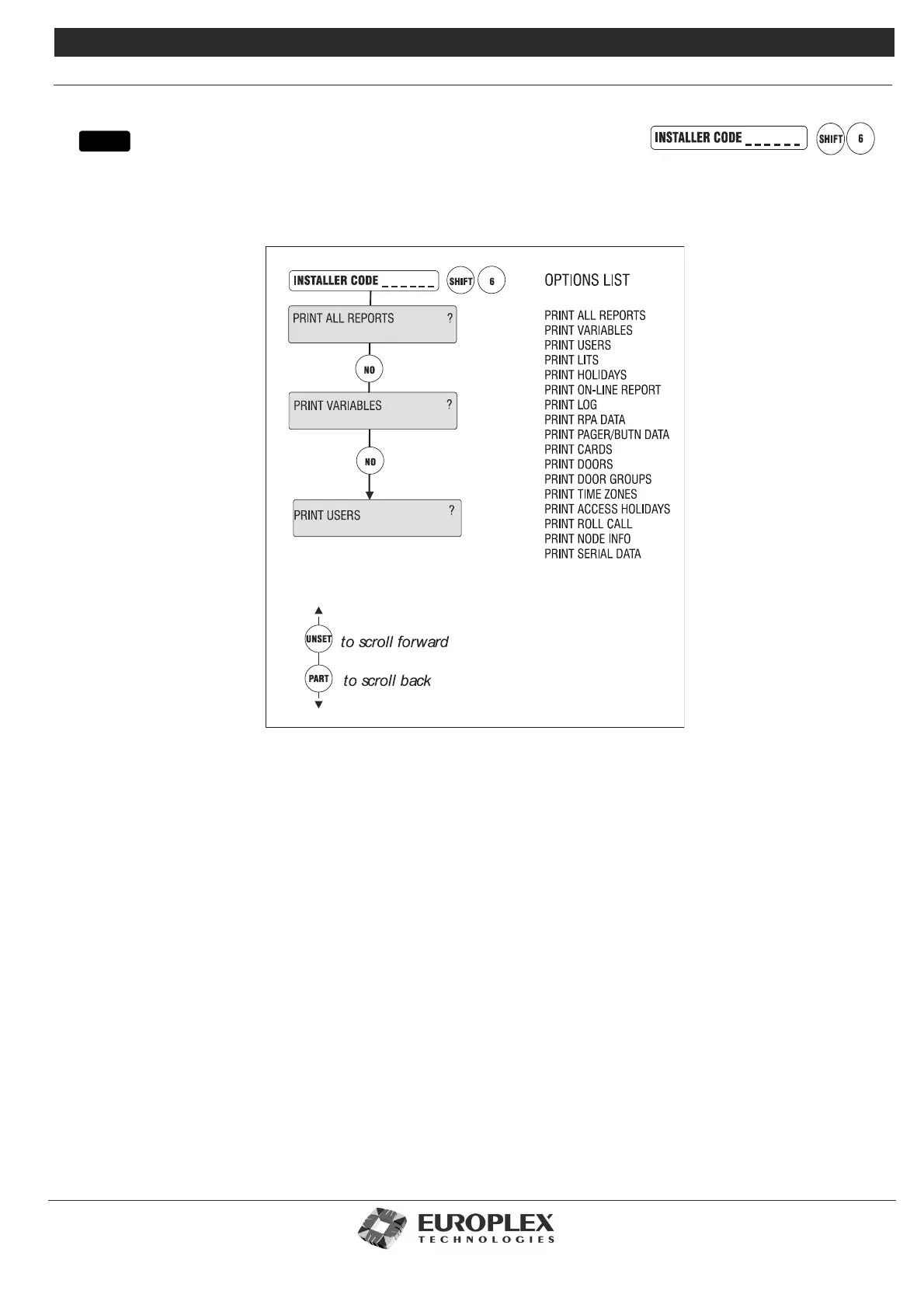
PRINT ALL REPORTS
Function: This option provides a printout of reports on the system configuration.
Additional Information
If not all reports are required, press NO and the option to print each in turn is displayed. If the PRINT LITS ? option is
selected, only those literals which have been modified will be printed. A report printout may be aborted at any stage by
pressing the NO key. Ensure the serial port to which the printer is connected is configured for printer operations. See “Set
Data Format” on page 8-72 for the correct settings (baud rate, parity, and so on).
menu



 To Next Page