3GS Technical Manual
Issue 4.5 August 2005
8-48 Programming Menus
CARD INFORMATION
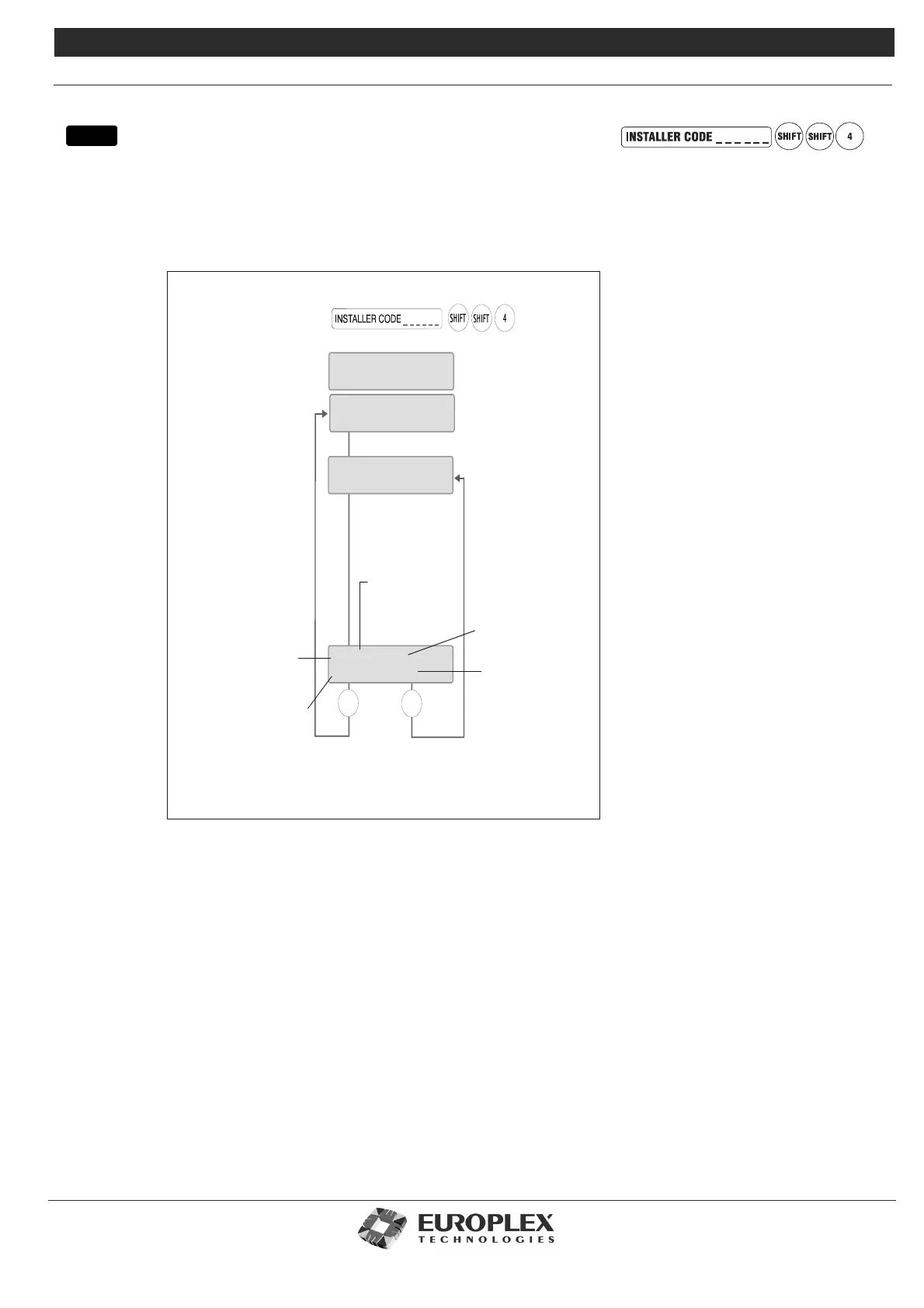
Function: This menu allows you to test cards on the system.
Additional Information
Tes tin g Ca rds
The Test menu checks that the card presented to the reader is valid for the system. A card will be valid if it is the right card type
for the reader (proximity, swipe), if it has the correct site code encoded, and if it has been passed on the system – see “Setup
Cards” on page 8-42.
The default is No card present. If the card is not a valid format, the display will not change and you can press NO to exit the test.
When you present a valid card to a reader, the display will show the card ID, number, site code, and the door at which the card
is presented.
menu
Present any card to the reader.
If the card is not valid, the
display will not change.
Press NO to exit the
menu, or # to view
another card
NO
#
TEST
Unset
CARD INFORMATION
No card present
CARD 3 -> 1013
SITE : 1234 Door 9
This digit indicates card
has been assigned
(if unassigned,
".." will appear).
Card ID
Card Number
Site Code
Door card has been
presented at



 To Next Page