3GS Technical Manual
Issue 4.5 August 2005
Programming Menus 8-47
Additional Information
Card Range
Enter the range of cards to be passed, from 1 to 9999. To pass a single card, enter the card number and press the # key twice.
Once the card(s) has been passed, the display will prompt for the access level for this/these cards.
Change Access Level?
An access level is a combination of one or more group times. Group times consist of Time Zones applied to door groups so that
once applied to a card, it will limit the card user to having access to certain doors at certain times only. Up to 250 access levels
are programmed by the installer, who will indicate which levels should be assigned to which cards. When you have assigned an
access level, you are prompted for the visitor level.
Change Visitor Level?
The visitor level is used to program temporary cards, which will only be valid for a certain period of time (between a given start
and end date & time). The system allows for up to 250 different Visitor levels, which are programmed by the installer. Once
assigned, you are then prompted for a function level.
Change Function Level?
Function levels give the user the ability to set/arm and unset/disarm an area by presenting a card to a reader outside the area
entrance door. A function level will give a card 3 extra capabilities: to unset/disarm an area from the outside, to unset/disarm an
area from the inside, and to set/arm an area once you have left (by swiping your card at a reader near the exit door). Up to 250
function levels are programmed by the installer. When you have assigned a function level, you are prompted to change the PIN
code requirement for the card.
Change Requirement?
This option allows you to decide if a card should also require a PIN code before it will be granted access through a door. It also
allows you to change the existing PIN code for the card or create a new one.
Note The user should be aware that the PIN code created using this option will apply to all the cards being passed at this stage
Once a PIN code requirement has been assigned, you will be prompted to identify the card location.
Change Card Location?
Before the card is passed, it must be located in the system. This menu will identify the card as being inside or outside the alarm
area when passed. When all the system cards can be located at any time, they can be tracked and controlled effectively. Setting
the card location enables the card for Roll Call and Anti-Passback functions (both configured using 3GS+), which allow the
installer to identify which cards are in use in the system at any given time and to control the use of cards within the system. Once
the location has been assigned, press the key to return to the main menu.
Voiding Cards
The Void Cards option removes a set of cards from the system.
Voiding a card removes all the card’s settings, from card ID to access/function/visitor levels.
Exiting the Setup Cards menu
Press NO to exit.
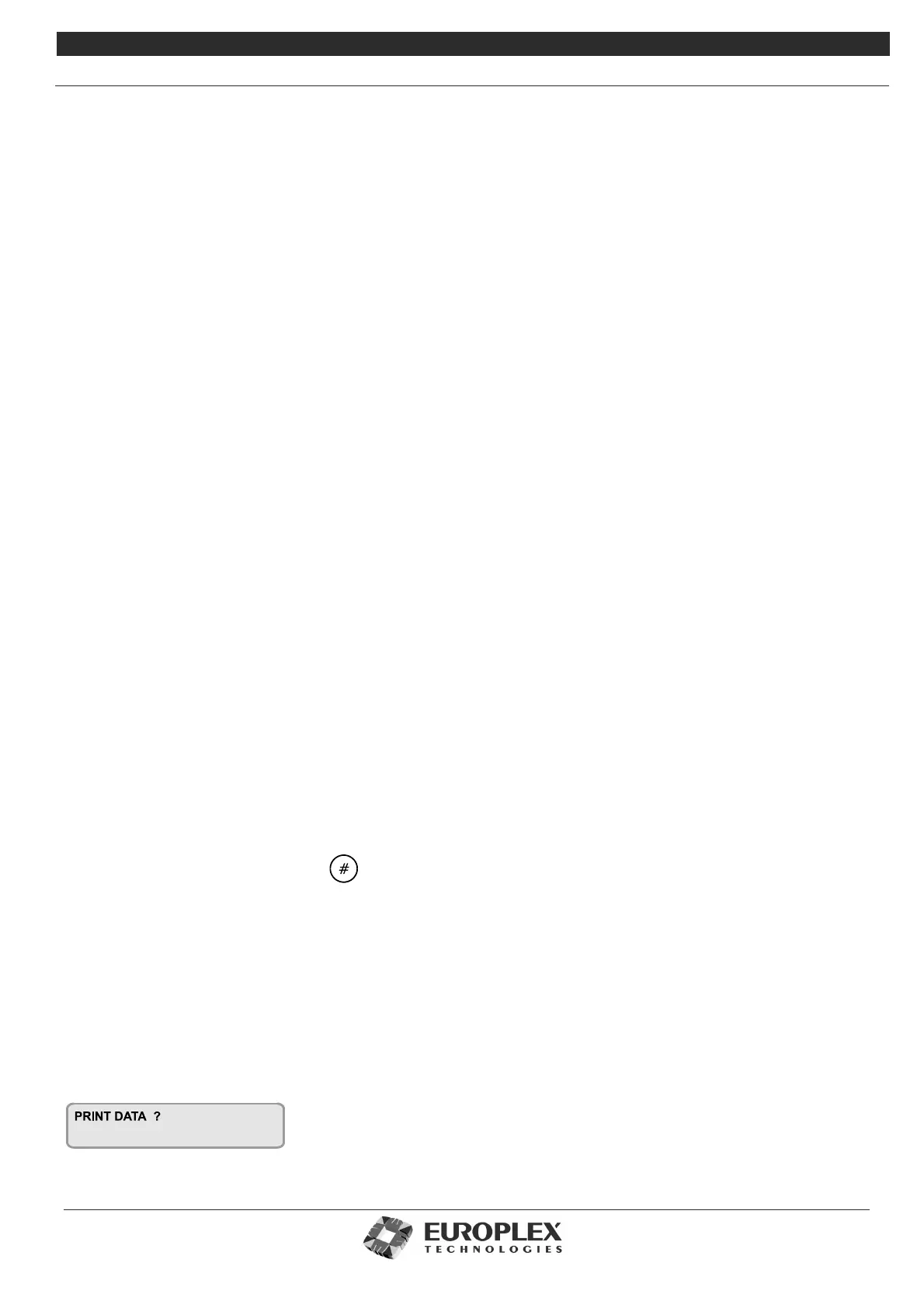
The display will show:
If you have a printer connected to the Controller serial port, you can now print out the card settings you have just configured.
Press YES to print and NO to exit.



 To Next Page