17 - 6
INSTALLATION
To install Panelman for windows on your PC follow these steps:
햲
Insert the Panelman for windows Installation CD into the CD player of your PC.
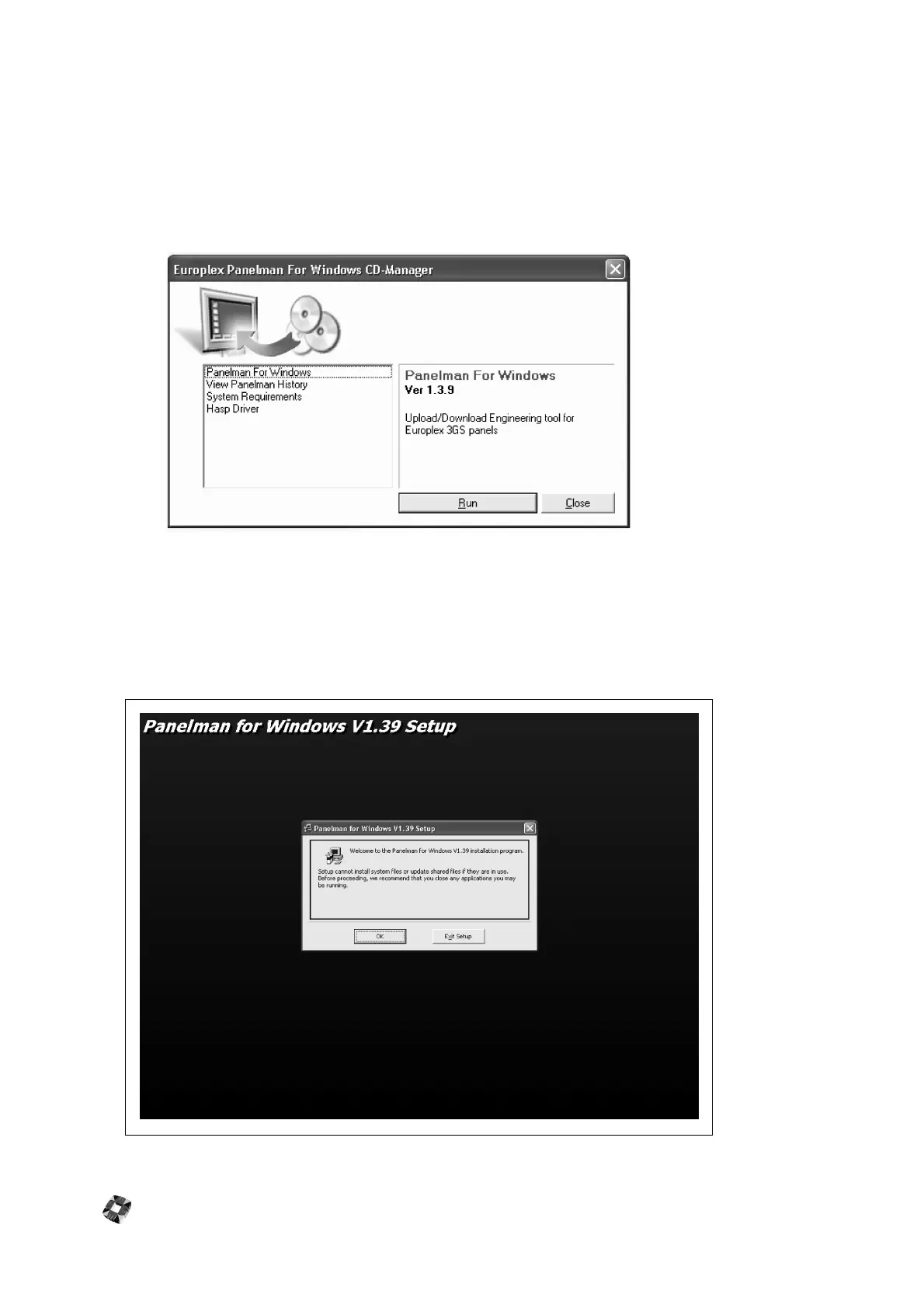
The installation splash screen below will appear displaying four options in the left window.
햳
Select the first option (Panelman for windows) in the left window and then click "Run".
The installation program will copy files to the hard disk of your PC and the Setup screen below will be displayed
requesting confirmation of the installation. To install simply:
햴
Click the "OK" Button
Note: It is recommended during the installation process to close any windows applications that may be running.



 To Next Page