3GS Technical Manual
Issue 4.5 August 2005
8-96 Programming Menus
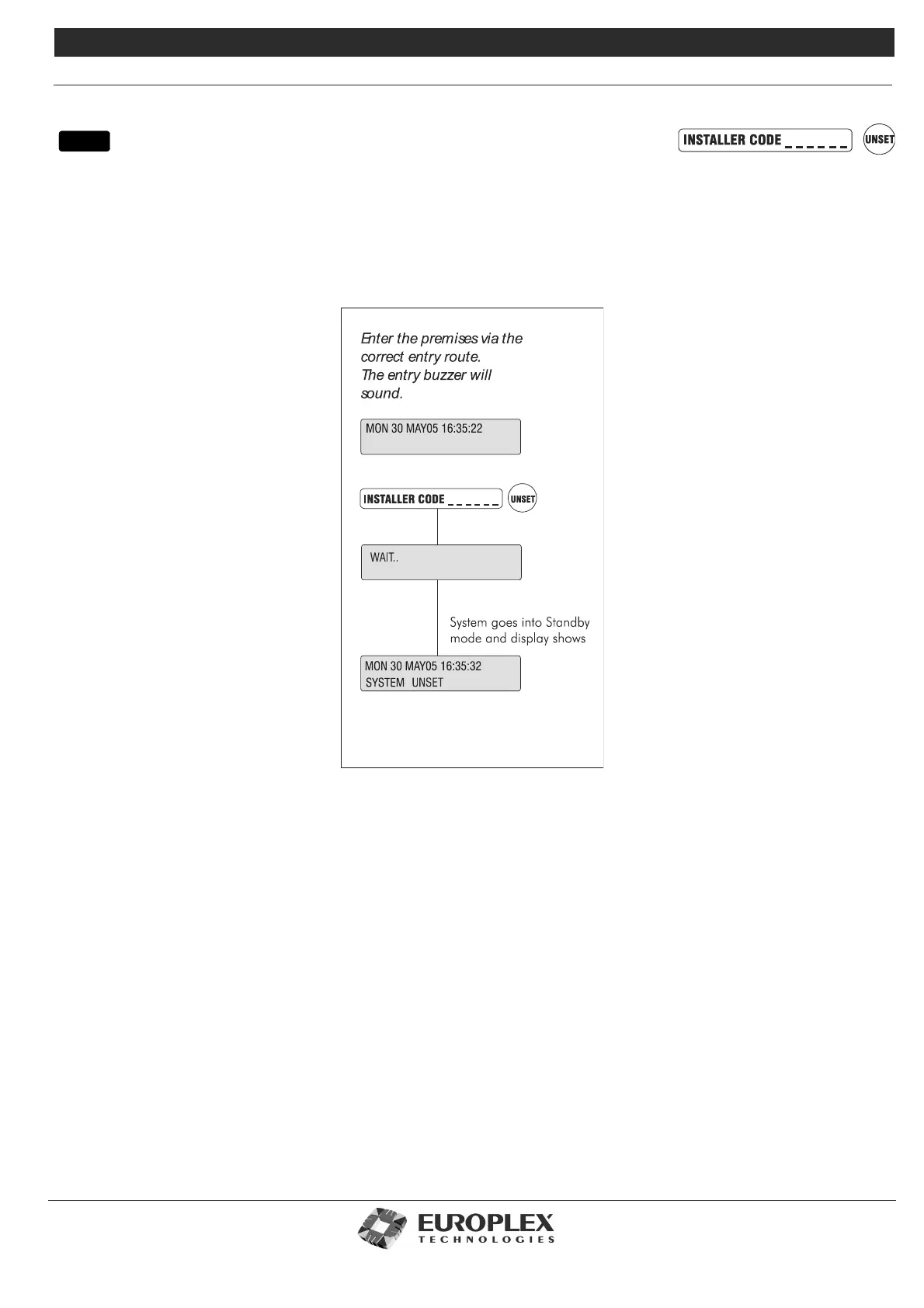
UNSET/RESET
Function: This menu allows you to disarm the system and put the 3GS into Unset mode (that is, normal daytime operation).
When selected, all system alarm outputs are reset. The master user can enable or disable the engineer user. If
enabled, the engineer has access to the unset facility even when the alarm has been set.
Additional Information
Unset/Disarm Mode
When in Unset/Disarm mode, the display alternates showing the date and time along with any system warnings or alert messages.
An open zone will have its description displayed, however the zone state open is not indicated.
Zones which are in a TAMPER or DISCON (disconnected) condition will cause both the zone description and zone state to appear
on the display. An alert message is generated, buzzer sounds, and an alarm is recorded in the system log. Pressing the ENTER key
in this mode causes the display to skip quickly through the various messages.
Unsetting/disarming the system also starts a battery test and will cause any battery problems on the system to be reported.
menu



 To Next Page