Issue 4.5 August 2005 Nodes 5-45
Additional Information
Turning ON the Pager Unit
Hold down for more than 1 second. The pager will
make a brief Pager On alert. The pager then goes into
standby mode.
Turning OFF the Pager Unit
Hold down in standby mode. Release it when the
pager emits a single beep, then quickly press it again
(within 2 seconds). A Pager Off message appears on the
display for 2 seconds.
Note When accessing the following functions, the pager
should be turned ON unless otherwise specified.
Reading Messages
The unit gives a tone or vibration alert to indicate that it
has received an alert message from the system. The
message indicator symbol also displays. Press to scroll
through the messages.
Deleting Messages One at a Time
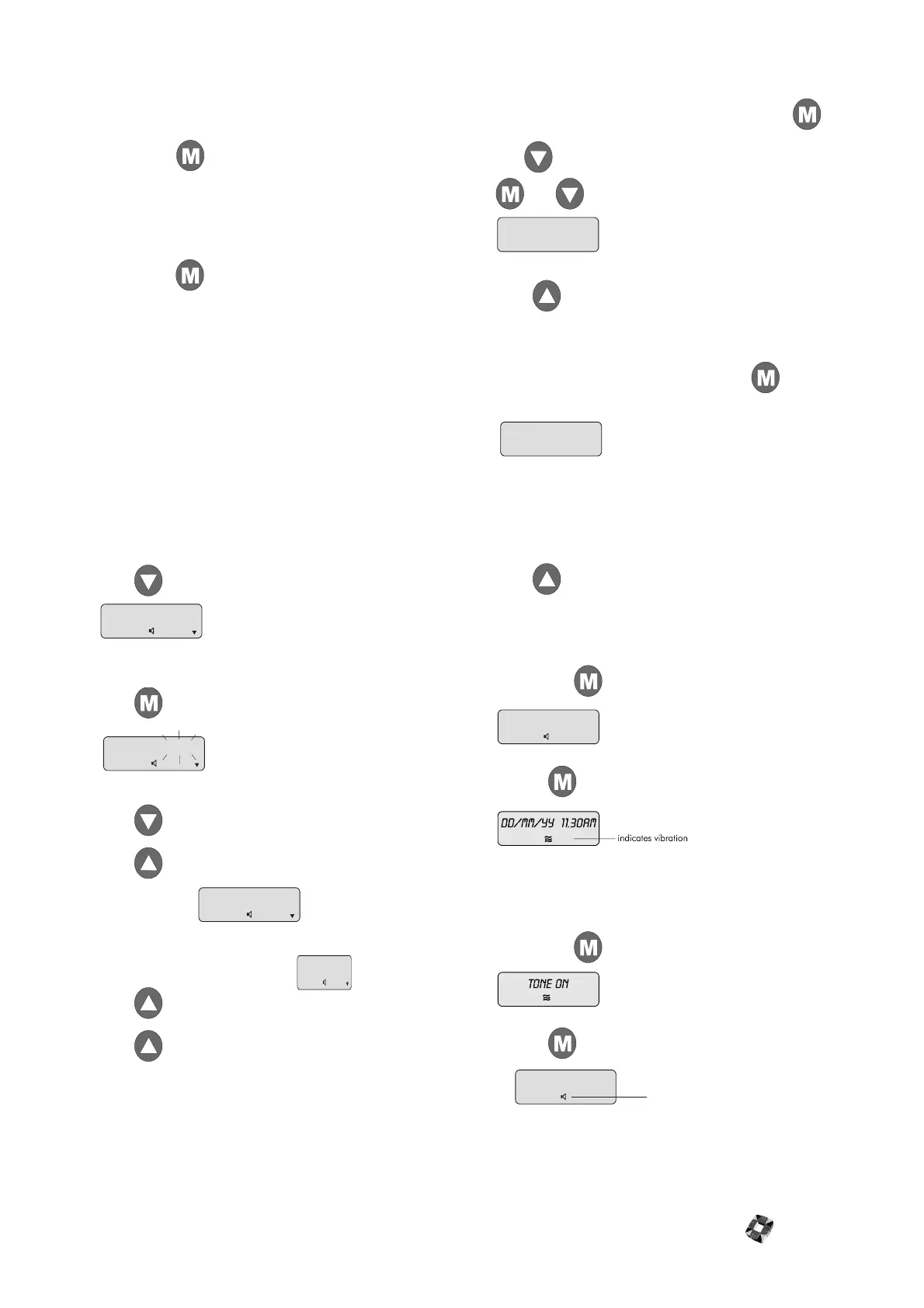
Press to view the messages, for example:
When the display shows the message you wish to delete,
press . The display shows:
Press to toggle from Save? to Delete.
Press to enter delete mode (flashing stops) and
display shows:
Press and display shows:
Press again and the file is deleted.
Deleting All Messages
The pager should be turned OFF. Hold down
and simultaneously for more than 1 second. Release
and and the pager will power up and show:
Press to confirm deletion.
Viewing Pager Address
The pager should be turned OFF. Press twice. The
primary address is displayed, for example:
This number may be entered as the pager address in the
Radio PA Setup menu when programming the system –
see Radio PA Setup in 3GS Programming for further
information.
Press to scroll to a secondary address and also to
view the units receiving frequency.
Change Call Alert from Tone to Vibrate
Hold down for more than 1 second, display shows:
Release and the unit returns to standby mode:
The unit will now vibrate instead of beeping.
Change Call Alert from Vibrate to Tone
Hold down for more than 1 second, display shows:
Release and the unit returns to standby mode:
The unit will now beep instead of vibrating. The volume
of an alert tone increases in four steps on receipt of a call.
RAID
3:44
AM
RAID SAVE ?
3:44
AM
RAID delete
3:44
AM
RAID delete ?
3:44
AM
DELETE ALL ?
1ST CODE 1234567
3 B
AM
tone off
dd/mm/yy 11.30am
indicates tone
dd/mm/yy 11.30am
indicates tone



 To Next Page