FARO Edge
September 2012
103
Chapter 7: Software
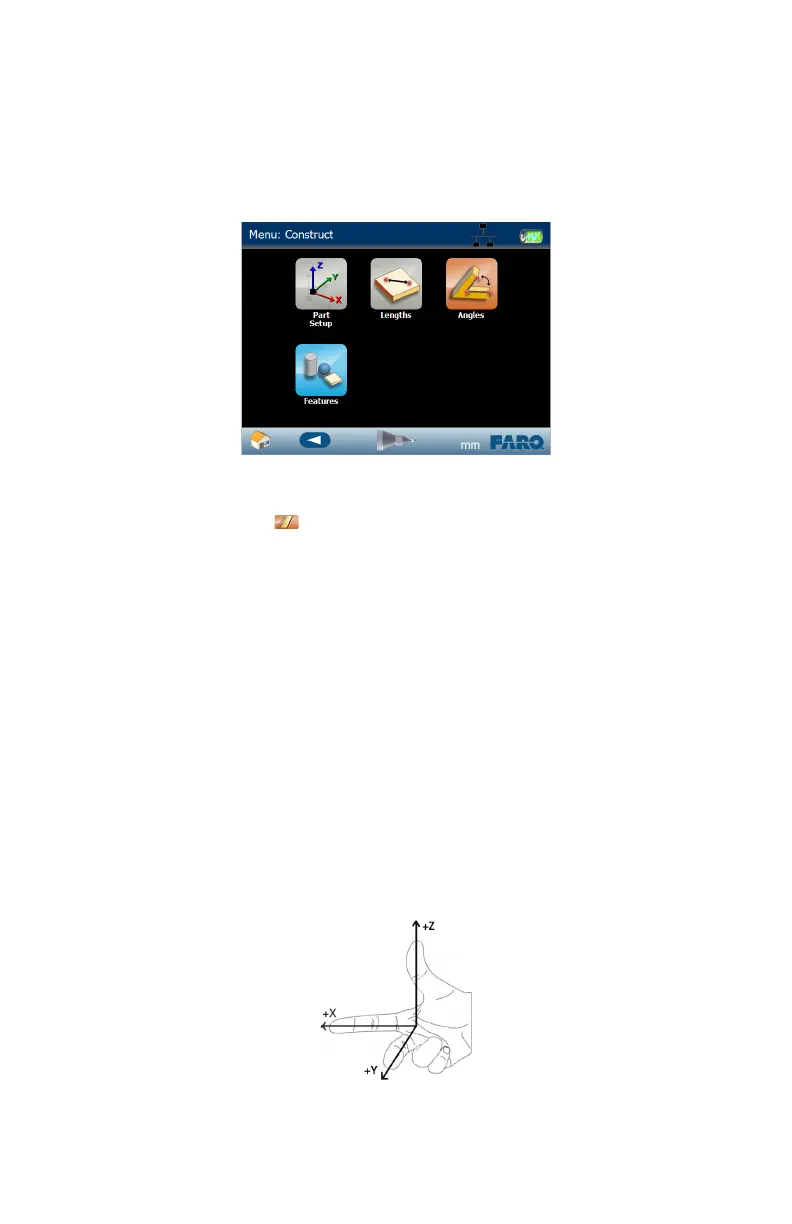
Construct
Use the commands in the CONSTRUCT menu to create a Part Setup (coordinate
system), Lengths, Angles, and Features using existing features in your file.
N
OTE: You can also directly measure features in these commands by touching
the MEASURE NOW icon next to the drop-down field.
Part Setup
Use the commands in the PART SETUP menu to create a coordinate system and
align to your part. All coordinate systems solve using the Right-Hand Rule.
Right-Hand Rule
Cartesian coordinates describe the position of points in space relative to three
mutually perpendicular axes X, Y, & Z. The intersection of these axes form the
origin, or zero of the system.
Each axis emanates from the origin according to the Right-Hand rule. The Right-
Hand rule defines the positive direction of each axis, such that when the hand is
positioned according to the figure below, the + Z points along the thumb, the + X
axis points along the index finger, and the + Y axis points along the middle
finger.
Figure 7-5 Edge Construct menu
Figure 7-6 Right-Hand Rule
08M52E00_FaroArm_Edge.book Page 103 Thursday, October 4, 2012 9:31 AM



 To Next Page